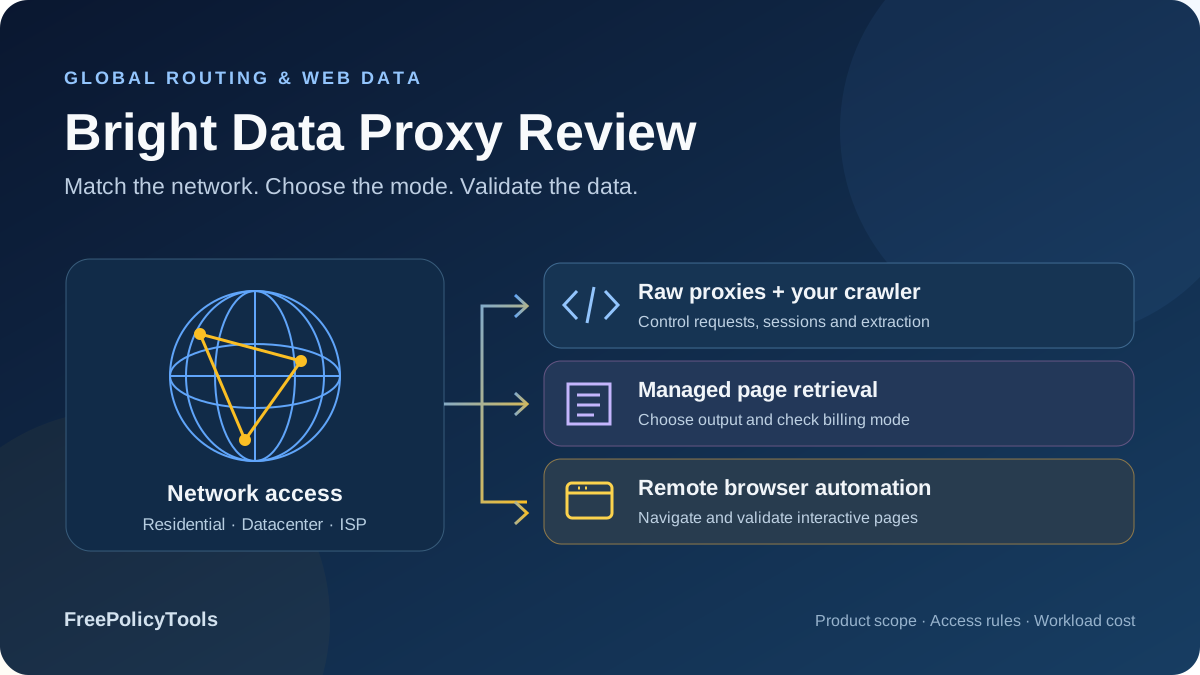
Bright Data brings raw proxy infrastructure and managed web data products into the same catalog. You can route an existing crawler through residential, datacenter or ISP proxies, delegate page retrieval to Web Unlocker, control a remote browser, or evaluate structured scraping and datasets. That breadth is its main appeal. It also means that the cheapest advertised price, a free managed-product allowance and a large network claim describe different purchasing decisions.
The public pricing and documentation reviewed for this update were checked on October 4, 2026. Important changes include residential promotions, business-only onboarding for new residential zones, fair-use allowances behind per-IP plans, Web Unlocker billing exceptions and a native proxy certificate migration. The charts show published prices or explicitly labeled calculations; we did not conduct an independent speed, uptime or target-success benchmark.
Residential PAYG promotion
Advertised monthly residential IPs
Residential, datacenter and ISP
Unlocker and browser options
Bright Data verdict: flexible infrastructure with important buying conditions
Bright Data deserves consideration when a data team needs geographic routing, a choice of shared or dedicated addresses, and the option to move difficult retrieval work into a managed service. It gives technical buyers several ways to build the same pipeline. The decision is whether those controls reduce total cost and effort on the actual websites you need, after access requirements and billing terms are included.
Best fit
Business data teams with defined public-data targets, realistic traffic estimates and engineers who can evaluate raw routing against managed retrieval. Particularly useful when geography, route continuity and multiple collection modes matter.
Evaluate carefully
Individuals seeking new residential access, irregular low-volume jobs, heavy browser traffic and projects that assume unlimited bandwidth or universal successful-request billing. Eligibility, unused commitments and mode-specific charges can change value substantially.
Start with the workflow and eligible product
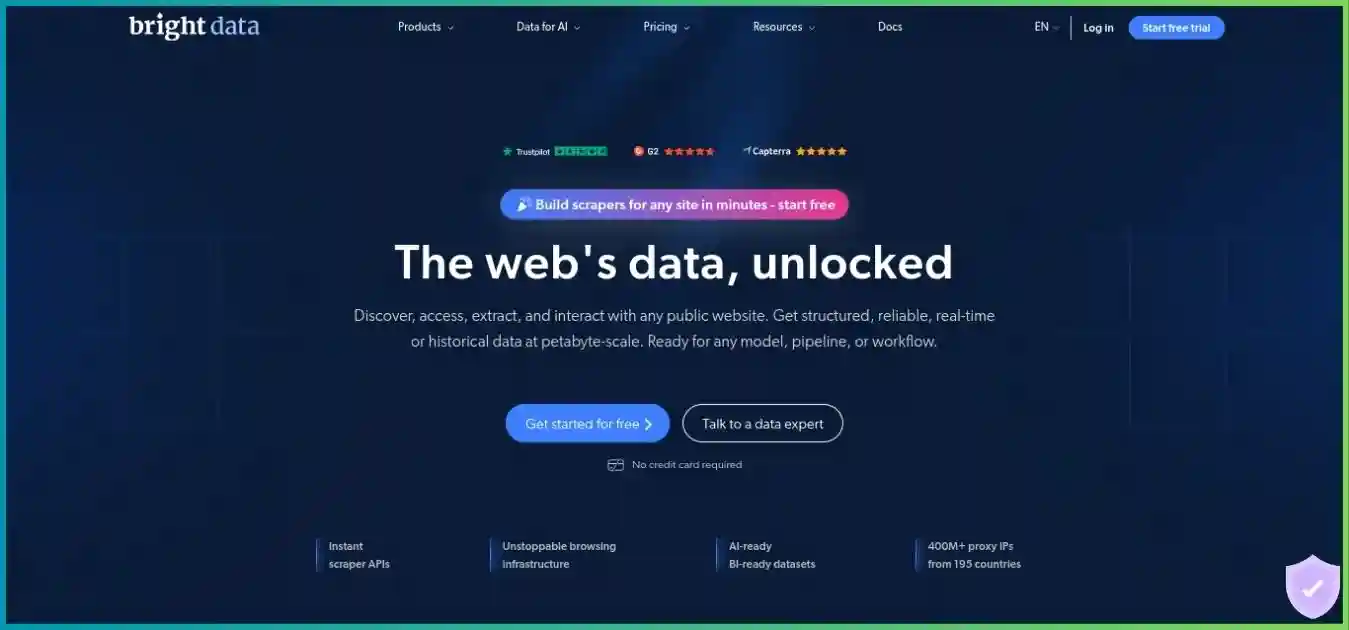
The homepage screenshot introduces the provider visually and may retain older messaging. Use the current tables and access notes below for the buying decision. Raw network access, request-based retrieval and browser automation have different responsibilities and charges.
For context beyond one provider, our best proxy providers guide explains the wider shortlist. Treat this review as a product and cost assessment: a provider’s network size does not by itself establish how many correct records your application will collect.
Proxy types: residential, datacenter and ISP
| Product | Access model | Typical billing | You still own |
|---|---|---|---|
| Residential proxies | Rotating consumer-network peers; geographic and session controls | GB of traffic | Crawler, retries, rendering, extraction and validation |
| Datacenter proxies | Server-hosted shared or dedicated addresses | Selected per-IP package or separate GB offer | Target acceptance and application behavior |
| ISP proxies | Server-hosted addresses registered to residential ISPs | Selected per-IP package or separate GB offer | Session logic, data quality and allocation checks |
| Web Unlocker | Managed page retrieval and access handling | Requests; premium/custom exceptions | Content validation, parsing and storage |
| Browser API | Remote browser controlled by your automation | Browser traffic in GB | Interaction scripts, task limits and record validation |
| Scraper APIs / datasets | Supported structured collection or supplied data | Target- and delivery-specific quote or plan | Schema suitability, freshness and downstream use |
Residential: broad routing, variable peer availability
Bright Data advertises 400M+ monthly residential IPs and coverage across 195+ countries. “Monthly” matters: this is not a promise of 400 million simultaneously available exits, nor a count independently established here. Availability in a specific city, ASN or narrow time window can differ from the headline. Check the exact location and session requirements in a representative pilot.
Residential is a network service rather than a complete scraper. Your application still decides which URLs to request, how to pace them, when to retry, what content to extract and what makes a valid result. It can be appropriate when consumer-network routing matters and the team already owns reliable collection software. It does not make authentication, authorization or target restrictions disappear.
Datacenter: shared versus dedicated allocation
Datacenter addresses run on server infrastructure. Shared access can suit tasks where shared reputation is acceptable. Dedicated access is useful when a job needs an allocated address or more predictable control over its use. Neither category guarantees target acceptance, and a higher per-IP price should not be converted into an assumed success-rate advantage. Verify the location, quantity and replacement conditions of the selected offer.
ISP: address registration and route continuity
ISP proxies combine server hosting with IP addresses registered to residential internet service providers. They differ from rotating residential peers, which may disconnect as participating devices leave the network. For tasks that value continuity, evaluate allocated ISP access, replacement rules and the supported country before paying for a large rotating pool. The pricing pages advertise 1.3M+ IPs for ISP and datacenter respectively; those catalog claims do not describe your purchased allocation. Use our guide to proxy server types to separate IP source, protocol and session behavior before comparing plans.
Mobile availability needs separate confirmation
We could not verify a current standalone mobile proxy offer for new customers. Former mobile pricing and documentation URLs now lead to general proxy pages, although legacy FAQ wording still mentions mobile. Do not assume an old cellular plan or price remains purchasable. A mobile user-agent setting on Web Unlocker changes the request profile; it does not prove that the exit is a cellular proxy. Our proxy server explainer provides the request-flow background for interpreting the product claims in this comparison.
Residential access now requires business verification
The current network-access policy applies a consequential cutoff: new residential zones created after July 7, 2026 require a registered business, corporate email and human-reviewed KYC. Personal-email accounts are ineligible. Existing zones created on or before the cutoff are unaffected, and already verified customers retain access. This is an onboarding condition, not a speed or price feature.
| Situation | Current policy implication | Planning consequence |
|---|---|---|
| New residential zone after July 7, 2026 | Registered business, corporate email and human review | Allow time for approval before scheduling production |
| Zone created on or before July 7, 2026 | Existing zones unaffected by this new-zone rule | Check account and zone history |
| Already verified customer | Retains residential access under the stated policy | Continue within approved use-case scope |
| Individual using personal email | Ineligible for new residential access under this policy | Assess a different eligible product or provider |
| Datacenter, ISP or Web Unlocker | Different requirements; no residential KYC grant implied | Evaluate restrictions and target support separately |
Approval is use-case-specific. A policy-blocked target, method or category calls for an access review rather than larger retry budgets or repeated credential changes. Describe the URLs, expected volume, geography and intended data use before a substantial commitment. An approved account also needs an approved workflow; eligibility does not establish support for every destination.
For an individual developer, this changes the shortlist materially. Managed retrieval may be easier to evaluate, but has its own output and billing behavior. A datacenter or ISP package may offer a useful route without meeting the original residential requirement. Test the actual alternative rather than assuming products are equivalent because they share a dashboard. Compare residential versus datacenter proxies when weighing IP origin, sourcing, consistency and cost.
Bright Data pricing: promotional traffic and per-IP packages
All amounts below are USD from the checked public pages, before account-specific taxes or negotiated terms. Separate PAYG, included monthly traffic and per-IP allocation. Residential promotional cards display rounded unit labels that do not always reconcile with the listed total and allowance; these tables use the totals and calculate their effective included-traffic rates explicitly.
Residential promotional pricing
| Offer | Displayed spend | Included traffic | Calculated rate / condition |
|---|---|---|---|
| PAYG promotion | $4 per GB | Usage-based; no monthly commitment advertised | RESIGB50; $8 reference price. Confirm eligibility and duration |
| Monthly commitment | $499/month | 141 GB | $499 / 141 = $3.5390/GB |
| Monthly commitment | $999/month | 332 GB | $999 / 332 = $3.0090/GB |
| Monthly commitment | $1,999/month | 798 GB | $1,999 / 798 = $2.5050/GB |
The $4 PAYG offer is a promotion, not a verified permanent tariff. The $8 reference price is not evidence of a guaranteed renewal price either. Confirm coupon application, eligible usage, duration and the terms shown in your account. The $2.50 “from” navigation label corresponds to larger-volume economics and should not be presented as the PAYG entry price.
Promotional values. Monthly rates assume the entire allowance is used; rounded to two decimals.
Zero baseline; shared scale from 0 to 4 USD / GB.
Utilization changes the economics. Buy $499/141 GB but consume only 50 GB, and spend per consumed GB becomes $9.98, despite the approximately $3.54 included-allowance calculation. At the displayed $4 PAYG promotion, those 50 GB illustrate $200 of usage charges. This assumes the promotion applies and excludes taxes, funding conditions and excess usage. A lower nominal package rate helps when demand is predictable enough to use the capacity.
Datacenter and ISP per-IP pricing
| Purchased IPs | Datacenter shared | Datacenter dedicated | ISP shared | ISP dedicated |
|---|---|---|---|---|
| 10 | $14 | $22 | $18 | $35 |
| 100 | $100 | $170 | $145 | $275 |
| 500 | $475 | $750 | $700 | $1,300 |
| 1,000 | $900 | $1,300 | $1,300 | $2,500 |
Published per-IP packages, USD. Shared and dedicated access differ; these are prices, not quality rankings.
Zero baseline; common 0–$300 scale. Per-IP fair usage applies. Separate per-GB offers are excluded.
The shared datacenter entry package is 10 IPs for $14 monthly, while dedicated ISP begins at 10 IPs for $35. This is a difference in allocation and network type, not proof that one produces more usable data. Select country, allocation and quantity first, then validate target behavior. Ask how replacements are handled if a purchased address becomes unsuitable for your approved task.
“Unlimited” has a published fair-use allowance
Both datacenter and ISP per-IP pricing FAQs describe 100 GB of fair usage per IP per month, pooled across purchased IPs. The published example gives 1,000 GB for 10 IPs bought at the beginning of the month. Extra traffic may be charged. Resolve the allowance, partial-month treatment and additional traffic price before deploying a bandwidth-heavy browser workload.
Separate bandwidth offers also exist: datacenter PAYG is displayed at $0.60/GB and ISP PAYG at $8/GB. These are alternative models, not a mandatory surcharge to add to every per-IP plan. ISP bandwidth commitments list 71 GB/$499, 166 GB/$999 and 399 GB/$1,999 monthly. Rounded unit labels are not exact package arithmetic; confirm the governing account rate and excess-traffic terms rather than reconstructing an invoice from a marketing label.
Managed tools: Web Unlocker, Browser API and structured data
A managed service can remove parts of the access and infrastructure work you otherwise run yourself. Evaluate it against both the raw proxy invoice and the engineering time, retries and browser resources it replaces. The relevant question is how much work the provider performs and what output your application receives.
Web Unlocker pricing and output
| Plan / mode | Published allowance or rate | What to verify |
|---|---|---|
| Free | 5,000 requests/month; no card advertised | Eligible domains, account limits and production suitability |
| PAYG | $1.50 per 1,000 successful requests | Premium-domain rate and ordinary versus custom mode |
| Scale | $499/month including 383,000 requests; $1.30/1,000 additional | Monthly utilization, excess requests and premium handling |
| Enterprise | Custom agreement | SLA, priority support, account manager and SSO |
| Custom Web Unlocker features | All requests billed, including failures | Manual headers/cookies and manual expect elements change billing |
Web Unlocker manages page access and supports content modes such as Markdown, screenshots and optional forced JavaScript rendering. It can fetch content that your code then validates and parses. Forced rendering can increase response time; use it for pages that require it. A rendered response differs from an interactive browser session that your script can navigate.
Two exceptions are essential for budgeting. Premium domains have higher pricing and a live classification list in the account. Enabling Custom Web Unlocker features changes billing to all requests, successful and failed, including manual headers/cookies and manual expect elements. Standard-rate illustrations should not be applied blindly to these modes. REST API authorization is separate from customization of headers sent to the target.
Calculated standard-rate model: PAYG $1.50/1,000 versus $499/month including 383,000, then $1.30/1,000 additional.
Excludes free allowances, premium domains, custom-mode differences, taxes and negotiated rates. This is arithmetic, not measured demand or an account quote.
At the standard illustrated rates, the $499 commitment crosses PAYG spend at approximately 332,667 billable monthly requests. At 100,000, PAYG illustrates $150 versus $499 for Scale; at 400,000, PAYG illustrates $600 versus $521.10 with Scale’s excess requests. Free allowance treatment, premium targets, custom mode and your actual schedule can change this planning calculation.
Browser API: interactive automation with traffic-based costs
| Offer | Displayed pricing | Important distinction |
|---|---|---|
| Free | 5,000 credits/month with 1 GB included; no card | Credits are not a verified count of browser requests or sessions |
| PAYG | $8/GB | Traffic, page assets and additional navigations affect usage |
| Scale | $499/month with 71 GB included | Approx. $7.03 per included GB if fully used; confirm overage |
| Enterprise | Custom agreement | Confirm support and contractual service levels |
Browser API provides remote browser infrastructure with managed access and supports Playwright, Puppeteer and Selenium integrations. Your code controls navigation and interactions. It can suit multi-step public-page tasks, but you still need finite task durations, error handling and output validation. “Unlimited concurrent” marketing describes a plan entitlement, not infinite target capacity. Check HTTP versus SOCKS proxies before assuming an endpoint supports the protocol or DNS behavior your application needs.
Measure browser traffic separately from raw HTML. Images, scripts, fonts, additional navigations and repeated tasks can increase bandwidth. Limit navigation and selectively block unnecessary resources where that does not alter the required content. A browser run producing correct data with fewer bytes can be cheaper even when it takes slightly longer.
Scraper APIs and datasets solve a different output problem
When you need a defined record schema, evaluate supported Scraper APIs or a dataset offering alongside generic retrieval. Confirm the target, fields, coverage, refresh interval, delivery method and validation responsibility. There is no universal Scraper API or dataset price applied here because the product and target determine the quote. HTML retrieval, structured extraction and supplied datasets should not be merged into one rate.
Our web scraping tools guide compares workflow choices. For a platform emphasizing job execution, reusable actors and datasets, see the Apify review. Choose based on what your pipeline needs to operate after a request finishes.
Real workload economics: bandwidth, retries and accepted records
Raw proxy spend is easy to underestimate when a budget counts only the main document. The residential billing FAQ includes request headers/data and response headers/data in traffic. Your workload can also include repeated fetches and browser resources. Compare provider usage with client telemetry rather than equating extracted text size with billable network traffic.
| Hypothetical consumed traffic | Calculated proxy charge | Assumption |
|---|---|---|
| 10 GB | $40 | Promotion applies to all illustrated traffic |
| 50 GB | $200 | Same mode and eligibility; no commitment |
| 100 GB | $400 | Excludes taxes, other products and engineering |
Record cost needs a separate denominator. An HTTP 200 response can contain a consent page, an incomplete listing, a duplicate or the wrong country variant. Count records after checking identity, required fields and freshness. Otherwise a low cost per request can disguise expensive usable output. Keep provider-billable results, transport success and application acceptance as distinct metrics.
Hypothetical validation: 10,000 billable standard-rate Web Unlocker responses, of which your application accepts 7,500.
7,500 accepted records (75%)
2,500 discarded responses (25%)
10,000 × $1.50 / 1,000 = $15 in retrieval charges. $15 / 7,500 × 1,000 = $2 per 1,000 accepted records.
Assumes no free allowance, premium uplift or other cost. Real totals include parsing, retries, storage and engineering. The 75% assumption is not a Bright Data benchmark.
Use a complete cost formula
Cost per accepted record = (provider charges + excess usage + compute + storage + operating effort) / accepted records.
For raw proxies, include retries and rendering in your own infrastructure. For managed retrieval, include premium or custom-mode charges and parsing work. For a monthly package, use actual monthly spend rather than multiplying a fully utilized nominal rate by a smaller workload.
Define budgets at account and job level. A dashboard limit is helpful, but accounting and enforcement may lag; it should not be your only control. Bound retries, queue size, task runtime and browser concurrency in the application. Investigate changes in bytes per accepted record before purchasing more capacity. A page redesign that loads additional assets can affect cost even when the number of desired records stays constant.
Targeting, sessions, protocols and routing controls
Zone and username parameters provide granular routing controls, but availability depends on the selected network. Copy a configuration generated for your actual zone, then add parameters documented for that product. A narrower filter can reduce available routes; precision helps when it meets a requirement, rather than automatically improving every crawl.
| Control | Documented behavior | Operational implication |
|---|---|---|
| Residential geography | Country and city; state and ZIP filters are US-specific in configuration docs | Do not assume identical filters in every country |
| Datacenter / ISP geography | Country targeting in the referenced configuration | Verify allocation before promising city precision |
| ASN targeting | Residential configuration parameter | Check peer supply for the chosen ASN and geography |
| Session parameter | Reuses a peer where available | Peer departure can break continuity |
| const with a session | Binds to a peer; unavailability produces a 502 | Handle a failed route instead of expecting silent replacement |
| Allocated IP selection | ip parameter applies to allocated dedicated addresses | A rotating subscription does not imply address ownership |
| DNS mode | Local superproxy or remote peer resolution | Resolve consistently with required geography |
| Protocols | HTTP(S) and SOCKS5 docs; some pricing references Proxy Manager for SOCKS5 | Confirm endpoint, authentication and client compatibility |
A generated username follows the account/zone pattern with optional routing parameters. Secure the zone password and avoid logging the full proxy URL. Use a distinct session identifier for each logical workflow that needs continuity. Reusing it across unrelated jobs can couple their route behavior and complicate troubleshooting.
Sticky routing is not a permanent residential address. For a known IP, dedicated allocation and replacement handling are better questions than asking a rotating peer to stay online indefinitely. Track cookies and browser state independently: retaining an IP does not retain application state, and changing an IP does not automatically create a fresh authorized session. Our proxy rotation and session guide explains how rotating exits differ from keeping a sticky session.
A proxy also differs from a device-wide VPN. It routes the client or application you configure; other traffic follows separate device settings. If your requirement is general browsing privacy or streaming, compare the NordVPN versus Surfshark guide and SafeShell VPN review. Their consumer use cases are different from operating a collection pipeline.
Performance: use a target-specific pilot
We have not established a comparative speed, anonymity or success-rate ranking for Bright Data. Public claims about network uptime and successful access describe vendor marketing or product scope; they do not prove results for your websites. Performance varies with target defenses, geography, page weight, sessions, rendering and client behavior. A single percentage conceals those differences.
| Metric | How to measure | What it reveals |
|---|---|---|
| Accepted records | Validate entity, required fields, freshness and duplicates | Usable output rather than status-code success |
| Latency distribution | Record median and tail latency for the same URLs and modes | Slow outliers and completion predictability |
| Traffic per accepted record | Compare zone GB and accepted output over the same window | Payload and retry efficiency |
| Route continuity | Check exit and session behavior across required steps | Whether stateful tasks finish consistently |
| Geographic correctness | Check exit location and target content variant separately | Whether the requested localization appears |
| Charge / accepted output | Reconcile invoices or usage with accepted records | Total economics of the selected product |
| Controlled concurrency | Increase a bounded workload gradually | Where throttling, errors or costs rise |
Start with representative URLs, including easy pages, heavier pages and required locations. Hold URLs, validation rules, timing and concurrency constant when comparing products. Keep static requests, rendered retrieval and interactive browser tasks in separate groups. Otherwise you may label a service faster when it simply returned less of the required page.
Record failure classes before changing the crawler. Authentication errors, unavailable peers, rate limits, policy restrictions and valid-but-wrong content need different responses. More parallel requests can worsen target throttling. MDN’s explanation of HTTP 429 and Retry-After is useful for handling rate limits with bounded backoff.
Choose the least operationally expensive mode that supplies the required output reliably. Raw proxies can suit static targets where an existing crawler works. Managed retrieval may help when access handling dominates effort, and browsers when interaction is required. Re-test when the target or extraction schema changes; one successful demonstration is not permanent evidence of performance.
Reliability, TLS trust and responsible collection
The native certificate migration matters for existing scripts
Current SSL documentation specifies port 44445 and brightdata_root_ca_44445.crt for new native proxy setups. Older certificates associated with ports 22225 and 33335 expired on September 25, 2026 at 00:00 UTC. Scripts still relying on them need the current endpoint and certificate configuration; repeated requests do not repair an expired trust chain.
Use the current dashboard-generated example and obtain its matching CA through the official account/documentation path. Prefer an application-specific trust bundle where possible and keep verification enabled. Installing a provider CA across a machine is a broader trust decision than using it in one collection client. The REST API’s normal HTTPS endpoint is configured separately from native proxy access.
Plan for partial failures and useful diagnostics
A reliable pipeline checkpoints completed work, retries only eligible transient failures and distinguishes target changes from access issues. Log identifiers, zone, mode, error class and validation outcome without credentials or unnecessary page content. Use idempotent storage and deduplication so recovery does not produce duplicate records or repeated avoidable charges.
For critical production use, confirm the SLA for the exact product and plan, its exclusions and incident reporting process. Advertised network uptime differs from a guarantee that a third-party website remains accessible or your parser returns complete data. Include your queue, storage and parsing services in the assessment, with a recovery plan if one becomes unavailable.
Sourcing and data responsibilities
Review current sourcing disclosures, participant consent, opt-out process and account restrictions during procurement. We did not independently audit network participants or sourcing claims. Define authorized targets, minimization, retention and access control in your collection workflow. An IP route does not itself establish permission to collect or reuse every field.
The IETF’s Robots Exclusion Protocol standard, RFC 9309 explains how crawlers interpret robots.txt. Incorporate these rules into collection design; they are not an access authorization mechanism. Apply the target’s access conditions and your own review process alongside the provider’s approved use case.
Dashboard, zones, reporting and Proxy Manager
A zone is the practical unit for configuring a network or managed product. Where supported, use distinct zones for projects, targets and environments. That makes usage easier to attribute and reduces confusion when one task needs another location or mode. Clear naming also helps support investigate the right configuration.
| Task | Practical approach | Your responsibility |
|---|---|---|
| Provision a product | Choose an eligible service and configure its zone | Correct scope and approved use case |
| Connect a client | Use generated credentials, endpoint and current certificate guidance | Secrets, client configuration and deployment |
| Track costs | Separate raw GB, managed requests and browser traffic | Reconcile jobs and accepted records |
| Manage local routing | Evaluate open-source Proxy Manager and routing options | Host security, updates and local integration |
| Handle incidents | Capture zone, time window, identifiers and error classes | Bound retries, checkpoints and recovery |
Proxy Manager can centralize routing and inspect traffic, while management APIs support account and zone operations. These tools do not automatically provide a crawl scheduler, parser or durable dataset store. Your application needs those components unless you deliberately choose a managed data product that supplies them. Hosting a local manager also adds a service your team must secure and maintain.
For Web Unlocker, monitor request counts separately from the traffic column. Raw proxy GB, browser GB and request billing are different counters. Maintain a view of spend per job and accepted record. Keep logs concise enough to troubleshoot without retaining secrets or unnecessary personal information, and verify retention/access settings for any provider-side logs you enable.
Developer setup: native proxies and managed REST retrieval
Choose the product before copying code. A zone password authenticates native proxy traffic; an API token authenticates the managed REST endpoint. Browser API uses its generated connection configuration. Mixing credentials or endpoints produces failures that do not reveal anything useful about the target website. For a desktop configuration, follow our Windows and Mac proxy setup guide and verify which applications actually use the configured proxy.
Native proxy example with explicit TLS verification
This Python example uses requests and environment variables. Set BRIGHTDATA_PROXY_URL to the current dashboard-generated native URL with correctly encoded credentials, and BRIGHTDATA_CA_BUNDLE to the trusted local path containing its matching current CA. The documented native setup uses port 44445. Start with a permitted public page before attaching a queue.
import os
import requests

# Copy your current native proxy URL from the approved zone.
# Use port 44445 with the matching current CA configuration.
proxy_url = os.environ["BRIGHTDATA_PROXY_URL"]
ca_bundle = os.environ["BRIGHTDATA_CA_BUNDLE"]

with requests.Session() as client:
    client.trust_env = False
    response = client.get(
        "https://example.com/",
        proxies={"http": proxy_url, "https": proxy_url},
        verify=ca_bundle,
        timeout=(10, 60),
    )
    response.raise_for_status()
    print({"status": response.status_code, "characters": len(response.text)})
    # Check page identity and required fields before accepting a record.
    # Never log credentials or disable certificate verification.
This is a connectivity starting point. Add content validation, bounded retry rules and usage reporting before scaling. A timeout can occur after work begins and does not prove that no traffic or charge was incurred. Keep the password out of frontend code and source control, and never print the full credential-bearing URL.
Web Unlocker REST example
Create an eligible Web Unlocker zone, then provide its name and your API token through environment variables. This example requests raw output, keeps normal HTTPS verification enabled and sets finite connect/read timeouts. It does not enable target-page custom headers, forced rendering or select a premium target.
import os
import requests

with requests.Session() as client:
    client.trust_env = False
    response = client.post(
        "https://api.brightdata.com/request",
        headers={"Authorization": "Bearer " + os.environ["BRIGHTDATA_API_TOKEN"]},
        json={
            "zone": os.environ["BRIGHTDATA_UNLOCKER_ZONE"],
            "url": "https://example.com/",
            "format": "raw",
        },
        timeout=(10, 90),
    )
    response.raise_for_status()
    print({"status": response.status_code, "characters": len(response.text)})
    # API authorization is separate from target-page Custom Headers.
    # Validate the content before parsing and storing records.
For Markdown, the documented REST option is data_format: "markdown"; confirm it retains the target content your schema needs. For interactive pages, evaluate a browser integration rather than repeatedly requesting static output. Validate identity and content in either mode before accepting records into a dataset.
Free allowances, support and billing questions
Web Unlocker advertises 5,000 requests each month without a card. Browser API advertises 5,000 monthly credits and 1 GB included without a card. These can help evaluate the respective managed products; they do not establish a free residential subscription, automatic approval or identical allowances across services.
| Area | Question | Why it matters |
|---|---|---|
| Eligibility | Is this account, use case and zone approved? | A balance does not replace product eligibility |
| Promotions | Which traffic qualifies and how long does the discount last? | Temporary rates change forecasts |
| Commitments | What is unused, what rolls over, and when can plans change? | Underused capacity raises effective cost |
| PAYG funding | How do deposit, recharge, limits and credit expiry work? | Payment timing differs from unit pricing |
| Refunds / cancellation | Which written policy governs this purchase? | No universal guarantee verified here |
| Support / SLA | Which response targets and remedies are contractual? | Expert support is not a measured resolution time |
| Premium / custom mode | Which requests use a different tariff? | Standard request examples may not apply |
Managed-product cards advertise expert support. Enterprise arrangements list options such as account management, priority support, SSO and a premium SLA. We did not measure response or resolution speed. For a critical job, obtain the escalation process and agreement rather than assuming every account receives the same engineering support.
The monthly-commitment FAQ says unused commitment does not roll over when the account is active for the entire month. Confirm your balance, cancellation and plan-change treatment in writing. For irregular jobs, compare PAYG with commitments using a conservative forecast; do not assume you can bank a large allowance indefinitely for a later crawl.
Use cases: match the task to the product
| Workflow | Consider first | Validate before scale |
|---|---|---|
| Public localized price monitoring | Residential geography or managed retrieval | Country variant, currency, stock and cost |
| Stable public-page checks | Dedicated ISP or datacenter | Location, continuity and target acceptance |
| Large static-page crawl | Raw proxy and an efficient existing crawler | Bytes per record, retries and rate limits |
| Difficult page retrieval | Web Unlocker | Premium/custom billing and correct content |
| Multi-step public-page interactions | Browser API | Traffic, runtime and navigation correctness |
| Supported structured data | Scraper API or dataset | Fields, freshness, completeness and delivery |
| General privacy or streaming | A device VPN suited to the task | Application coverage and consumer needs |
Ad verification and geographic testing benefit from checking both the route and the content served. Search or marketplace collection needs stable entity identifiers, pagination and duplicate control. Research datasets need consistent sampling and freshness rules. These are workflow requirements, not automatic outcomes of purchasing a large pool.
Write down required fields, public targets, geography, record volume, frequency and acceptance checks, then select the smallest service combination that satisfies them. When a project needs multiple modes, separate usage so the expensive mode is applied where it adds a demonstrated benefit. Keep configuration and validation rules versioned so a change in output can be traced to the code or target.
Bright Data pros and cons
Pros
- Raw residential, datacenter and ISP alongside managed retrieval and browsers.
- Geography, sessions, DNS and allocated routing controls where supported.
- Shared and dedicated packages with separate traffic-based options.
- Recurring managed-product free allowances for evaluation.
- Developer integration choices and open-source Proxy Manager.
Cons and conditions
- New residential zones require a business, corporate email and reviewed KYC.
- Promotion eligibility and rounded rate labels need confirmation.
- Unlimited per-IP marketing has fair-use allowances.
- Premium targets and custom features change request economics.
- Browser traffic and underused commitments can raise total cost.
- Standalone mobile availability and a universal refund guarantee were not verified.
Bright Data alternatives and provider comparisons
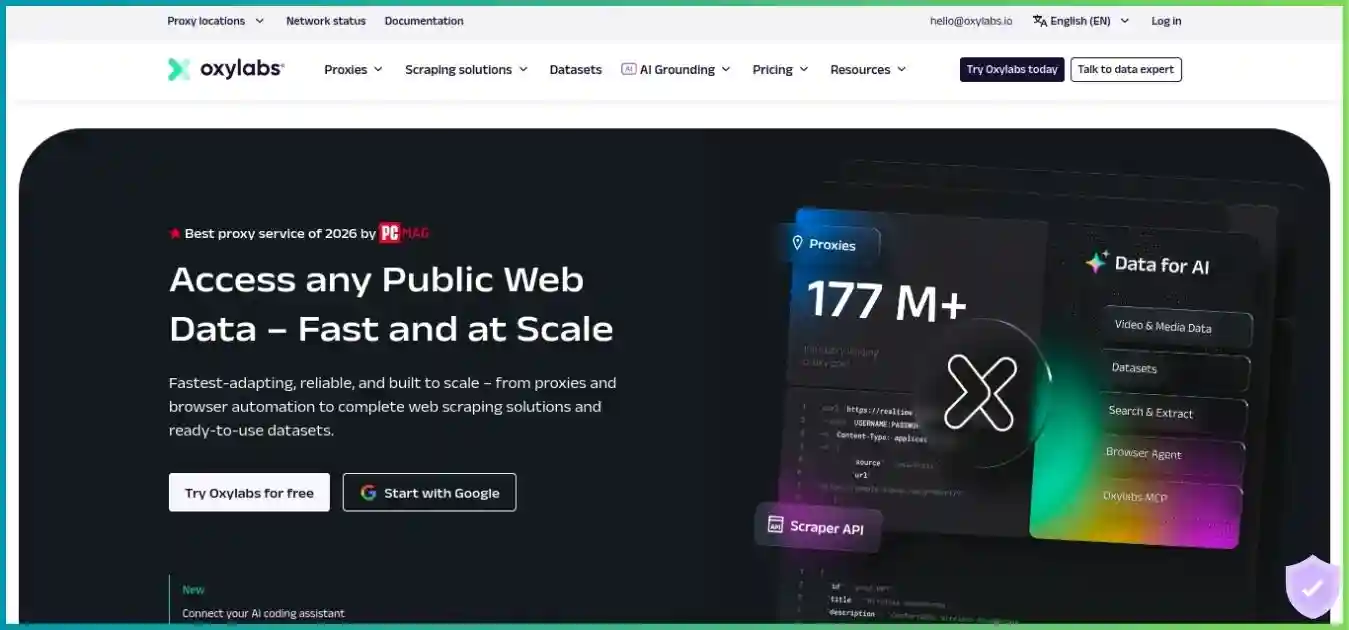
Compare the same targets and operating responsibilities. A small proxy package, managed retrieval service and job execution platform can all contribute to collection, but their prices cover different work. These homepage images are visual references, not evidence of current pricing or performance rankings.
When to consider Oxylabs
A close shortlist option for multiple proxy network types, managed retrieval and browser infrastructure. Compare access, target modes, fair use and total accepted-output cost.
Read our Oxylabs review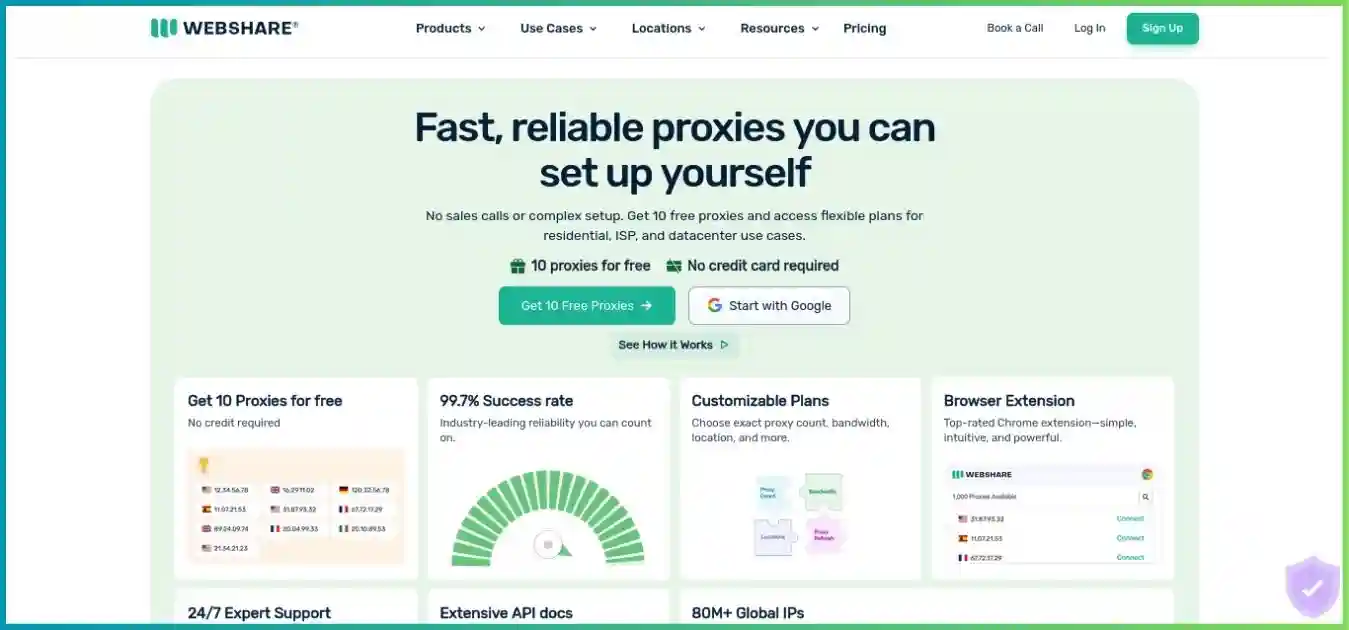
When to consider Webshare
Assess it when the job primarily needs proxy infrastructure with straightforward configuration. Compare allocation, rotation, traffic and geography without assuming managed extraction is included.
Read our Webshare review
When to consider ProxyShare
An alternative for traffic-based proxy workloads. Verify targeting, sessions, pool requirements and commitment terms on the same job before choosing from an advertised unit rate.
Read our ProxyShare review
When to consider Apify
A different workflow choice for reusable actors, running jobs and datasets. Include compute, storage, proxy traffic and paid actor terms alongside the cost of obtaining pages.
Read our Apify reviewFor direct comparisons, read Bright Data versus Oxylabs, Webshare versus Bright Data and Bright Data versus ProxyShare. Recheck each shortlist against your current plan and pilot rather than transferring a result between unrelated jobs.
Frequently asked questions about Bright Data
Research methodology and limits
This update reviewed public residential, datacenter and ISP pricing; Web Unlocker and Browser API pricing; residential access documentation; routing configuration; Web Unlocker feature billing; and current SSL guidance. Prices and policies were checked on October 4, 2026, and the article was completed on October 5. Pool descriptions and product claims are attributed as advertised rather than presented as independent audits.
Residential bars divide package totals by included GB. IP columns use published 100-IP totals. Web Unlocker lines model standard PAYG against Scale’s allowance and additional-request price. The donut is a hypothetical validation scenario, not an observed success rate. Free allowance stacking, authenticated checkout, tax, negotiated rates, invoices, sourcing and support resolution were not tested.
Where current and legacy material differ, the review identifies uncertainty: standalone mobile availability is unverified, residential eligibility follows the explicit new-zone policy, and rounded rate labels are separated from arithmetic. Confirm your account quote, approved use case, targeting, limits and cancellation terms before purchase. This assessment does not promise that a third-party target accepts every request.
Final recommendation: buy the service your workload can justify
A strong shortlist for business data teams with defined requirements
Bright Data’s value comes from its choice of routing, allocated addresses and managed collection tools. It is compelling when these reduce the work needed to obtain correct data and your team can meet the access requirements. A large pool or promotional unit rate alone does not establish that value.
Start with a small eligible pilot, compare accepted output and spend, and confirm the governing billing schedule. Check residential KYC before planning zones, fair use before heavy per-IP traffic, and custom or premium billing before forecasting Web Unlocker. Scale the approach that proves useful on your targets.