The best web scraping tool depends on what you need delivered: a reachable page, structured fields, a visual workflow or a recurring dataset. A low subscription price can become expensive when rendering, residential routing, retries and engineering time are added. This guide compares Apify, ScrapingAnt, Novada, Scrape.do, ScraperAPI and Octoparse using current public product terms and practical workflow fit.
Prices are US dollars from public offers reviewed September 30, 2026. Credits, Actor events, GB and exported rows are different units. We did not run matched success or speed tests, so rankings describe use cases and purchase terms rather than measured performance. For a price-first view, see our cheapest web scraping providers guide.
Three starting points for different scraping workflows, selected before the full comparison.

Apify
Choose ready-made or custom Actors, then schedule runs and store results in datasets.

ScrapingAnt
A $19 API plan with mode-based credits for teams building their own pipeline.

Novada
Try raw HTML, structured targets and a hosted browser with one scraping balance.
Quick comparison: best web scraping tools
Entry plans and core output. Verify target coverage and usage rules for the specific product.
| Tool | Paid entry | Free / trial | Billing unit | Primary strength |
|---|---|---|---|---|
| Apify | $19/mo + usage | $5 monthly platform usage | Actor events or platform resources | Best hosted workflow and Actor marketplace |
| ScrapingAnt | $19/mo | 10,000 monthly credits advertised | Mode-weighted API credits | Best low-cost developer API start |
| Novada | $20 Starter | Check current signup offer | Shared scraping credits; product-specific use | Best pilot across several managed access routes |
| Scrape.do | $29/mo | 1,000 successful API credits monthly | Successful-response credits and mode multipliers | Best broad API features at a modest paid tier |
| ScraperAPI | $49/mo | Trial: 5,000 credits / 7 days; FAQ says 1,000 free | Core API credits; DataPipeline separate | Best API suite for crawler and pipeline needs |
| Octoparse | $83/mo monthly | 10 local tasks; 50,000 rows/month export | Subscription plus possible add-ons | Best visual builder for non-developers |
Apify's $19 subscription includes $19 prepaid usage but can incur additional charges. Novada's $20 Starter is a purchase described in its FAQ. Octoparse's $83 is month-to-month; $69 is an annual-billing monthly equivalent.
Choose the output before choosing the vendor
Page access API
ScrapingAnt and Scrape.do help retrieve HTML through managed routing and rendering. Your code still identifies fields, validates them and stores the result.
Structured target endpoint
Novada Scraper API and ScraperAPI supported endpoints can return fields for known sources. Check schema, pagination and target-specific cost before assuming an arbitrary URL is supported.
Hosted workflow
Apify Actors can combine extraction, scheduling, storage and delivery. Listing fees and platform resources must be read together.
Visual desktop/cloud scraper
Octoparse is useful when selecting fields without code. The free plan runs locally; unattended cloud runs need a paid plan.
A common planning mistake
One successful HTTP response is not necessarily one usable record. It can be blank, duplicated, out of date or missing required fields. Track provider-billable events and your own accepted rows separately. For ordinary request mechanics, see the MDN Fetch API guide.
Top 6 web scraping tools: detailed reviews
Each card explains the workflow it can replace, its payment unit and the conditions that change value.
Apify
Best hosted workflow and Actor marketplace
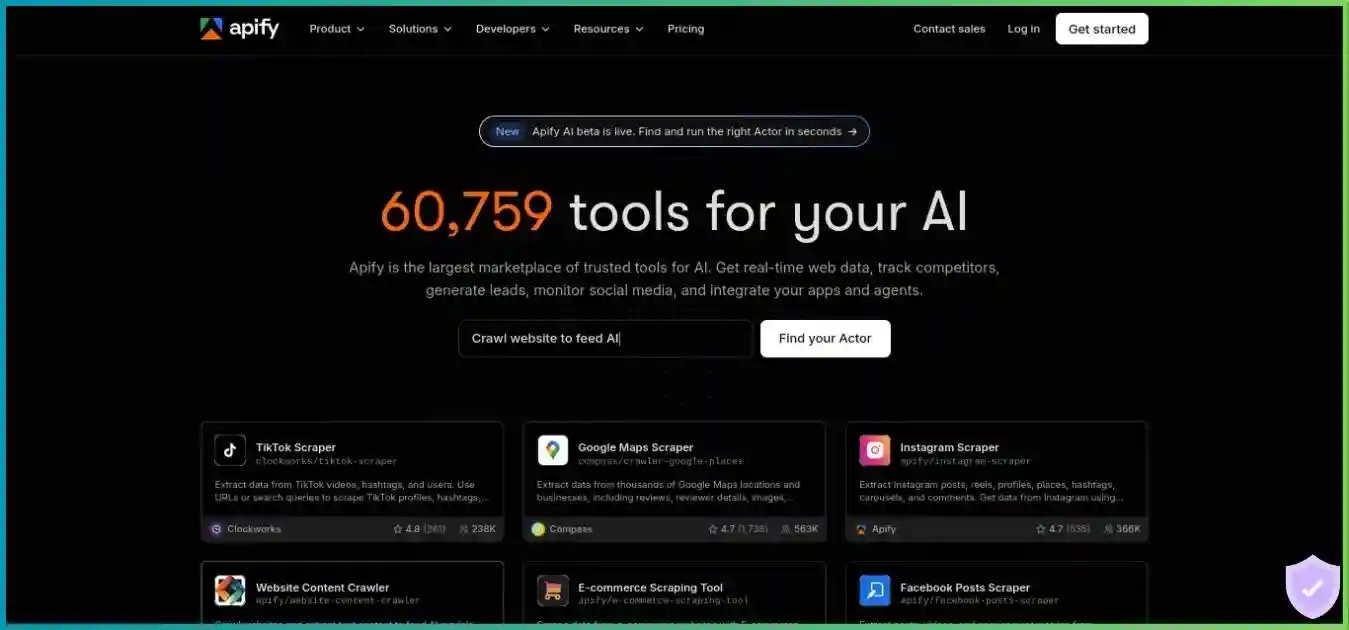
Apify is the broadest workflow platform here. Its free plan includes $5 monthly platform usage. Starter costs $19 per month, includes $19 of prepaid usage, and bills additional usage as it occurs. You can run ready-made or custom Actors, schedule them, store datasets and trigger follow-up work. Each Actor listing can charge per event or by platform usage, so the $19 subscription is not a fixed price for a chosen scrape.
Compute, residential proxies, storage and data transfer can affect the bill; some Store Actors add their own event charges. This makes Apify attractive when scheduling, hosted runs and datasets replace code your team would otherwise write. Review the exact Actor listing, run a small sample, and inspect the usage breakdown before forecasting monthly volume. Unused monthly prepaid usage does not roll into the next billing cycle.
ScrapingAnt
Best low-cost developer API start
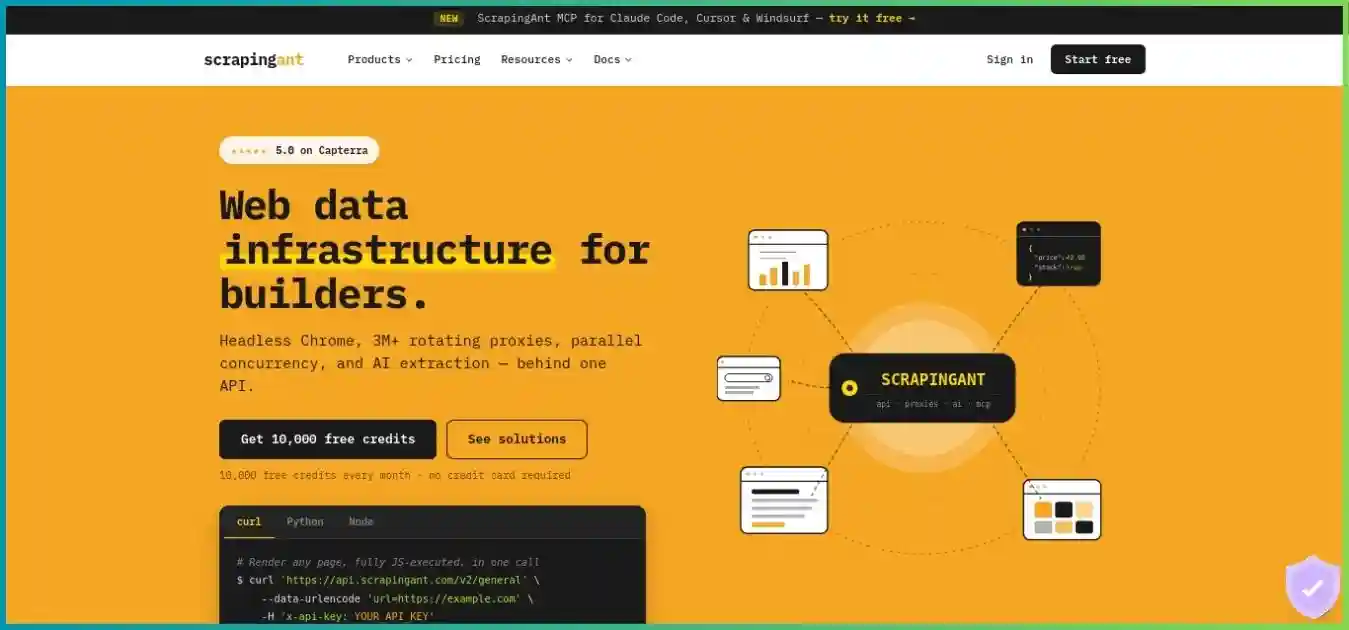
ScrapingAnt publishes an Enthusiast plan at $19 monthly for 100,000 credits, plus an advertised 10,000-credit free monthly option. It handles proxy routing, retries and rendering behind a developer API. The important unit is credits, not pages: a simple datacenter request may cost one credit, a rendered datacenter request ten, a residential request 25 and a rendered residential request 125 under the published mode examples.
The 100,000-credit plan could theoretically fund 100,000 one-credit requests or 800 requests at 125 credits each if every request used one mode and none failed. AI extraction can add a character-based charge. This is a useful API for teams that already own scheduling, field validation and storage, but the cost estimate should use a realistic mix of target difficulty and request modes.
Novada
Best pilot across several managed access routes
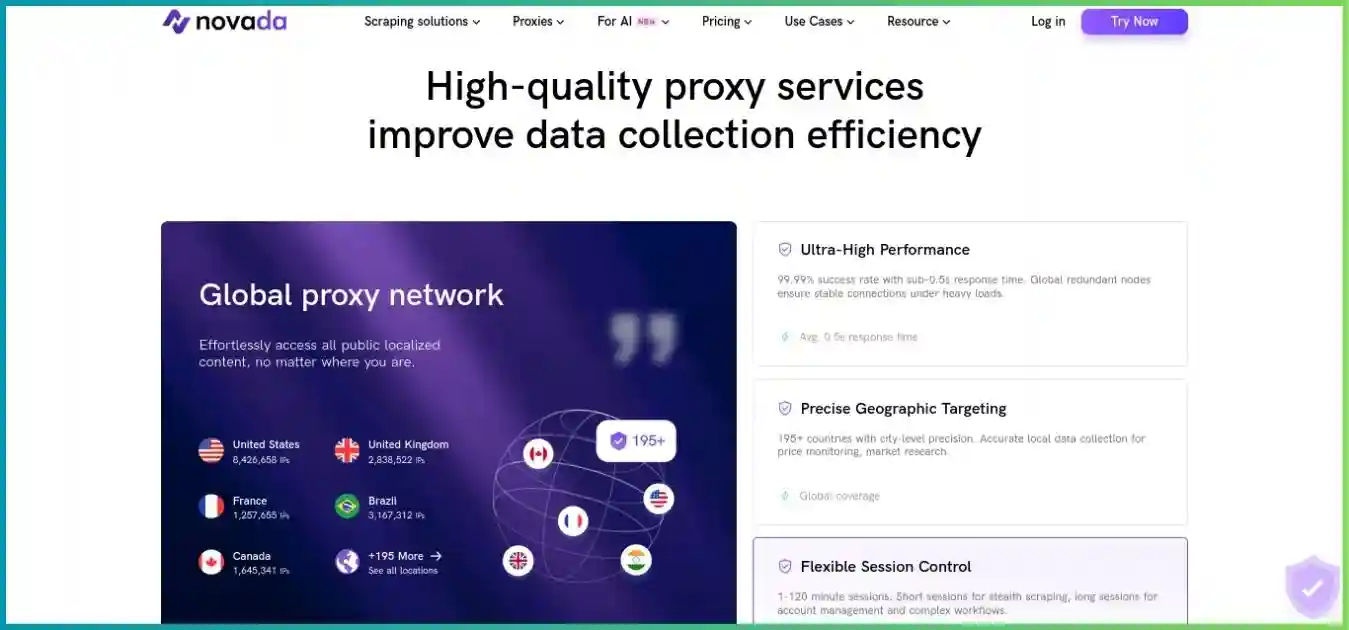
Novada gives teams three useful routes under one scraping credit balance. Web Unblocker returns raw HTML, Scraper API returns structured output for supported targets, and Browser API handles interactive pages. Its scraping pricing FAQ describes a $20 Starter Plan. The central pricing page advertises Scraper API from $0.90 per 1,000 results, Web Unblocker from $1 per 1,000 results and Browser API from $4/GB; those are starting rates with different units, not one fixed rate for every target.
Purchased scraping credits typically expire after 30 days. The FAQ says same-plan renewal refills the balance without extending the older balance’s expiry, while an upgrade can transfer remaining credits under its rules. It also says there is no completely free trial, although the homepage promotes trial credit; verify the live offer for your account. A completed request returning an empty target page can still be billable. Novada’s separately sold proxy traffic is not the same credit pool.
Scrape.do
Best broad API features at a modest paid tier
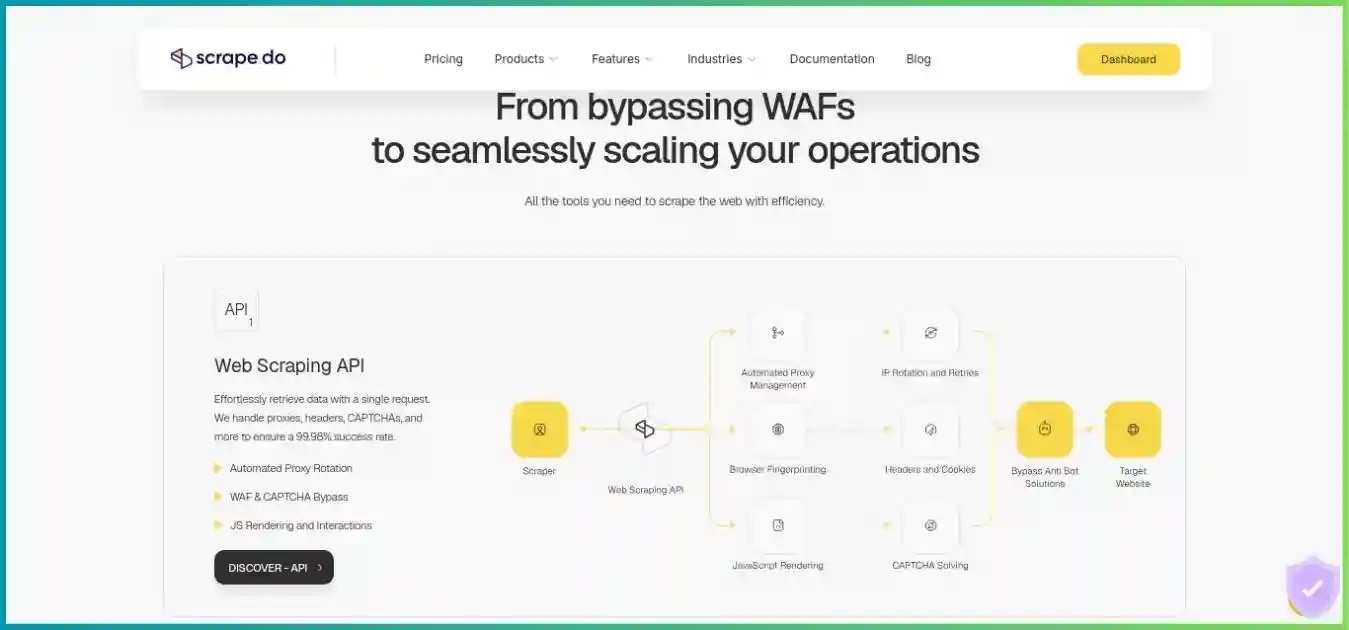
Scrape.do publishes a free tier with 1,000 successful API credits and five concurrent requests. Hobby costs $29 monthly for 250,000 credits and ten concurrent requests. The pricing page lists datacenter, residential/mobile, JavaScript rendering, browser interaction, location controls and sticky sessions across plans. These capabilities are available to test, but a heavier mode uses more credits than a basic request.
Published examples charge one credit for a standard datacenter request, five for rendered datacenter, ten for residential or mobile, and 25 for rendered residential or mobile. Certain named domains may carry separate multipliers. Its success-based policy says timeouts, blocks and errors are not charged, with support review for some invalid-content responses. Validate your target-specific credit use and sustained concurrency before assuming the headline 250,000 credits equals 250,000 usable pages.
ScraperAPI
Best API suite for crawler and pipeline needs
ScraperAPI’s Hobby plan is $49 monthly for 100,000 API credits and 20 concurrent threads. Its current pricing page advertises a seven-day trial with 5,000 credits, while the FAQ describes a 1,000-credit free plan; check the live signup offer. Core API features include rotating proxies, rendering, retries and supported structured data endpoints. A Crawler and DataPipeline extend it toward recurring collection.
One standard page can cost one credit, but named domains, premium routing, rendering or protection handling can consume more. The provider publishes a domain cost estimator and a per-request cost cap; both are useful for a pilot. Hobby and Startup geotargeting is limited to US/EU regions in the current plan table. DataPipeline has a distinct cost schedule, so a core API credit estimate does not price a complete pipeline.
Octoparse
Best visual builder for non-developers
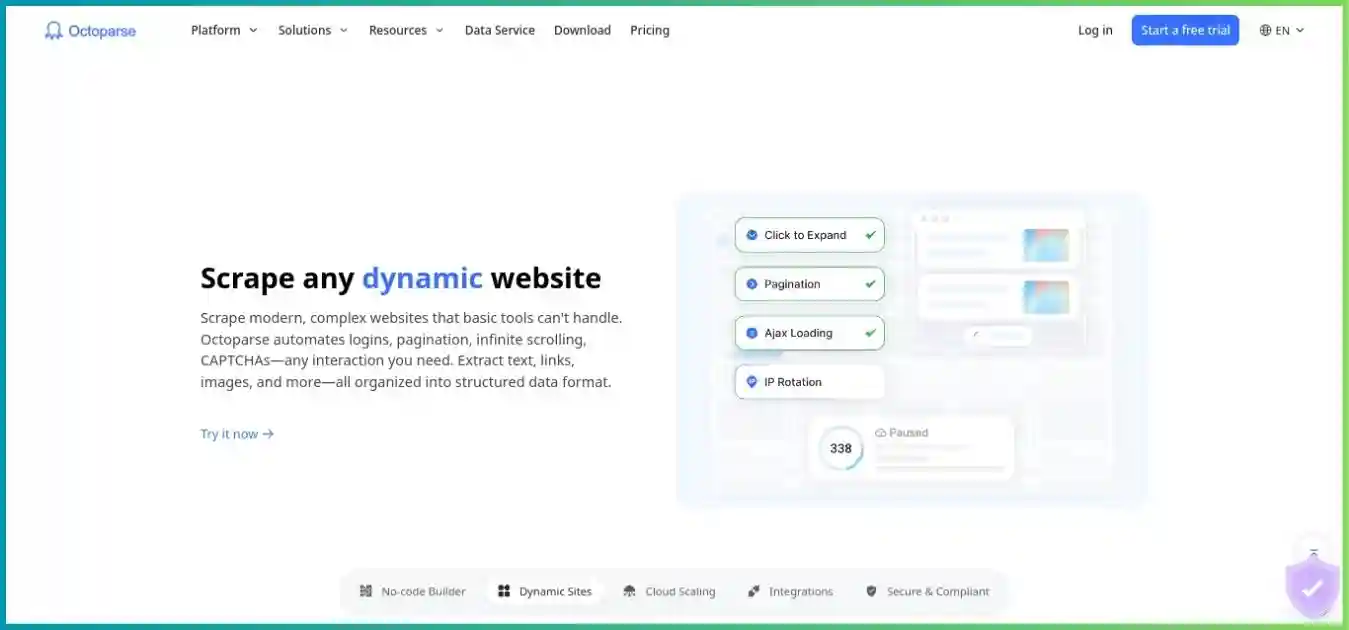
Octoparse has a free local desktop plan with ten tasks, up to 10,000 rows per export and 50,000 exported rows monthly. It is the most approachable choice here for a person who wants to select fields visually rather than write an API integration. Standard costs $83 month to month, or an advertised $69 monthly equivalent when billed annually. It adds cloud execution, scheduling, templates and up to three concurrent cloud processes.
The visual workflow can handle pagination and dynamic interactions, but templates may need repair as sites change. Residential bandwidth, some templates and advanced extraction can add costs. The free plan does not provide paid cloud scheduling. For a team needing daily unattended collection, compare the total Standard bill and task maintenance time with a developer API or a ready-made hosted Actor.
Pricing analysis: entry spend and credit behavior
These are published payments and explicit arithmetic examples, not equivalent workloads.
First paid entry
Horizontal bar chart in USD. Novada is a Starter purchase; others are monthly.
One 100,000-credit pool, different modes
Column chart: theoretical ScrapingAnt Enthusiast requests if all credits use one mode.
Successful calls versus accepted records
Illustrative quality check: 1,000 billable calls, 750 accepted records and 250 blank, duplicate or incomplete outputs. Not a provider benchmark.
750 accepted records
250 rejected outputs
If provider spend were $20 for those calls, the API cost per accepted record would be about $0.0267, before labor or storage. The illustration explains the calculation; it does not assert that any provider charges $20 for 1,000 calls.
Compare like with like
A ScrapingAnt credit, ScraperAPI credit, Scrape.do successful credit, Novada scraping credit, Apify Actor event and Octoparse row do not buy the same operation. Normalize by accepted records from the same permitted targets and include rendering, proxy, storage, expiry and engineering costs.
Feature and workflow comparison
Feature availability can depend on plan, target and add-ons. “Structured” means supported endpoints or configured extraction, not universal coverage.
| Capability | Apify | ScrapingAnt | Novada | Scrape.do | ScraperAPI | Octoparse |
|---|---|---|---|---|---|---|
| Visual no-code builder | Actor setup varies | No | No | No | No | Yes |
| Hosted scheduling | Yes | Bring your own | Product-specific | Async jobs; schedule externally | Crawler/Pipeline options | Paid cloud |
| Stored datasets | Yes | Bring your own | Bring your own | Bring your own | Pipeline-dependent | Exports / cloud history |
| Browser/rendering route | Browser Actors | Rendering mode | Browser API | Rendering / browser | JS rendering | Local / paid cloud |
| Structured extraction | Actor-dependent | AI option | Supported Scraper API targets | Build parser | Supported endpoints | Visual selectors |
| Main cost variable | Actor and resources | Mode credits | Product/target credits | Mode/domain credits | Domain/mode and Pipeline | Plan and add-ons |
What changes the real cost of a scraping project?
Target difficulty and request mode
Static HTML can be cheap. JavaScript rendering, residential routing, named domains and retries can multiply credits or traffic. Log which mode each accepted record actually needed.
Output and workflow scope
A page fetch is not a cleaned dataset. Apify can host Actors and datasets; ScraperAPI has a separate Pipeline; Octoparse offers visual exports; Novada structured fields apply to supported targets.
Billable success and usable success
Some providers do not bill failed attempts, but a completed empty page or syntactically valid yet unusable output may still cost credits. Apply your own field and freshness checks.
Timing and unused balance
Monthly subscriptions and prepaid credits can expire. Apify monthly usage does not roll over, and Novada scraping credits typically expire after 30 days. Irregular jobs may favor a different entry route.
Limits and concurrency
Concurrency controls how many calls run at once, not necessarily total pages. ScraperAPI Hobby publishes 20 threads; Scrape.do Hobby ten concurrent requests; Octoparse Standard up to three cloud processes.
Maintenance and site change
Selectors, page structure and anti-bot defenses change. Include engineering time for validation, retry logic, task repair, monitoring and legal review in the project budget.
Pilot worksheet
For each representative URL, record tool, mode, reported credits or usage, returned status, extracted fields, accepted rows, retries and time spent fixing the workflow. Then calculate (provider spend + extra infrastructure + staff time) ÷ accepted rows. Use the same permitted targets and quality rules for every shortlisted tool.
Best tool by use case
Recurring hosted collection
Use Apify when a ready Actor or custom hosted workflow can replace your scheduler, data store and delivery code.
Explore ApifySmall custom API integration
Try ScrapingAnt’s free credits and $19 tier, then estimate the real mix of one-, ten-, 25- and 125-credit requests.
Explore ScrapingAntSeveral extraction routes
Pilot Novada’s shared scraping balance across raw HTML, structured supported targets and interactive browser jobs.
Explore NovadaFlexible proxy/rendering modes
Scrape.do offers broad API modes at $29 Hobby; check domain and mode multipliers.
Explore Scrape.doCrawler and pipeline requirements
Evaluate ScraperAPI’s core credits and DataPipeline charges separately.
Explore ScraperAPIVisual one-off or recurring tasks
Build locally with Octoparse Free, then price Standard if scheduling and cloud execution are needed.
Explore OctoparseIf you need raw network routing instead of a managed scraping tool, see our proxy provider comparison.
How to choose and deploy a scraper responsibly
1. Define the accepted output
Specify target URLs, required fields, freshness, frequency, export format and a rejection rule for empty or duplicate rows.
2. Confirm access rules
Check target terms, published crawler instructions, applicable privacy rules and a respectful request rate. Use only data you are allowed to collect.
3. Pick the least complex route
Use a visual workflow for simple manual extraction, an API for coded retrieval, or a hosted Actor/pipeline when recurring operation is the main burden.
4. Run a capped sample
Include straightforward and difficult pages, pagination, JavaScript content and location-dependent results. Record actual billable units.
5. Validate the fields
Check completeness, accuracy, freshness and duplicates before counting output as a useful result. Schedule rechecks for fields that change.
6. Forecast and monitor
Project a full billing cycle, include expired balances and repair time, set spend limits where available, and revisit the plan after target changes.
The Robots Exclusion Protocol specification explains the format of crawler instructions. It does not replace a site's terms, privacy obligations or permission where required.
Frequently asked questions
How we compared these tools
We reviewed official public pricing, product documentation and billing explanations on September 30, 2026. We compared entry payments, free access, billing units, output, workflow features, concurrency and expiration terms. Charts use public prices or clearly labeled arithmetic examples. We did not buy matched plans, run controlled target tests or independently verify uptime, pool size or success claims. Check current checkout and run representative targets before committing.
Start with a small representative job
Measure billable usage and accepted records, then choose the workflow that meets your quality and budget targets.
Disclosure: FreePolicyTools may earn a commission from sponsored provider links. Recommendations reflect the stated use cases and public terms; prices and offers may change.