ScrapingAnt is a managed web scraping API for developers who want website content without running their own proxy rotation and browser fleet. It retrieves HTML, renders JavaScript, converts pages to Markdown and offers AI extraction into structured fields. Its low paid entry price makes it accessible, but a credit is not always a page: default rendering, residential routing and AI processing can change the size of a usable monthly allowance substantially.
This review checks public pricing, API documentation and subscription terms as of October 4, 2026. It explains the actual request modes, response formats, integrations and workload tradeoffs. The charts use published prices and explicit calculations; we did not run an independent speed or success-rate benchmark. To compare the wider range of approaches, start with our best web scraping tools guide.
Enthusiast monthly price
Enthusiast API credits
Default rendered DC response
Recurring monthly credits
ScrapingAnt verdict: who should consider it?
ScrapingAnt is worth shortlisting when you already have an application, parser or data pipeline and want to outsource the retrieval layer. You control which URLs to collect, how often to revisit them and which fields qualify as valid. The service supplies managed browser access, proxy routing and optional content transformation. That division of work suits developers more naturally than teams expecting a complete visual crawler, hosted dataset and reporting dashboard.
Best fit
Developer-owned pipelines that need static or rendered page access, flexible HTML/Markdown output and a simple route into AI extraction. The recurring Free plan provides room to compare modes before buying a subscription.
Evaluate carefully
Large rendered residential workloads, long-page AI extraction and projects needing native scheduling or durable datasets. These can demand more credits or additional systems than the headline price suggests.
Our recommendation is to choose the cheapest mode that consistently returns your required data, then buy for the resulting credit demand and support needs. Startup offers a much lower nominal credit price than Enthusiast and adds integration assistance, but that only helps if your usage justifies the larger commitment. For a hosted automation alternative, our ScrapingAnt vs Apify comparison explains the different operational model.
Where a managed web scraping API fits
The useful distinction is how much of the collection workflow a product runs for you. A proxy service routes traffic; a browser API adds execution; a scraping API handles retrieval and may transform the response; a crawler platform can also orchestrate jobs and persist results. These categories overlap, so compare the concrete operations you need rather than a speculative market-growth forecast or a generic star rating.
| Approach | What you operate | Where it helps | What to budget |
|---|---|---|---|
| Direct HTTP / self-hosted browser | Requests, browser workers and recovery | Simple sites or detailed browser control | Infrastructure, debugging and maintenance |
| Proxy subscription | Crawler and parser; provider routes traffic | Existing crawler with network needs | GB/IP charges plus your compute |
| Managed scraping API | URL queue, parsing and storage | Outsourcing browser/proxy retrieval | Mode credits, retries and accepted-record validation |
| Hosted crawler platform | Workflow configuration or hosted code | Jobs, orchestration and datasets together | Compute, storage, platform and tool fees |
ScrapingAnt primarily occupies the managed API category, with AI extraction and automation connectors extending that role. A team that already stores data in its own warehouse may prefer this separation. A team starting from a spreadsheet may find a visual extractor easier. Our Octoparse vs Scrape.do guide explores that visual-workflow versus API decision.
Product overview and response formats
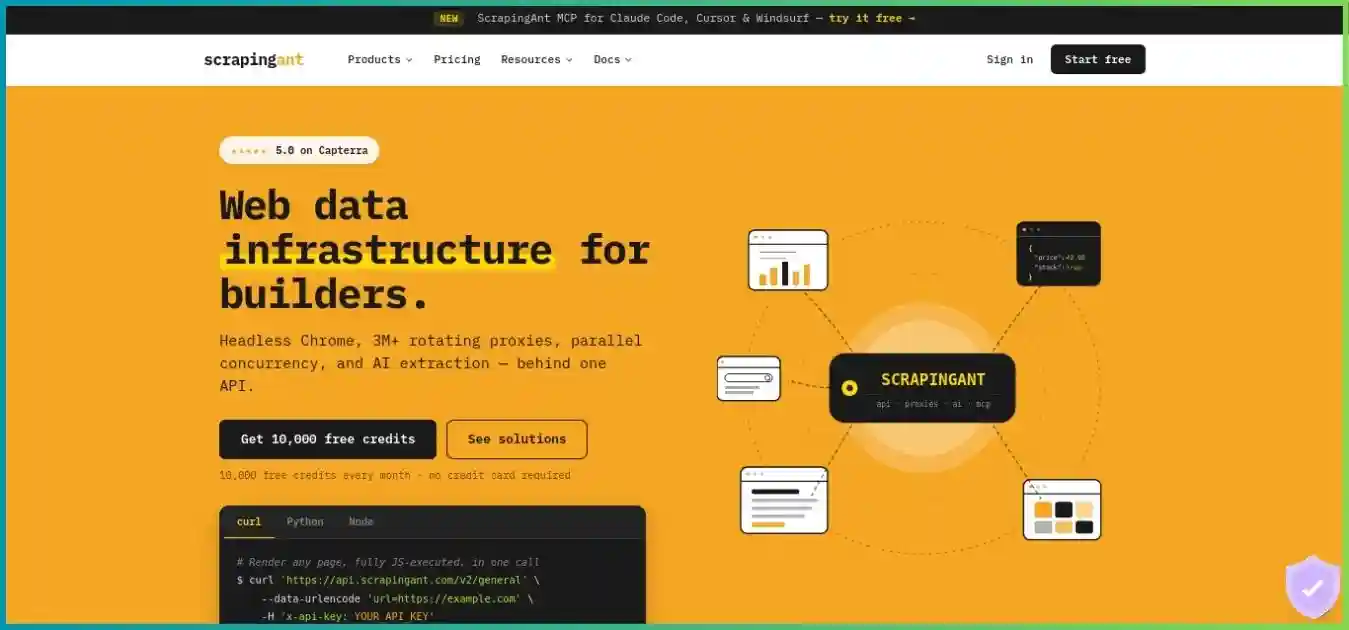
Browser and proxy infrastructure behind an API
The service can fetch a static page, execute it in Chrome, convert the result into Markdown or extract described fields. These outputs serve different stages of a pipeline; decide which contract you need before selecting an endpoint.
| Endpoint | Primary purpose | Integration implication |
|---|---|---|
| /v2/general | HTML / target content retrieval | Parse and validate your own fields |
| /v2/markdown | JSON containing url and markdown | Read the markdown field; not a raw Markdown stream |
| /v2/extract | AI-described structured extraction | Validate field names, types, nulls and character-based cost |
| /v2/extended | Page content plus browser/request metadata | Inspect the actual wrapper; metadata is not a product schema |
| /v2/usage | Plan dates, total and remaining credits | Monitor budget and renewal boundaries |
The extended response documentation includes content, cookies, headers, status and captured browser information such as XHRs or iframes. Its prose and example do not consistently name the content field, so inspect the live payload when writing a parser. Treat each endpoint as a separate response contract and save a sample fixture from your own pilot. Changing from HTML to AI-extracted JSON changes both validation and billing.
ScrapingAnt pricing, support and billing terms
The public Web Scraping API pricing starts with 10,000 recurring monthly credits on Free and $19 per month on Enthusiast. Higher tiers increase the allowance and support scope. Prices below are USD monthly subscription amounts, excluding any applicable tax or negotiated arrangements. We did not verify a numeric annual discount or annual checkout offer.
| Plan | Monthly price | API credits per period | Support / service scope |
|---|---|---|---|
| Free | $0 | 10,000 | Documentation / free evaluation |
| Enthusiast | $19 | 100,000 | Email; documentation-led integration |
| Startup | $49 | 500,000 | Priority email; custom snippets and expert assistance |
| Business | $249 | 3,000,000 | Debug sessions; custom pools / anti-bot assistance; account manager |
| Business Pro | $599 | 8,000,000 | Priority debug sessions; custom pools / anti-bot assistance; account manager |
| Custom | $699+ | 10,000,000+ | 10M+ credits; dedicated support and enterprise onboarding |
USD public monthly prices. Different credit allowances; not an equal-workload cost comparison.
Shared zero-based scale: $0–$600. Free and custom contracts excluded; exact prices also appear in the table.
Which paid tier makes sense?
Enthusiast is a small commitment for a developer who can integrate from documentation and email support. Startup supplies five times the credits for about 2.58 times the monthly price, with priority email, custom snippets and expert help. Business and Business Pro make more sense when you need sustained volume or listed services such as debugging, custom proxy pools and anti-bot assistance. These service descriptions do not establish a numeric response-time SLA; clarify the scope before relying on it for a critical pipeline.
| Plan | Calculation | USD / 1,000 credits | Important limitation |
|---|---|---|---|
| Enthusiast | $19 / 100,000 × 1,000 | $0.1900 | Only if the full monthly allowance is used |
| Startup | $49 / 500,000 × 1,000 | $0.0980 | Credits still multiply by request mode |
| Business | $249 / 3,000,000 × 1,000 | $0.0830 | Your accepted records may be fewer than responses |
| Business Pro | $599 / 8,000,000 × 1,000 | $0.074875 | Unused credits do not roll over |
Renewal, exhausted credits and refunds
Unused credits do not carry into the next subscription period. The pricing FAQ says you can restart a plan during the month, pay for the restart and receive refreshed credits immediately. That is a new payment, so compare it with upgrading and avoid building jobs around an assumed free refill. Monitor the usage endpoint, pause expensive jobs near your limit and reserve capacity for priority refreshes.
Public terms describe automatic monthly renewal and cancellation before the next billing period. Payments are non-refundable, with any exceptions at the provider’s discretion. The Free plan is a useful way to evaluate the API, but it does not create a paid-plan refund guarantee. Check the amount and billing period presented at checkout before subscribing.
API subscriptions and standalone proxies are separate
Standalone residential pricing begins at $30 for 5 GB; standalone datacenter pricing begins at $30 for 50 GB. Those products bill traffic by GB and require your own crawler or browser. They are not extra API credits, and their geographic coverage does not define the API’s country parameter.
Credit costs: why 100,000 credits are not always 100,000 pages
The API defaults to a JavaScript-rendering browser with datacenter routing. For ordinary requests, that combination costs 10 credits. You must explicitly set browser=false to use simple retrieval at the one-credit datacenter rate. A browser with return_page_source=true skips JavaScript execution and uses a different two-credit rate. Residential routing raises those costs further.
| Mode | Browser settings | Proxy type | Credits / billable response |
|---|---|---|---|
| Simple retrieval | browser=false | datacenter | 1 |
| Browser source, no JS execution | browser=true; return_page_source=true | datacenter | 2 |
| Rendered browser — default | browser=true; return_page_source=false | datacenter | 10 |
| Simple retrieval | browser=false | residential | 25 |
| Browser source, no JS execution | browser=true; return_page_source=true | residential | 50 |
| Rendered browser | browser=true; return_page_source=false | residential | 125 |
| Any Google-domain request | Domain-specific rule | datacenter | 10 |
Published base credit costs. Google-domain datacenter requests use their own 10-credit rule. AI charges are additional.
Zero baseline; shared scale from 0 to 125 credits.
The Google rule matters when forecasting simple requests: disabling the browser does not make every datacenter target cost one credit. Inspect the Ant-credits-cost response header and budget from what your actual targets consume. Documentation says error responses cost zero, but a billable response can still be unsuitable for your dataset. Content validation remains part of the cost calculation.
| Plan | Static DC: 1 | Rendered DC: 10 | Static residential: 25 | Rendered residential: 125 |
|---|---|---|---|---|
| Free | 10,000 | 1,000 | 400 | 80 |
| Enthusiast | 100,000 | 10,000 | 4,000 | 800 |
| Startup | 500,000 | 50,000 | 20,000 | 4,000 |
| Business | 3,000,000 | 300,000 | 120,000 | 24,000 |
For Enthusiast, the same 100,000-credit allowance supports up to 100,000 ordinary static datacenter responses, 10,000 rendered datacenter responses, 4,000 static residential responses or 800 rendered residential responses. At full utilization, the latter two rendered cases allocate $1.90 and $23.75 per 1,000 responses respectively. These are arithmetic examples, not guaranteed successful records, and exclude AI extraction.
Budget a mixed workload rather than one ideal mode
A hypothetical batch of 5,000 simple datacenter responses, 500 rendered datacenter responses and 40 rendered residential responses consumes 5,000 + 5,000 + 5,000 = 15,000 credits for 5,540 responses. A small residential segment uses as much allowance as thousands of simple pages. Track cost by domain and mode so a change in target behavior does not quietly consume your monthly budget.
Hypothetical quality-control example, not ScrapingAnt success-rate data.
800 accepted: complete, valid and distinct.
150 incomplete: a response arrived, but required fields are missing.
50 duplicates: retrieval worked, but adds no new record.
At 10 credits each, these 1,000 responses consume 10,000 credits. Their allocated Enthusiast cost is $1.90 only if the full 100,000-credit allowance is used. Dividing by 800 accepted records gives about $0.00238 each. If this batch is your entire month’s usage, the actual subscription spend is $19 / 800 = $0.02375 each, before engineering costs.
AI data extraction: useful output with a separate cost curve
The AI extractor takes free-form field descriptions through extract_properties and returns structured information. You can describe nested lists and intended types, and output field names are normalized to camelCase. This can reduce hand-written selector work for heterogeneous pages, but it should not replace checks for missing values, incorrect currencies or the wrong entity being extracted.
Documented AI billing formula
Total credits = ceil((Markdown input characters + output characters) / 30) + underlying retrieval credits. This uses characters, not a published per-token dollar price. Residential or browser choices still affect the underlying retrieval charge.
Calculated scenario: fixed 600-character output and a 10-credit rendered datacenter retrieval. Not measured page sizes or performance.
| Markdown input characters | AI charge | Total credits | 100K-credit theoretical capacity |
|---|---|---|---|
| 3,000 | 120 | 130 | 769 |
| 9,000 | 320 | 330 | 303 |
| 18,000 | 620 | 630 | 158 |
| 30,000 | 1,020 | 1,030 | 97 |
For example, 30,000 Markdown characters plus a 600-character result costs 1,020 extraction credits. Add a 10-credit rendered datacenter retrieval and the request totals 1,030 credits. Enthusiast would support only 97 such requests if every response had that exact size. This is why an allowance that looks large for HTML retrieval can be much smaller for long-page AI extraction.
Describe the data, then validate the result
Ask for a product title, a numeric price, a separate currency, an availability value and a stable identifier rather than simply “all useful product data.” Specify what should happen when a field is absent and check for null values. For collections, describe the intended list and its nested fields so navigation links or related products are not mistaken for the main records.
The extractor operates on Markdown/text and cannot reliably answer questions that depend solely on CSS styling, an HTML tag or spatial layout absent from that text. If your task depends on a hidden attribute or a particular DOM node, retrieve HTML and use a parser. For deterministic catalogs with stable templates, a conventional parser may also be cheaper and easier to audit than AI extraction.
Keep a small labeled sample set and compare extracted values with the page. Validate number formats, normalize currencies without guessing conversions, preserve missing fields and retain source URLs and collection timestamps. Changes in page length affect charges, while changes in page content affect accuracy; monitor both independently.
Rendering, proxy routing and browser controls
Three distinct retrieval modes
Simple HTTP retrieval is the economical starting point when the required data is already present in the response. Browser page source without JavaScript uses Chrome but avoids executing the page’s scripts. Full rendering is appropriate when the content depends on client-side execution. Test these modes on the same representative URLs and inspect the actual required fields; a rendered screenshot-like experience is not itself evidence that every record has loaded.
| Control | What it does | Implementation consideration |
|---|---|---|
| browser | Enables / disables managed Chrome | Defaults to true; set false explicitly for simple retrieval |
| return_page_source | Returns browser source without JS execution | Relevant with browser=true; different credit cost |
| wait_for_selector | Waits for an expected element | Use a selector tied to required data, not a generic layout container |
| js_snippet | Runs custom browser JavaScript | Base64-encode; browser mode required |
| block_resource | Blocks selected browser resource categories | Repeated parameters; avoid blocking scripts/XHR needed for data |
| timeout | Sets the provider request timeout | Default 60 seconds; documented range 5–60 seconds |
| Headers / cookies | Passes target request context | Keep credentials server-side; validate response state |
A selector wait is usually more precise than assuming every page will finish loading after an arbitrary delay. Custom snippets can help trigger content or manipulate a page, but they add maintenance when the target changes. Resource blocking can reduce unnecessary work; blocking scripts, fetch or XHR indiscriminately can also remove the data you were trying to collect.
Datacenter, residential and geographic targeting
The API defaults to datacenter proxies and supports residential routing through proxy_type. Country targeting uses proxy_country. The API documentation lists 24 selectable countries, while the separate residential proxy product advertises more than 100 countries. Treat those as separate scopes; the standalone product’s country count is not proof that every country is available through the API.
Proxy documentation describes rotation with a new IP on each request. Country targeting can be useful for localized listings, but site account state, cookies and language settings can also affect the result. Check returned locale and currency rather than assuming the proxy location alone determines them. Mobile proxy access is described as available by request; it is not a verified self-service API mode equivalent to the documented datacenter and residential values.
Concurrency: follow the specific Free-plan restriction
The homepage advertises unlimited parallel requests broadly. The error reference gives a more specific rule: paid subscriptions have no concurrency limit, while Free allows one simultaneous request and returns 409 when that limit is exceeded. Start Free testing with a serialized queue. On paid tiers, increase worker counts gradually while measuring latency, errors and credit consumption; absence of a published cap is not a throughput guarantee.
Proxy mode and transport requirements
Proxy mode lets an existing HTTP client route through the scraping service and uses the same credit model. Its documentation recommends disabling browser mode for clients that do not need rendering. It also states that SSL verification must be disabled for this proxy setup. Review that requirement before adopting the mode in production; the direct HTTPS API is the simpler starting point when you want to retain ordinary certificate verification.
Performance: measure your targets instead of trusting a universal score
We have not independently measured ScrapingAnt’s speed, uptime or success rate across a controlled target set. Those outcomes vary with the domain, geographic route, browser waits and content requirements. A useful pilot asks whether the service produces the records your application needs at an acceptable total cost and latency. Do not treat a successfully returned page as proof of complete extraction.
| Metric | How to measure | What it resolves |
|---|---|---|
| Accepted-record rate | Required fields valid and distinct / attempted target records | Whether the result is usable downstream |
| Latency distribution | Median and p95 end-to-end time by mode/domain | Interactive response and batch-duration expectations |
| Credit consumption | Sum actual cost headers and reconcile usage | Whether budget assumptions match real routing/output |
| Recovery behavior | Count errors, retries and permanently failed URLs | Whether the queue recovers without runaway work |
| Data stability | Repeat a labeled sample across multiple runs | Locale, pagination, field and AI-output consistency |
| Total cost / accepted record | (Provider spend + compute + engineering) / accepted records | Whether outsourcing improves the whole workflow |
Choose static and JavaScript-heavy pages, long and short content, representative locations and known difficult targets. Run identical samples in candidate modes, record the actual charge and repeat them over more than one time window. Keep the timeout and content acceptance rules consistent when comparing services. Do not present the fastest small sample as representative of an entire production workload.
Errors and retry decisions
| Status | Documented meaning | Recommended application response |
|---|---|---|
| 400 / 422 | Malformed request / invalid parameter | Correct the request; repeated retries do not fix configuration |
| 403 | Invalid token or exhausted credits | Check authentication and remaining allowance |
| 404 | Target URL not reachable | Validate the target and distinguish permanent from temporary failure |
| 405 | Wrong request method | Use the documented method |
| 409 | Concurrent request limit exceeded on Free | Serialize Free requests; do not loop without backoff |
| 423 | Anti-bot detection | Retry selectively or evaluate a different configuration |
| 500 | Service-side failure | Bound retries and retain context for support |
Use bounded retries with backoff and a terminal failure queue. In general HTTP workflows, MDN’s explanation of 429 and Retry-After describes how servers may request that clients slow down. ScrapingAnt’s documented Free concurrency error is 409, so distinguish provider-specific errors from target-origin rate limiting rather than handling every non-200 response identically.
A retry after an error may be uncharged under the documented error policy, but it still takes time and consumes queue capacity. A successful repeat can also duplicate a previous record. Use stable identifiers and idempotent writes to prevent retry behavior from inflating your dataset or misleading your quality metrics.
Developer setup and a production workflow
Create an account, keep the API key in a server-side environment variable and start with a URL you can inspect manually. Explicitly select the browser and proxy modes so your test has a known baseline. The example below uses the supported x-api-key header instead of placing the key in the query string, and URLSearchParams safely encodes the target URL and options.
Minimal Node.js retrieval example
// Node.js with native fetch; run on your server, not in a public browser.
import { writeFile } from 'node:fs/promises';

const apiKey = process.env.SCRAPINGANT_API_KEY;
if (!apiKey) throw new Error('Set SCRAPINGANT_API_KEY');

const endpoint = new URL('https://api.scrapingant.com/v2/general');
endpoint.search = new URLSearchParams({
  url: 'https://example.com/',
  browser: 'false',            // Explicitly select simple retrieval.
  proxy_type: 'datacenter',
  timeout: '60',              // Provider timeout, in seconds.
}).toString();

const started = Date.now();
const response = await fetch(endpoint, {
  headers: { 'x-api-key': apiKey },
  signal: AbortSignal.timeout(65_000),
});
const body = await response.text();
if (!response.ok) {
  throw new Error('ScrapingAnt status ' + response.status + ': ' + body.slice(0, 300));
}
if (!body.trim()) throw new Error('Empty response');

console.log({
  status: response.status,
  credits: response.headers.get('Ant-credits-cost'),
  elapsedMs: Date.now() - started,
});
await writeFile('page.html', body, 'utf8');
// Next: validate target-specific content, parse fields and persist accepted records.
Illustrative integration code, not an executed API benchmark. Uses a Node.js runtime with native fetch and AbortSignal.timeout.
A non-empty HTML response is only the first check. Confirm the expected page identity, absence of a challenge page and presence of required fields. If static retrieval omits client-rendered content, enable the browser and a target-specific selector wait. If the target still blocks access, test routing changes on the same sample and compare the improvement with the higher credit charge.
Separate retrieval, validation and storage
- Queue targets: store canonical URLs, desired mode, priority and retry state. Avoid duplicates before paying to fetch the same page twice.
- Retrieve and observe: capture HTTP status, elapsed time, charged credits and collection timestamp. Keep raw samples where useful for debugging.
- Validate and normalize: apply domain-specific acceptance rules, parse types and preserve missing values. AI output needs the same checks as a custom parser.
- Persist accepted records: use stable IDs, idempotent writes and source attribution. Separate incomplete responses from the production dataset.
- Monitor and reschedule: query remaining credits, prioritize valuable updates and send permanently failed URLs to a review queue.
For the usage endpoint, documentation includes plan dates, plan_total_credits and remained_credits. Use that actual spelling in your integration and reconcile it with per-request costs. Keep operational alerts for unexpected consumption and missing critical fields, not merely for request failures.
Plan collection around permitted targets and their published conditions. The Robots Exclusion Protocol standard, RFC 9309 defines how crawlers interpret robots.txt instructions; it is not a replacement for authorization or the target’s terms. Build appropriate target rules into the queue rather than assuming a proxy or browser API settles those questions.
MCP, n8n, Make and scheduled automation
ScrapingAnt’s documented connectors let you place retrieval inside an existing workflow. They do not remove the need to budget shared credits or store results. Check each connector’s defaults: an integration can enable the same 10-credit rendered datacenter request that a hand-written client would use unless you explicitly choose another mode.
| Integration | Documented capability | What to verify |
|---|---|---|
| REST API / language clients | HTML, Markdown, extraction and usage calls | Response contract, timeout, key handling and current SDK options |
| MCP server | get_web_page_html, get_web_page_markdown, get_web_page_text | Browser/routing defaults; tool use draws on API credits |
| n8n community node | Scrape, Markdown, AI extraction and credit usage | Self-hosted installation versus verified-node availability on Cloud |
| Make custom app | Scrape, Markdown, extraction, usage and universal call | Custom-app invitation and scenario scheduling/credit budget |
| GitHub Action | Run retrieval in a repository workflow | Secrets, cron scheduling and your own artifact retention |
| Proxy mode | Use an existing proxy-capable client | Rendering defaults and documented SSL verification requirement |
Agent workflows still need a budget
The MCP server exposes HTML, Markdown and text page tools. These are retrieval tools, not proof that every call is automatically routed through the structured AI extractor. Limit how many URLs an agent can request and which modes it can choose, then validate the retrieved content before using it in a report or RAG corpus. Otherwise, exploratory tool calls can consume credits without producing a durable, useful dataset.
Scheduling belongs to the workflow you choose
Make scenarios, n8n workflows and GitHub Actions can supply scheduled runs, transformation steps and delivery to your storage. We did not verify a comparable API-native scheduler or durable dataset layer. For n8n Cloud, confirm that the community node is currently available as a verified node; self-hosted installation instructions do not establish universal Cloud availability.
If you want to deploy collection code alongside hosted jobs and datasets, read our Apify web scraping review. That model changes what your team operates and introduces a different mix of compute, storage and tool charges.
Use cases and workload choices
| Use case | Starting approach | Critical acceptance rule |
|---|---|---|
| Product and price monitoring | Static retrieval first; render localized variants if needed | Correct product/variant, currency, availability and timestamp |
| News and public-content research | HTML or Markdown, then content deduplication | Article body, publication context, source URL and reuse rights |
| RAG / knowledge ingestion | Markdown output with durable source metadata | Clean text, chunk quality, freshness and duplicate control |
| Heterogeneous structured extraction | AI extraction with typed/nested field descriptions | Field accuracy, null handling and cost by input length |
| Localized public listings | Country-targeted routing plus explicit locale checks | Correct region, language, currency and pagination |
| Periodic developer-owned collection | REST calls inside a queue or workflow integration | Idempotent storage, budget alerts and recovery state |
Ecommerce: distinguish a page from a complete catalog record
A product page can display a price while omitting stock, variant details or regional delivery conditions. Decide whether those omissions make the record unacceptable before running a large batch. Revisit high-value products more often, use stable identifiers across URL changes and compare static versus rendered output on several product layouts. Residential routing should be a measured escalation, not an automatic setting for every SKU.
Markdown and RAG: retrieval is only the ingestion stage
Markdown can simplify extraction of readable text for search or LLM context. You still need to remove irrelevant navigation, identify duplicate pages, retain sources and manage refreshes. A clean conversion is not proof of factual correctness, and the Markdown endpoint is different from AI extraction. Choose transformation based on the downstream task rather than paying for structured extraction when plain text is sufficient.
Mixed websites: AI can reduce parser maintenance
For varied public pages, descriptive extraction can be faster to prototype than writing a selector set for each layout. The tradeoff is character-based cost and additional validation. Pilot short, long and incomplete pages separately; a small set of tidy examples can hide the costs and errors of production inputs. If the same template repeats at high volume, compare a conventional parser’s maintenance effort with the recurring extraction charge.
ScrapingAnt pros and cons
Pros
- Recurring 10,000-credit Free plan without a card supports an initial evaluation.
- Managed Chrome, proxy routing and multiple output formats reduce retrieval infrastructure work.
- Explicit static and page-source modes help avoid paying for unnecessary rendering.
- AI extraction supports descriptive, typed and nested fields for heterogeneous pages.
- REST, MCP and workflow integrations accommodate existing developer tools.
- Larger tiers lower the nominal credit price and add integration/debugging assistance.
Cons
- Default rendering costs 10 credits, so headline allowances can overstate ordinary page capacity.
- Rendered residential requests and long-page AI extraction sharply increase consumption.
- Free concurrency is specifically limited despite broad homepage no-cap wording.
- Unused API credits expire at the period boundary; payments are generally non-refundable.
- API country coverage is narrower than standalone residential marketing.
- Proxy mode’s documented certificate-verification requirement warrants review.
- Native durable datasets and an API scheduler were not verified; your workflow supplies them.
The main advantage is reduced retrieval infrastructure work inside an existing pipeline. The main limitation is that feature convenience does not create a fixed cost per accepted page. Credit-aware mode selection, extraction validation and sensible orchestration determine whether the product is good value for your workload.
ScrapingAnt alternatives: compare workflows, not invented success rates
A useful alternative depends on what you want to outsource. Another retrieval API may offer a better fit for specific targets or billing rules. A crawler platform may replace more operational components. A visual tool may make recurring extraction easier for a team without developers. Public starting prices are a commitment comparison only; they do not establish an equivalent cost per page.
| Provider | Published paid entry | Typical role | What to compare in your pilot |
|---|---|---|---|
| ScrapingAnt | $19/month Enthusiast; 100K credits | Managed retrieval / Markdown / AI extraction | Mode mix, AI size cost and downstream storage |
| Scrape.do | $29/month Hobby; 250K credits | Retrieval API, Ready APIs and async jobs | Domain-specific costs, structured target support and queue behavior |
| ScraperAPI | $49/month Hobby; 100K credits | Retrieval API and structured target endpoints | Feature eligibility, multipliers and target parser fit |
| Apify | $19/month Starter plus usage economics | Hosted Actors, jobs and datasets | Actor fees, compute, storage and orchestration saved |
| Octoparse | $83/month Standard; from $69/month billed annually | Visual extraction and cloud workflow | Upfront term, task limits and maintenance of configured flows |
These products bill different units and include different capabilities. Do not infer that a larger credit number produces more accepted data, or that a cheaper subscription replaces all of your engineering work. Use the same target URLs and acceptance rules, then include the systems each workflow requires.
Scrape.do
API and structured targets
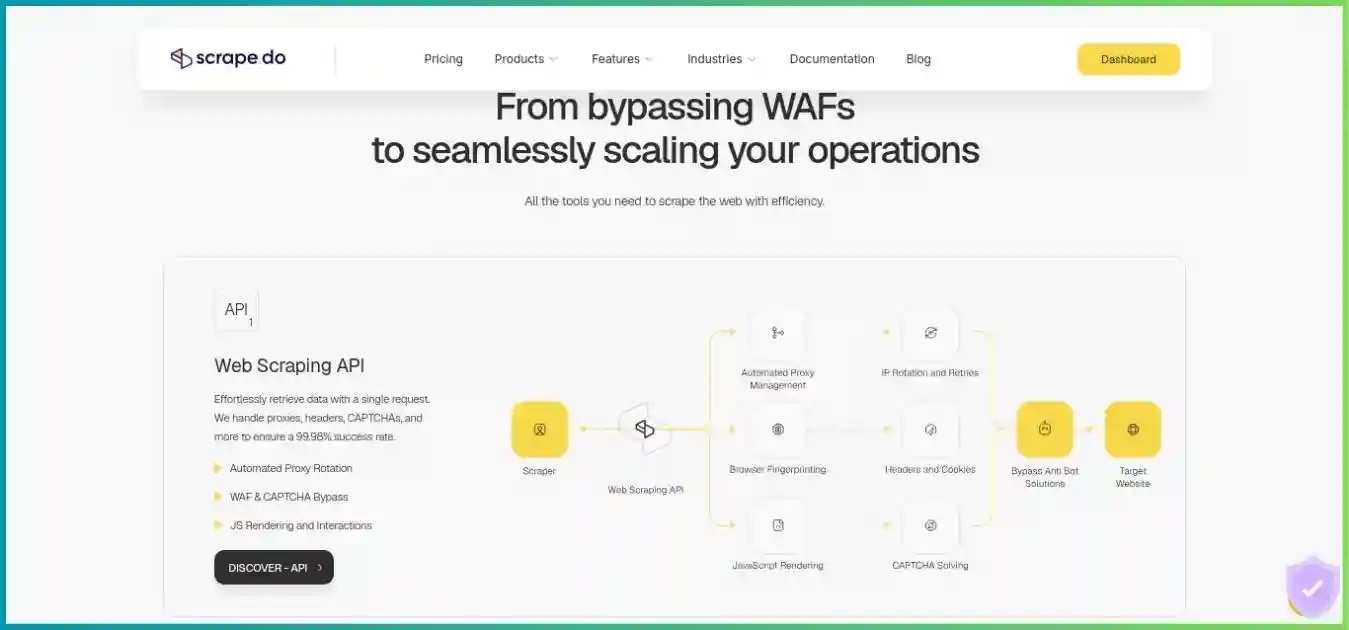
Consider its Ready APIs and independent async capacity when supported targets and background batches matter. Compare named-domain costs rather than only base credits.
Read our Scrape.do reviewScraperAPI
Managed retrieval alternative
Evaluate target coverage, structured endpoint output and feature eligibility on the plan you would actually buy. Reconcile real request multipliers before projecting volume.
Read our ScraperAPI reviewApify
Hosted automation and datasets
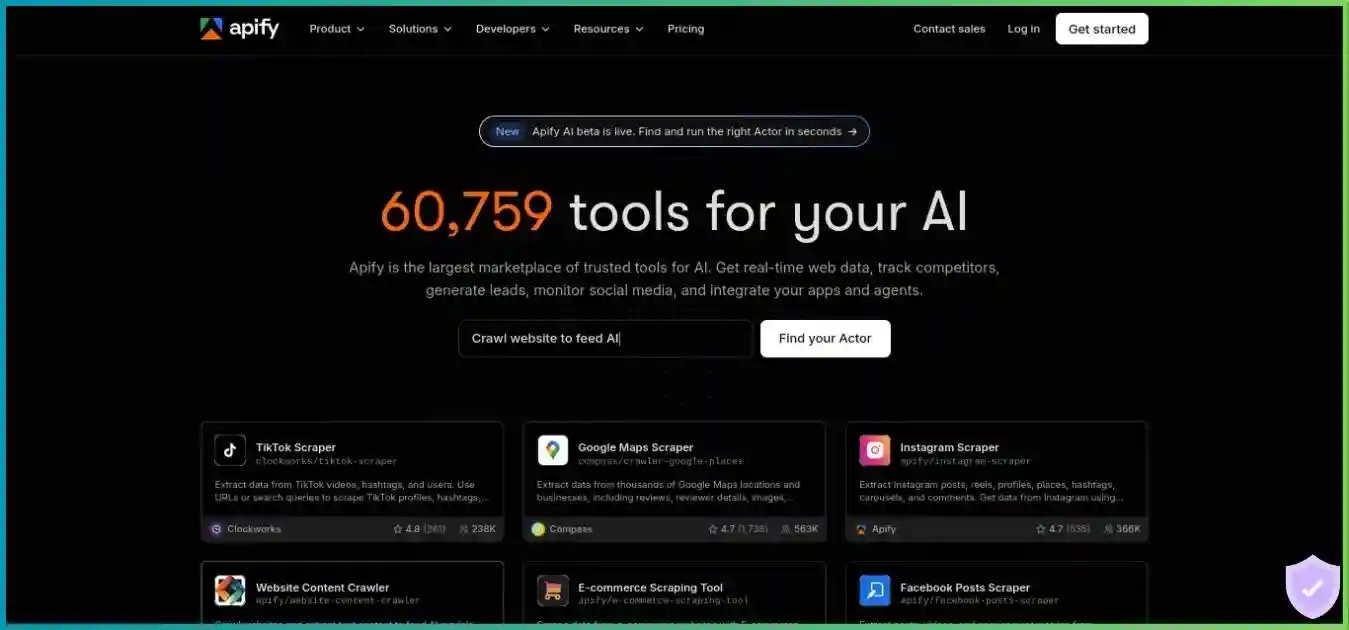
Useful when you want hosted collection code, scheduling and dataset workflows together. Compute, storage and Actor pricing require a different budget model.
Read our Apify reviewOctoparse
Visual collection workflow
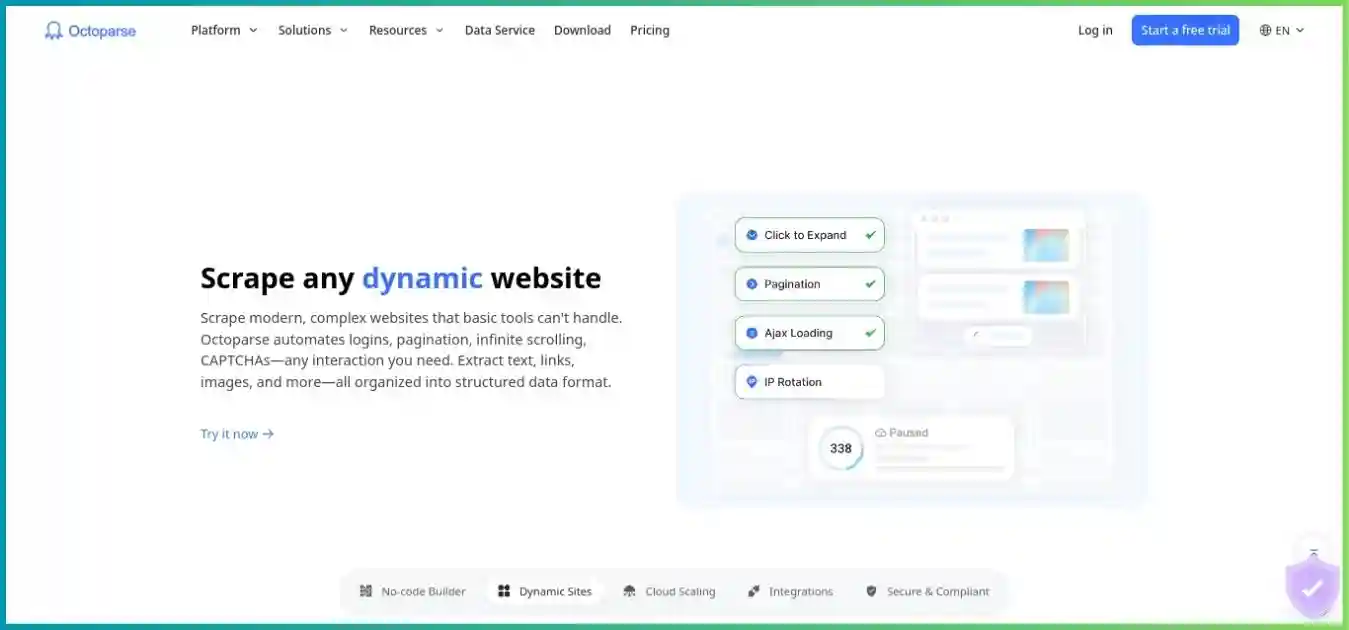
A candidate for teams that prefer configuring extraction visually. Compare task maintenance, cloud limits and billing term with a developer-operated API pipeline.
Read our Octoparse reviewFor a direct API comparison, read ScrapingAnt vs Scrape.do. For the difference between API retrieval and hosted collection code, revisit ScrapingAnt vs Apify. Both decisions depend more on operational fit and your targets than on a generic provider ranking.
Frequently asked questions
Research methodology and limitations
What this review verifies
We reviewed ScrapingAnt’s public pricing, request/response reference, credit-cost table, error documentation, AI extractor guidance, proxy settings, integration pages and terms of use on October 4, 2026. Alternative plan summaries use the providers’ public pricing and documented workflow scope. We did not purchase a paid plan, execute the sample API request or conduct a controlled speed, uptime or extraction-accuracy benchmark.
Price columns and mode bars show published values. Capacity and unit-cost tables are arithmetic at the stated rates; the AI line chart fixes output length to isolate input-size cost. The quality donut and mixed-mode batch are hypothetical illustrations. None represents observed ScrapingAnt user behavior or a measured competitor result.
Where public documentation differs, we explain the discrepancy: the specific Free concurrency restriction takes precedence for planning over broad homepage wording. API country targeting and standalone proxy coverage are treated separately. Public plan details can change, so verify your selected tier, checkout amount and integration options before committing.
Affiliate disclosure: we may earn a commission if you subscribe through our ScrapingAnt links. This review distinguishes documented capabilities, calculated examples and unverified performance claims.
Final recommendation
ScrapingAnt offers a practical managed retrieval layer for developers who want Chrome rendering, proxy routing, Markdown and optional AI extraction behind a straightforward API. Its recurring Free allowance is useful for a pilot, and Startup can be attractive when you need more credits and integration help. The strongest reason to buy is the infrastructure work it removes from a pipeline you already know how to operate.
Start with explicit simple datacenter retrieval, enable rendering only where required and measure residential escalation against accepted records. Budget AI extraction separately using actual page length and charged credits. If you also need hosted scheduling, persistent datasets or visual task configuration, compare those workflows before choosing an API subscription solely on price.
Evaluate your targets with the Free plan
Test a small representative sample, record actual credit costs and validate the data. Choose a paid tier after the workload and support needs are clear.