ScraperAPI is a managed web scraping service for developers who want to retrieve pages without maintaining every proxy, browser and retry rule themselves. Its appeal is straightforward: send a target URL and receive content through an API. Its real cost is less straightforward, because a subscription buys credits and concurrency rather than a fixed number of usable records. This review explains the current plans, credit model, extraction options and operational limits so you can judge whether it fits your project.
We reviewed public pricing and technical documentation on October 4, 2026. We did not buy a subscription or run a controlled target-success or latency benchmark. The charts below show published limits, arithmetic and clearly labeled illustrations. For a broader shortlist, our best web scraping tools guide compares APIs with programmable platforms and visual builders.
ScraperAPI Verdict at a Glance
Best fit: managed retrieval in an existing app
Choose ScraperAPI when you already have somewhere to run code, store results and validate records, but want help with page access, rendering and proxy selection. Its adjacent Crawler and DataPipeline tools also support discovery and recurring collection.
Main tradeoff: effective cost per accepted record
Credit multipliers, subscription utilization and parsing quality determine value. A low price per nominal credit does not help if your targets need expensive modes or the returned content fails your quality checks. Test those factors before committing annually.
The strongest reason to shortlist ScraperAPI is reduced infrastructure work. The strongest reason to compare alternatives is a mismatch between its retrieval model and your workflow. If you need a ready-made scraper marketplace, hosted custom programs or a desktop visual builder, another product may reduce more of your total work. Our ScraperAPI vs Apify comparison explains the retrieval-versus-hosted-workflow decision.
Check ScraperAPI and trial availabilityHow ScraperAPI Works
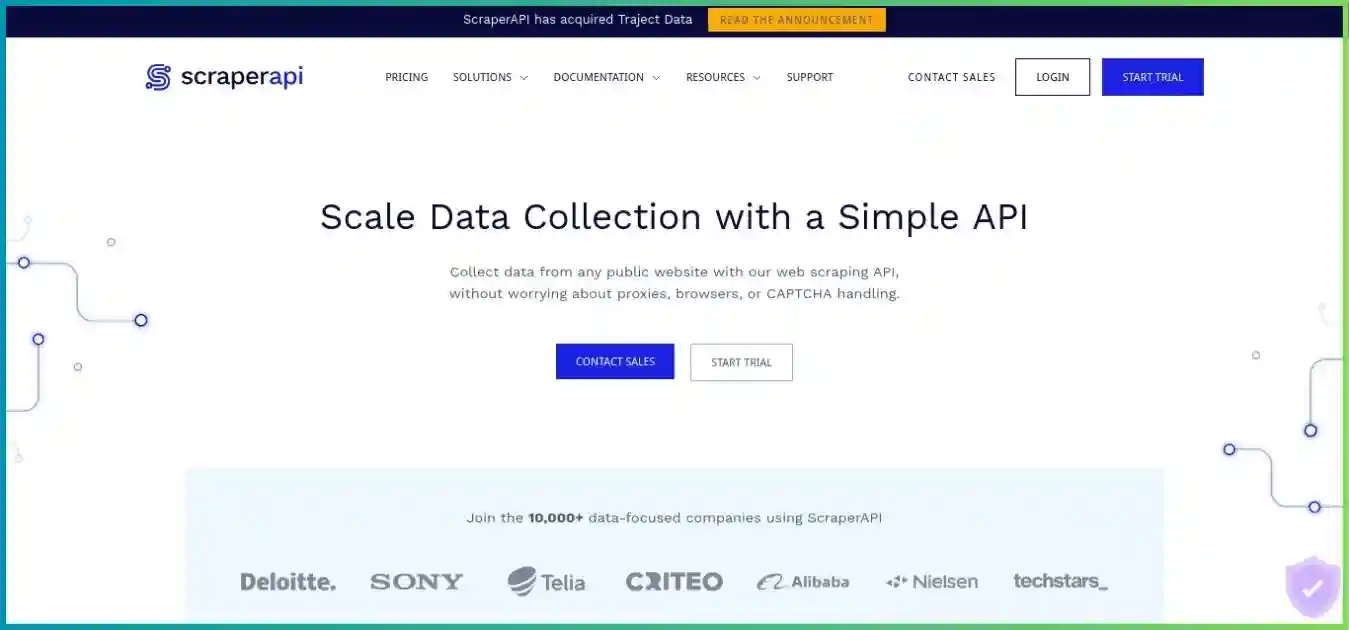
One service, several ways to collect
Use a synchronous HTTP request for immediate retrieval, Async for submitted jobs, proxy mode for compatible clients, or structured endpoints for supported datasets. DataPipeline adds scheduled batches; Crawler follows links. SDKs and AI integrations provide other entry points.
Existing provider homepage image for visual context. Its promotional copy and design may differ from the current service.
1. Define the request
Choose the target URL, required location, response format and least expensive viable retrieval mode. Keep the API key on your server.
2. Retrieve the content
ScraperAPI handles the configured access layer. For supported endpoints it can also return parsed fields instead of raw HTML.
3. Validate and persist
Check page identity and field completeness, normalize records, remove duplicates and write accepted data to your own storage.
This separation matters during troubleshooting. A request can reach a website successfully while your parser fails after a layout change. Conversely, a sound parser cannot fix an access error or the wrong localized page. Track retrieval, extraction and record acceptance as separate stages so you can fix the stage that actually failed.
ScraperAPI Pricing: Plans, Annual Billing and Value
The current public lineup extends beyond Hobby, Startup and Business. Compare allowance, simultaneous requests, geography and overage access together. A higher concurrency limit is useful when requests overlap; it does not promise a particular number of pages per second.
| Plan | Monthly | Annual equivalent / month | Displayed credits | Threads | Targeting / distinction |
|---|---|---|---|---|---|
| Hobby | $49 | $44.10 | 100,000 | 20 | US / EU regions Small pilots; no PAYG |
| Startup | $149 | $134.10 | 1,000,000 | 50 | US / EU regions Larger allowance; no PAYG |
| Business | $299 | $269.10 | 3,000,000 | 100 | Global country targeting Unlimited analytics history; no PAYG |
| Scaling | $475 | $427.50 | 5,000,000 | 200 | Global country targeting PAYG; unlimited analytics history |
| Professional | $975 | $877.50 | 10,500,000 | 300 | Global country targeting PAYG; priority support |
| Advanced | $1,975 | $1,777.50 | 21,500,000 | 500 | Global country targeting PAYG; priority routing |
Enterprise is custom, with 22M+ credits and 500+ threads advertised. Annual rates are billed annually. Professional and Advanced show 10.5M / 21.5M credits alongside separate limited-offer bonus labels; confirm the final allowance rather than adding the bonus twice. Check account-specific allocation, renewal and tax.
USD month-to-month, excluding tax and PAYG. Allowances differ; this is not a same-workload comparison.
Zero-based scale: $0–$2,000. Exact values are also in the plan table.
Annual discount: calculate the commitment first
At the advertised 10% annual discount, Hobby’s $44.10 monthly equivalent implies $529.20 for a year, versus $588 for twelve $49 payments. Startup implies $1,609.20 versus $1,788; Business implies $3,229.20 versus $3,588. These are arithmetic equivalents of published rates, before taxes or order adjustments. Check the actual annual invoice and whether credits are allocated annually or by cycle; the billing documentation discusses annual balances.
For an unfamiliar target, paying more per month during evaluation can be a sensible tradeoff. Once the schema, accepted-record rate and collection schedule are stable, annual billing is easier to assess. Saving 10% on a plan that is mostly unused is less valuable than selecting a smaller commitment that fits the work.
Included-credit value versus realized value
| Monthly plan | Calculation | USD / 1,000 credits | Interpretation |
|---|---|---|---|
| Hobby | $49 ÷ 100,000 × 1,000 | $0.490 | Before mode costs, unused credits and record rejection |
| Startup | $149 ÷ 1,000,000 × 1,000 | $0.149 | Before mode costs, unused credits and record rejection |
| Business | $299 ÷ 3,000,000 × 1,000 | $0.100 | Before mode costs, unused credits and record rejection |
| Scaling | $475 ÷ 5,000,000 × 1,000 | $0.095 | Before mode costs, unused credits and record rejection |
Hobby at full utilization costs $0.49 per 1,000 included credits. If every billable request costs 25 credits, the same allowance supports 4,000 requests and allocates $12.25 per 1,000 billable requests. Using only half that capacity doubles the effective subscription cost per request. The useful denominator is accepted records, especially when one record requires several pages.
Trial, renewal, overages and cancellation
Billing docs distinguish a 1,000-credit monthly free account from a seven-day 5,000-credit introduction. Unused credits do not roll over at renewal. Scaling and higher advertise PAYG with a spending cap; lower tiers require an upgrade or support discussion when exhausted. Cancelling is free and the cancellation guide schedules it at renewal. A seven-day refund is advertised through support; request it separately from cancellation and confirm purchase-specific eligibility.
API Credits: What Each Scrape Actually Costs
There are three budgeting inputs: the target domain, any protection-specific handling, and the request options. Do not calculate every combination by adding headline multipliers. The documentation lists combined mode costs, and the estimator is the better guide to the exact URL and parameter set.
| Category / mode | Documented credits | Scope / caution |
|---|---|---|
| Normal flat request | 1 | Base rate for an ordinary target |
| Amazon, Walmart, eBay | 5 | Current ecommerce domain category |
| Google / Bing | 25 | SERP category; includes subdomains |
| 30 | Documented social target; no universal social-media rate | |
| Bot-protection bypass | 10 | Cloudflare, Turnstile, DataDome, Human and Akamai listed |
| Rendering or premium | 10 | Mode reference; check exact target combination |
| Premium + rendering | 25 | Core API combined mode |
| Ultra Premium | 30 | Paid-plan mode |
| Ultra Premium + rendering | 75 | Paid-plan combined mode |
Published reference modes, not additive charges or measured performance. Domain-specific costs may change the result.
All bars use a zero baseline and the same scale (0–75 credits).
Turn credits into a workload estimate
For a 100,000-credit allowance, divide by the verified credit cost per request. At 1, 10, 25 and 75 credits, the theoretical capacities are 100,000, 10,000, 4,000 and 1,333 whole requests. These figures assume identical costs, no other credit use and full allocation availability. They are not a guarantee of extracted rows, and a multi-page job can consume several requests per record.
Before launching a batch, use the dashboard Domain Multiplier or the URL-cost endpoint with the exact parameters. Set max_cost to cap a single scrape; a request exceeding it returns 403. Inspect sa-credit-cost afterward and aggregate cost by target and job. A per-request cap does not limit the number of requests, so also enforce a batch budget and, where available, a PAYG spending cap.
DataPipeline now starts at one credit
DataPipeline’s current documentation explicitly replaces the older six-credit normal base rate with one credit. Its current matrix still needs separate treatment: normal premium plus rendering is listed at 20 credits, while Core API documentation lists 25 for that combined mode. Use the current project estimate and final job usage rather than transplanting either table into the other product.
| Mode | Normal | Ecommerce | SERP |
|---|---|---|---|
| Flat | 1 | 5 | 25 |
| JavaScript rendering | 10 | 15 | 35 |
| Premium | 10 | 10 | 35 |
| Premium + rendering | 20 | 25 | 45 |
| Ultra Premium | 30 | 30 | 55 |
| Ultra Premium + rendering | 75 | 75 | 75 |
Current pricing tab checked October 4, 2026. The old pricing tab is historical. Cost depends on domain, inputs and options; inspect the final per-job accounting.
A returned page and an accepted record are different
- 800 accepted records
- 150 incomplete records
- 50 duplicates
Budget for useful data
Suppose 1,000 billable Core API requests each cost 25 credits. They use 25,000 credits. At Hobby’s fully utilized nominal credit rate, that allocates $12.25 of the subscription. With 800 accepted records, allocated cost is about $0.0153 per accepted record.
If those 1,000 requests are your entire month’s usage, the actual subscription spend is still $49, or $0.06125 per accepted record. The difference is unused capacity. Add your own parsing, storage and engineering costs to compare total ownership cost.
Hypothetical example, not a ScraperAPI quality test or a standalone $12.25 package. It assumes one candidate record per response.
The billable-response definition also deserves attention: the credit docs include 200 and 404 responses and requests cancelled by the client before allowing 70 seconds. A missing page, duplicate or incomplete record can therefore have a cost even when it produces no useful dataset entry. Log the reason for rejection so you can improve the workflow rather than simply requesting more pages.
Features, Parsing and Automation
JavaScript rendering
render=true returns rendered HTML. Use wait_for_selector with rendering when a required element appears late. Start with plain retrieval and enable rendering only where it changes field completeness; it consumes more credits and can increase latency.
Proxy and location controls
Premium mode uses residential/mobile IPs; Ultra Premium invokes advanced bypassing. country_code selects a location without a separate parameter charge, but plan entitlements still apply. Mobile user-agent selection changes page presentation; it does not itself select a mobile carrier IP.
Headers and sessions
keep_headers allows custom headers. session_number requests proxy reuse, but the current parameter reference excludes combining it with premium or ultra_premium. Treat sessions as a documented option with constraints, rather than assuming a permanently reserved address.
Structured data endpoints
Supported endpoints return extracted fields in JSON or CSV and work with Sync and Async. They can reduce parser maintenance, but target coverage and endpoint schemas remain specific. Check identifiers, locales, pagination and missing-field behavior for the exact endpoint.
DataPipeline: known input lists and recurring collection
DataPipeline organizes batches around URLs, keywords or target-specific identifiers. The current input guide permits up to 100,000 items per project through CSV, with up to 500 pasted directly; input webhooks can supply a changing list. Format the upload as documented rather than assuming a conventional multi-column CSV. Scheduling can turn a validated list into recurring collection without building all of the orchestration yourself.
Output handling is as important as scheduling. Downloads and webhooks deliver zipped results. Arbitrary-site HTML is wrapped in JSONL; structured JSON is also wrapped in JSONL, while CSV is limited to structured-data projects. The documented autoparse target list is Amazon, eBay, Google, Redfin and Walmart. Results are retained for up to 30 days, so move completed files into your storage promptly and confirm ingestion before the retention window ends.
Crawler: discover links rather than maintain every URL
Crawler discovers linked pages, skips duplicates, retries and stops at configured budget or depth limits. That suits catalogs and paginated collections where you do not already know every URL. Define allowed paths and depth before running it: filters, sort orders and calendar links can generate far more URLs than expected. The free Crawler is limited to depth one and lacks recurring schedules; paid plans advertise full crawler access.
AI integrations: useful connections, with a validation step
ScraperAPI’s documentation now includes MCP, LangChain, a community n8n node and a schema-based AI Parser. These connections can help pass collected content into an agent or automation. Check AI Parser availability and billing separately. For high-value fields such as prices or availability, compare extracted values with the original page and require an explicit missing value instead of allowing a model to fill gaps.
Use deterministic cleanup after any extraction method: preserve source URL and retrieval time, standardize currencies and units, and validate required fields. For an AI knowledge workflow, separate retrieved text from trusted instructions and store provenance with each chunk. Fetching readable content is only the first step toward a reliable answer or dataset.
Performance: What Is Known and What to Test
There is no reproducible, same-target benchmark behind this review. The pricing page advertises a 99.9% uptime guarantee, which describes service availability rather than your target’s extraction success. Rendering, proxy routing, retries, page size and target protection all influence latency. No universal success rate or response-time ranking would fairly describe those conditions.
Plan limits, not measured throughput. More threads permit more simultaneous work; target latency still determines completion speed.
All bars use a zero baseline and the same scale (0–500 threads).
As an illustration, 20 fully occupied threads with an assumed 10-second average request duration could complete about two requests per second before client overhead and retries. At 30 seconds, the same capacity falls to about 0.67 requests per second. Neither assumption is a measured ScraperAPI result. Size your worker pool using your own latency distribution and leave room for slow requests.
| Measure | Definition | Why it changes the decision |
|---|---|---|
| Retrieval success | Valid target content / attempted URLs | Detects blocks, wrong pages and missing documents |
| Record acceptance | Complete, unique records / candidate records | Shows actual dataset yield |
| Latency | Median and p95 by domain and mode | Captures normal speed and slow-tail behavior |
| Credit efficiency | Total billed credits / accepted records | Connects usage to useful output |
| Locale accuracy | Correct region, language and currency | Prevents mixing incompatible records |
| Recovery | Retries, 429 handling and resumed jobs | Tests behavior under partial failure |
Select a small but varied sample: easy pages, difficult pages, pagination, missing pages and each required locale. Run comparable options against the same sample, record the configuration and repeat at another time. A thousand copies of an easy URL tell you less than a carefully chosen sample that reflects the pages your production job will encounter.
Concurrency needs backoff, not an unlimited retry loop
The public pricing FAQ says excess concurrency returns 429 and the request is rejected rather than queued. Use a bounded queue, limited retries and increasing delays with jitter. MDN’s HTTP 429 explanation describes the response and the optional Retry-After header. Respect that header when supplied, and distinguish provider capacity errors from target responses.
ScraperAPI Pros and Cons
ScraperAPI makes the access layer easier to operate. The remaining work is validating the target, choosing a cost-effective mode and building reliable ingestion around the response.
Pros
- Straightforward HTTP integration into an existing codebase.
- Managed access, rendering and retries can reduce infrastructure maintenance.
- Structured endpoints can reduce parser work on supported targets.
- Crawler and DataPipeline cover discovery and recurring batches.
- Cost estimates, response usage headers and per-scrape caps support budgeting.
Cons
- Credit multipliers make headline allowances easy to overestimate.
- Unused credits expire at renewal, reducing value for sporadic work.
- Country-level global targeting starts above the entry tiers.
- Parsing coverage and session combinations have documented limits.
- Successful retrieval still requires field validation and durable storage.
Which Workloads Fit ScraperAPI?
Ecommerce monitoring
A defined product list is a good starting point for scheduled collection. Preserve product and variant IDs, distinguish list prices from sale prices, and record currency, stock status and delivery region. Check whether a structured endpoint returns the fields you need before building a parser.
Search and SEO research
Collect results for a controlled keyword and location set. SERP requests have a higher base credit cost, so include pagination and collection frequency in the budget. Separate organic listings, advertisements and rich results instead of comparing unlike positions.
Public market and listing research
Crawler can discover a catalog; DataPipeline can revisit known pages. Store source URLs and collection times, track removed listings, and deduplicate by stable identifiers. A missing page should become a documented state rather than silently disappearing from your historical dataset.
AI retrieval and document ingestion
A retrieval API can feed a text-processing or knowledge pipeline. Enforce allowed sources, preserve citations, remove navigation noise and check that the extracted text is current. Document size limits and downstream context limits are separate constraints.
A poor fit is a project that assumes arbitrary websites will automatically produce a complete, stable spreadsheet with no extraction design. Another is an occasional tiny job on an expensive subscription: the plan can remain largely unused. Compare a visual builder if the main obstacle is authoring extraction logic, or a hosted scraper platform if the main obstacle is running and maintaining the entire program.
Collection scope matters too. Honor applicable site rules and access restrictions, minimize personal information and use reasonable request rates. The IETF Robots Exclusion Protocol specification explains how robots.txt communicates crawler preferences. It does not provide access authorization. Decide allowed URLs and retention before collecting a dataset.
Setup and Production Integration
Start with a small server-side request
Create an account, store the API key in a server environment variable and use the playground to evaluate a permitted target. Keep the first request simple: no rendering or premium mode until the plain result shows why they are needed. The service documents a 50MB response limit and recommends allowing 70 seconds for synchronous completion.
// Run on a server with SCRAPERAPI_KEY set in its environment.
import { writeFile } from 'node:fs/promises';

const key = process.env.SCRAPERAPI_KEY;
if (!key) throw new Error('Missing SCRAPERAPI_KEY');

const params = new URLSearchParams({
  api_key: key,
  url: 'https://example.com/',
  max_cost: '1', // Reject requests exceeding this credit cap.
});

const response = await fetch(
  'https://api.scraperapi.com/?' + params.toString(),
  { signal: AbortSignal.timeout(75000) },
);

console.log({
  status: response.status,
  credits: response.headers.get('sa-credit-cost'),
});

if (!response.ok) {
  // A 404 may be billable; handle missing targets separately.
  throw new Error('Scrape returned status ' + response.status);
}

const html = await response.text();
// Validate page identity and required fields before accepting records.
await writeFile('page.html', html, 'utf8');
Illustrative Node.js example using native fetch and a 75-second client timeout to allow the documented completion window. It has not been executed against a paid account. If the target costs more than one credit, inspect the estimate before deliberately changing max_cost. The API endpoint in the code is an integration destination, not a commercial outbound link.
Move from a script to a resilient collection job
- Define a record contract. Specify required fields, types, uniqueness keys and acceptable missing values. Preserve the original URL, locale and collection timestamp so downstream users can evaluate provenance.
- Bound parallelism. Put pending URLs in a queue and run fewer simultaneous requests than the plan limit when other jobs share the account. Track both completed and in-flight work.
- Separate error classes. A 403 from max_cost calls for a budget decision; a 429 calls for reduced concurrency and backoff. A genuine target 404 may be a valid missing-record outcome. Repeating every error identically wastes effort.
- Limit retries. Use a finite attempt count, increasing delay and a retry budget. Save failed inputs for review. Do not immediately resubmit a slow request while it may still be running.
- Make writes idempotent. A repeated response should update or safely skip an existing record. Resume a partial job from known progress rather than rerunning all successful URLs.
- Watch cost and quality together. Alert on credits per accepted record, missing-field rate and unexpected locale changes. A job completing on time can still be financially or analytically wrong.
Use Async or DataPipeline when collection should outlive a front-end request or a short serverless execution window. For webhook delivery, validate the expected job, handle duplicate delivery and ingest into durable storage before acknowledging completion. Keep credentials out of browser bundles, URL logs and error reports; log status and usage without logging the complete authenticated request URL.
How ScraperAPI Compares with Other Scraping Tools
Compare products by the work they remove. A retrieval API, a hosted scraper platform and a visual desktop builder charge for different resources and leave different responsibilities to you. Their cheapest plans are useful for estimating commitment, but they are not equivalent datasets or equivalent performance.
| Provider | Published entry option | Primary fit | What to evaluate |
|---|---|---|---|
| ScraperAPI | $49/month Hobby | Managed retrieval, crawler and pipeline suite | Mode credits, location and accepted-record yield |
| Apify | $19/month Starter + usage | Hosted Actors and programmable workflows | Actor fee, compute, proxy, storage and maintenance |
| ScrapingAnt | $19/month Enthusiast | API collection with credit-based modes | Domain requirements and rendering/residential multipliers |
| Scrape.do | $29/month Hobby | A compact managed scraping API | Target support, mode cost and concurrency |
| Octoparse | From $83/month Standard | Visual extraction and cloud execution | Desktop workflow, cloud processes and add-ons |
Published entry offers from reviewed provider materials; billing units and included resources differ. Taxes, annual offers and extra usage are excluded. No same-workload cost or speed ranking is implied.
If you already have a tested parser and a reliable job runner, replacing your entire application with a platform can create unnecessary migration work. In that case compare access APIs directly. If you are starting with no extraction logic, a ready-made Actor or visual template may provide more value than a cheaper request. Our ScraperAPI vs ScrapingAnt and ScraperAPI vs Scrape.do guides examine those API choices.
For budgeting, our cheapest web scraping providers guide helps separate entry price from consumption. A fair comparison uses the same URLs, fields, locations, schedule and acceptance criteria, then includes engineering time and unused commitments as well as request charges.
Alternative Provider Guides
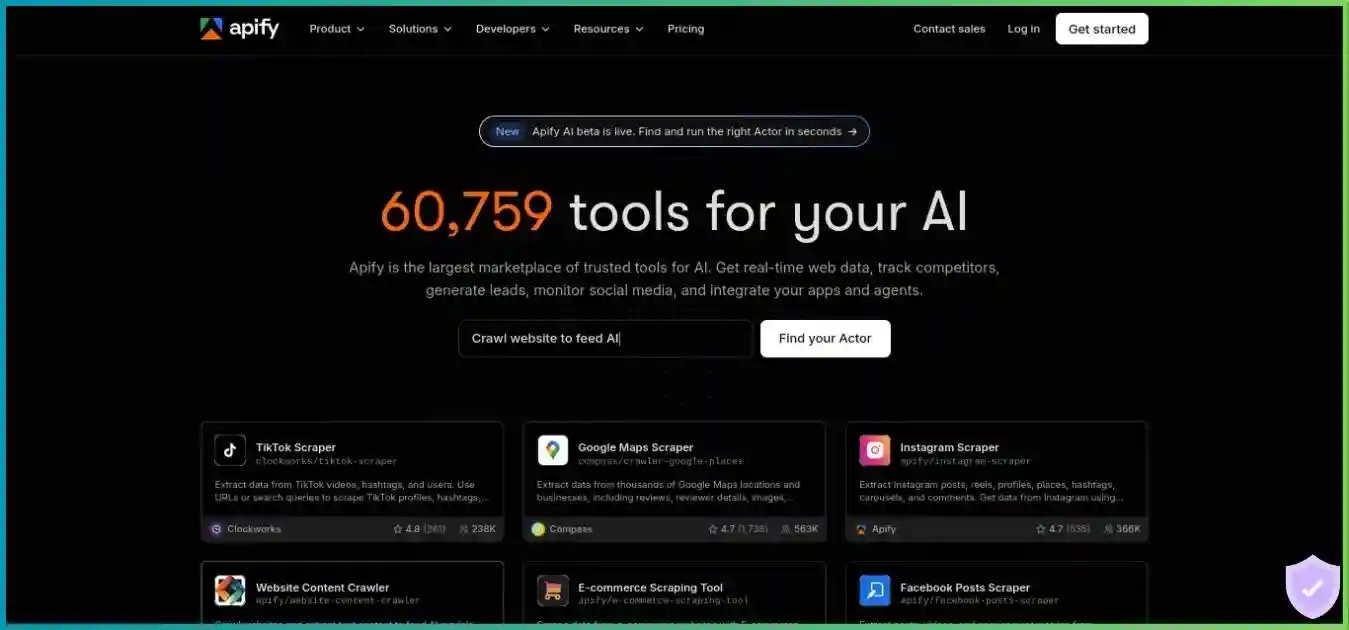
Apify
Consider Apify when you want to run complete scrapers, chain tasks and manage outputs in a hosted environment. Assess the selected Actor and its billing as carefully as the platform plan: a marketplace listing is not a universal promise of field coverage or target success.
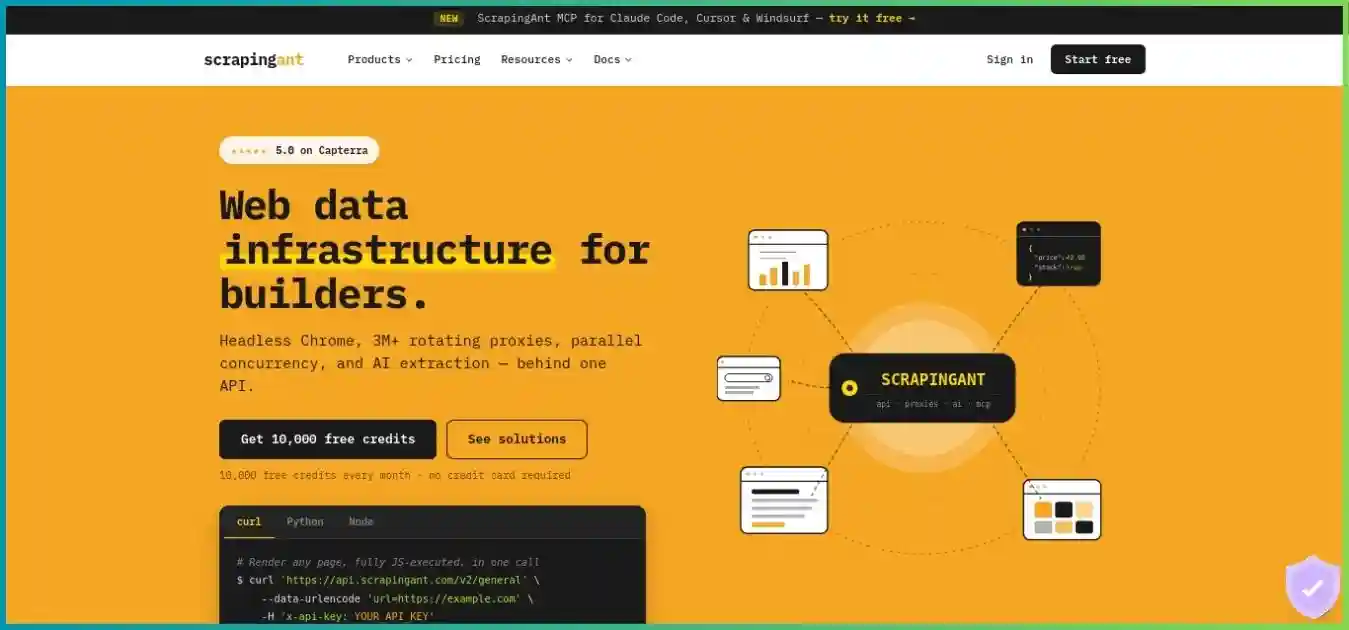
ScrapingAnt
Consider ScrapingAnt when the primary need is an API that returns pages with optional browser and proxy modes. Compare actual rendered and residential usage, response quality and your required target location instead of treating nominal credits as identical across providers.
Octoparse
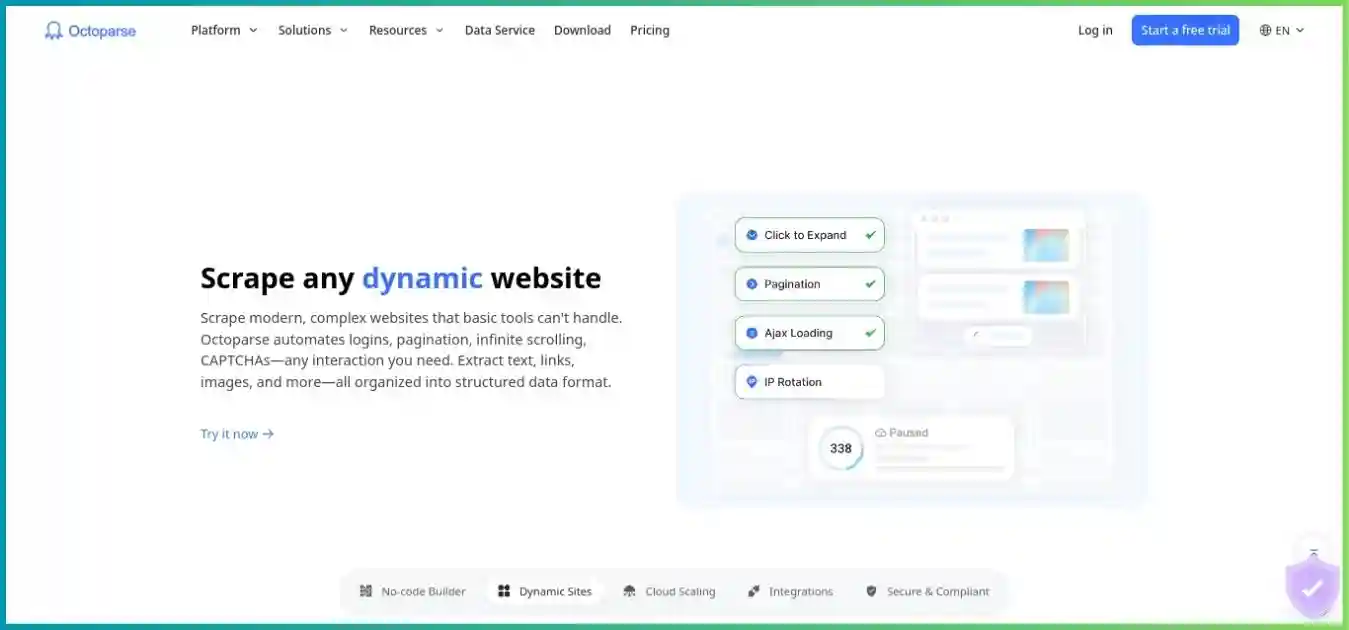
Consider Octoparse when you want to build extraction rules visually rather than write a parser. Check desktop compatibility, current cloud-process limits, scheduling and proxy or template add-ons. It fits a different authoring workflow from adding ScraperAPI to an existing application.
Existing homepage images illustrate the providers; embedded offers may be historical. Use the written plan details and current checkout when comparing costs.
Frequently Asked Questions
How We Researched This Review
We checked public provider pricing, billing and cancellation guidance, credit-cost references, supported parameters, structured-data documentation, Crawler limits, and DataPipeline input/output and retention documentation on October 4, 2026. Provider prices and limits are published information; workload advice and cost illustrations are editorial analysis. Commercial links use our affiliate destination, while the HTTP and robots.txt references above provide independent technical context.
The current DataPipeline pricing tab supersedes its historical table. Where Core API and Pipeline combinations differ, we show them separately and recommend confirming the actual job estimate. Promotional bonus labels and annual allocation deserve checkout verification. Alternative plan information comes from the same provider research used in our linked comparison guides.
We did not perform paid checkout, authenticated dashboard testing, a support-response test, a controlled latency or target-success benchmark, or a security audit. We do not assign a numerical review score or present provider uptime promises as independently verified extraction results. Plans, target protection and documented behavior can change.
Final Recommendation: Is ScraperAPI Worth It?
ScraperAPI is worth shortlisting when managed page access solves a meaningful problem in a pipeline you already own. Its API entry points, structured endpoints, Crawler and DataPipeline make it useful across immediate retrieval, discovery and recurring collection. The deciding evidence should be your actual fields, locations and accepted-record cost.
Start with a representative pilot. Verify the lowest-cost mode that returns complete data, measure credits and slow-tail latency, confirm geography, and estimate recurring usage. Select a paid plan only after those checks, and consider annual billing once the workload is predictable. If extraction authoring or hosted execution is the larger obstacle, compare the alternative workflows above before committing.
Evaluate ScraperAPI with a realistic pilot
Choose representative URLs, define accepted records and check the estimated credit cost. Confirm the trial, plan allowance, renewal and any overage settings before increasing volume.