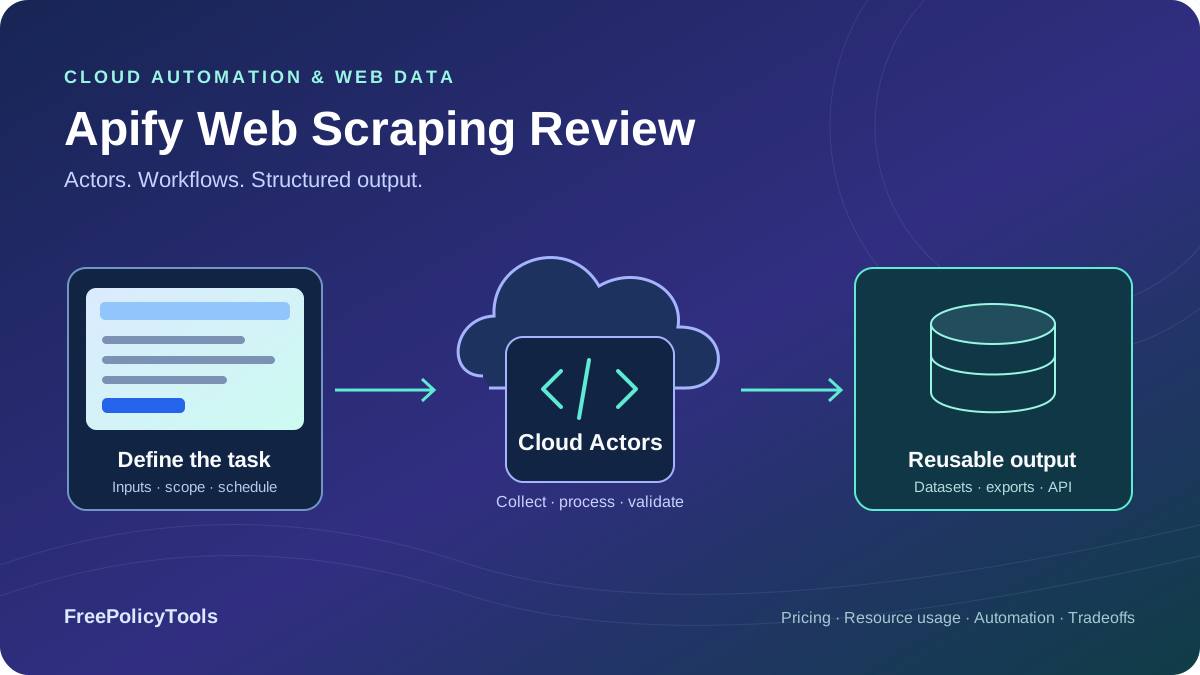
Apify is a cloud platform for running web scrapers, automation tools and data workflows called Actors. Its main advantage is the combination of a ready-made marketplace with programmable execution, scheduling, proxy access and storage. You can configure an existing Actor in a browser, invoke it from an application, or deploy custom code when a ready-made tool does not cover the task.
That flexibility makes pricing more involved than buying a fixed number of pages. A subscription provides prepaid usage, an Actor can define billable events, and some workflows also consume compute, proxies, transfer and storage. This review checks the public plans and documentation as of October 4, 2026, explains those layers, and compares Apify with narrower retrieval APIs and visual scraping tools. We did not run an independent speed, accuracy or support benchmark.
Free-plan platform usage
Starter monthly subscription
Ready-made or custom cloud jobs
Schedules, API and webhooks
Apify verdict: a workflow platform with Actor-specific economics
Apify deserves a shortlist place when the job includes repeatable collection, cloud execution, stored results and downstream automation. A maintained Actor can shorten the path to a first useful dataset; a custom Actor can retain the same operating environment when requirements become more specific. The value is in how much implementation and maintenance work the platform removes from your actual pipeline.
Best fit
Teams that want reusable cloud jobs, native schedules, datasets and integrations, with a maintained marketplace Actor or custom code suited to their targets and output requirements.
Evaluate carefully
Jobs needing only page retrieval, unpredictable browser or residential traffic, weakly maintained third-party Actors, and projects assuming a subscription buys unlimited results or permanent storage.
Start with one Actor and a small input
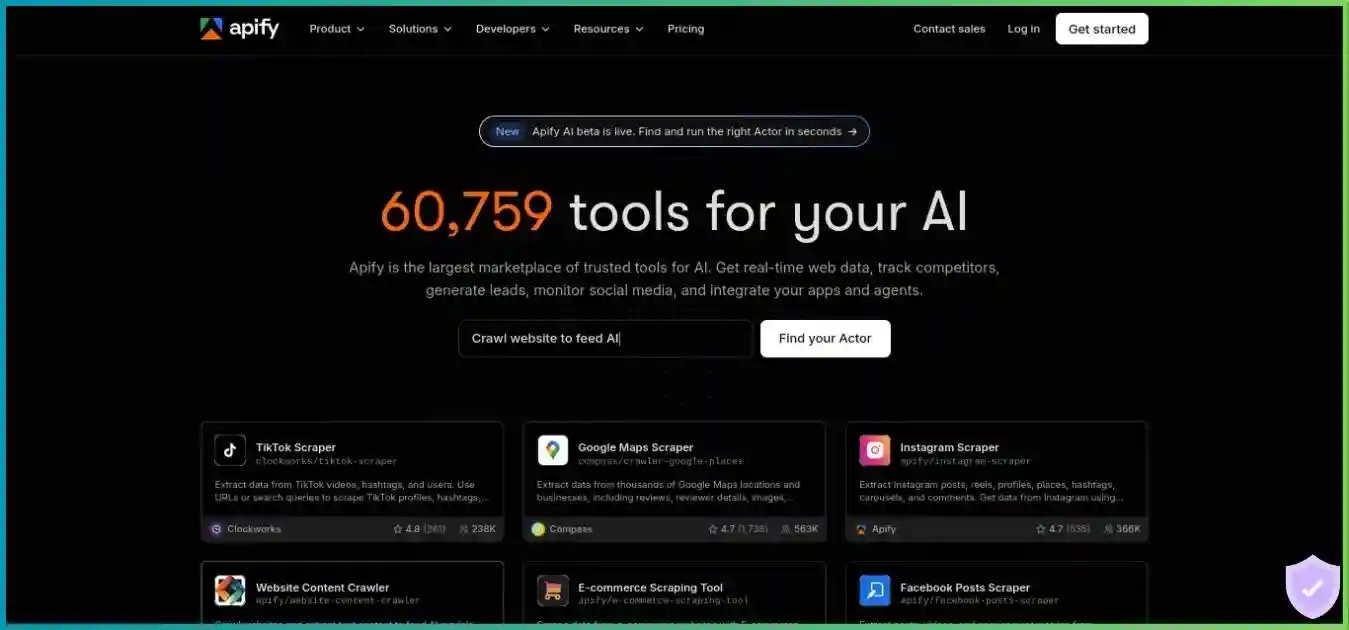
The existing homepage screenshot is illustrative and may retain older promotional copy. Use the current tables below for plan details, then inspect the chosen Actor’s pricing, inputs and output before scheduling repeat runs.
Apify is not automatically the right answer for every scraper. A developer who already owns scheduling, storage and parsing may only need a retrieval API. A nontechnical user who wants to design arbitrary page interactions visually may prefer a desktop builder. Our best web scraping tools guide compares these different service models.
Actors, crawling, browser automation and integrations
| Component | What it does | What to verify |
|---|---|---|
| Actor | Runs a scraper or automation job in the cloud | Input schema, output, permissions, build and billing model |
| Saved task | Stores an Actor configuration for repeated execution | Stable inputs and whether changes affect scheduled runs |
| Schedule | Starts Actors or tasks at defined times | Timezone, overlap, spending limits and notifications |
| Dataset | Stores structured output rows | Field quality, retention, exports and read/write charges |
| Request queue | Coordinates pending and processed requests | Deduplication, retries and recovery logic |
| API / webhooks | Connects runs and results with other systems | Authentication, event handling and duplicate delivery |
Ready-made Actors and custom code
A Store Actor typically exposes a configuration form and a documented result format. That can make a supported job accessible without writing a crawler. The marketplace also includes automation and AI tools, so its tool count is broader than a count of website scrapers. Developers can build their own JavaScript or Python Actors, choose dependencies and deploy the collection logic needed for a particular source.
The platform, the Actor developer and the target website are separate dependencies. A third-party listing can change pricing or output, and a target can change its markup or access behavior. Check the maintainer’s activity, issue handling, sample output and supported scope. An Actor that succeeds on a public category page may not handle every authenticated, regional or paginated variant.
HTTP crawling and browser interaction
An Actor can use a plain HTTP client and HTML parser, or run a browser through tools such as Playwright and Puppeteer. Rendering helps when the needed data appears after JavaScript executes; interactions help when a task needs scrolling, clicks or browser state. Those capabilities depend on the chosen Actor and its configuration, rather than being automatically applied to every run.
Custom crawlers can use request coordination and resource-aware execution, but target access and correct parsing remain workload-specific. Start with the least complex mode that produces the required fields. Running a browser for a static page can add memory, runtime and resource traffic without improving the result. Conversely, an HTTP-only Actor may return a valid response while missing the content your application expects.
Native schedules and event-driven workflows
Schedules support cron-style timing and timezone settings. Webhooks can react to run completion or failure and connect the output with another Actor or external system. This is useful for a recurring collect, validate, export workflow. It still needs an owner for monitoring, failed delivery and target changes; configuring a schedule does not ensure every future run produces complete data.
Define an overlap policy before increasing frequency. If a daily run occasionally takes longer than expected, the next invocation should not silently duplicate the same costly work. Use run identifiers and deterministic output keys downstream, distinguish a failed launch from a failed collection, and make a stopped schedule easy to recognize in monitoring.
Apify subscription plans and resource pricing
Paid plans combine a recurring subscription with included prepaid usage and eligible pay-as-you-go overage. The subscription is a minimum commitment, while the usage balance funds Actors and platform resources. At Starter, $19 of included consumption is not a second $19 charge on top of the subscription; consumption beyond it can create additional charges when account limits allow.
| Plan | Subscription | Included usage | RAM allowance | Concurrent runs | Support |
|---|---|---|---|---|---|
| Free | $0 | $5 | 16 GB | 5 | Community |
| Starter | $19 | $19 | 64 GB | 32 | Chat |
| Scale | $199 | $199 | 256 GB | 128 | Priority chat |
| Business | $999 | $999 | 512 GB | 256 | Account manager |
| Enterprise | Custom | Contract-specific | Custom | Custom | Contract-specific |
The RAM allowance is an aggregate capacity constraint across active work, not a promise that each of the maximum concurrent runs receives that much memory. The current comparison lists 64 GB for Starter, while an older subscription-help paragraph still says 32 GB. This review follows the current comparison table; verify the account’s actual allocation before planning a worker fleet. Enterprise capacity and SLAs require the actual agreement.
USD per CU. A CU is allocated GB-hours; this is one resource price, not a price per page or an all-in Actor rate.
Zero baseline; shared scale from 0 to 0.2 USD / CU.
| Usage | Free | Starter | Scale | Business |
|---|---|---|---|---|
| Residential / GB | $8 | $8 | $7.50 | $7 |
| Datacenter included IPs | 5 | 30 | 200 | 500 |
| Additional datacenter / IP | Check eligibility | $1 | $0.80 | $0.60 |
| Google SERP / 1,000 | $2.50 | $2.50 | $2 | $1.70 |
| Unblocker / 1,000 requests | $1.50 | $1.50 | $1.25 | $1 |
Free-plan Apify Proxy is limited to use within Apify. Included datacenter IPs also do not make every website accessible or eliminate all other resource costs. Choose the access mode from target behavior and the Actor’s requirements, then inspect the actual usage breakdown. A per-request Unblocker rate and a per-GB residential rate describe different billing models.
| Metered item | Free / Starter | Scale | Business |
|---|---|---|---|
| Dataset storage / 1,000 GB-hours | $1 | $0.90 | $0.80 |
| Dataset / 1,000 reads | $0.0004 | $0.00036 | $0.00032 |
| Dataset / 1,000 writes | $0.005 | $0.0045 | $0.004 |
| Request queue storage / 1,000 GB-hours | $4 | $3.60 | $3.20 |
| External transfer / GB | $0.20 | $0.19 | $0.18 |
| Internal transfer / GB | $0.05 | $0.045 | $0.04 |
These are selected published rates, not every billable operation. Key-value storage, queue operations, builds and add-ons can matter for a particular implementation. Dataset writes are metered operations, so batching and the SDK’s actual behavior should be reflected in an estimate rather than assuming each result equals one write.
Monthly versus annual commitment
The public page advertises a 10% annual-billing discount. Subscription help says annual prepaid usage can be consumed throughout the annual billing period, whereas unused monthly usage expires at monthly renewal. Compare the final annual total, balance allocation, renewal and cancellation terms at checkout. A lower annual equivalent is not a flexible monthly payment.
Store discount tiers are Bronze for Starter, Silver for Scale and Gold for Business. Eligibility and the actual discount depend on the listing, so do not apply an assumed universal percentage to every Actor. Taxes and add-ons also belong in the final account-specific cost estimate.
Actor fees, pay-per-event billing and rental retirement
| Model | What you pay for | Budgeting implication |
|---|---|---|
| Pay per usage | Platform resources consumed; no extra developer fee | Measure compute, proxy, transfer and storage consumption |
| Pay per event | Developer-defined events; usage inclusion varies | Identify each event and whether resources are included |
| Historical rental | Monthly fee plus resource consumption | Retirement guidance supersedes older rental assumptions |
Pay-per-event is not necessarily pay per valid record. A developer can price starts, results or another defined action. Most event-priced Actors include platform usage, but some charge resources separately. Post-run dataset activity can still incur platform costs. Read the listing’s inclusion rules and compare them with the itemized run and account usage before extending a sample to thousands of runs.
Apify’s rental sunset documentation specified October 1, 2026 for full retirement, with remaining rental Actors migrating to pay-per-usage. Some general documentation and the pricing comparison still mention rented Actors. Treat that as legacy wording: check the live listing and account charge schedule. A maintainer can also migrate to pay-per-event, so an old “$X per month” screenshot is not an adequate purchase quote.
How to evaluate one listing
Record the publisher, Actor identifier, tested build, target scope, required inputs, output fields and current event schedule. Check whether failed or empty runs can incur start or resource charges. Determine how a result is counted, whether several outputs can come from one page, and whether an input limit controls work performed or only returned output. Those details often matter more than the Actor’s headline price.
For comparison, imagine a listing with a hypothetical $2 per 1,000 results and 10,000 billable outputs: its event component is $20. If only 8,000 outputs pass your validation, that component allocates $2.50 per 1,000 accepted records. Add resources only if the listing bills them separately, then account for the subscription minimum and other period costs. This is arithmetic, not an actual marketplace offer.
A worked run cost and practical spending controls
One CU represents 1 GB of allocated RAM running for one hour. A hypothetical 2 GB Actor running for 30 minutes consumes 1 CU, regardless of whether it returns ten pages or a thousand. Useful output depends on the implementation and targets. Slower completion, heavier browser resources or repeated attempts can raise usage without proportionally improving accepted records.
| Component | Assumed quantity | Calculation | Usage cost |
|---|---|---|---|
| Compute | 2 GB × 0.5 hour | 1 CU × $0.20 | $0.20 |
| Residential proxy | 0.25 GB | 0.25 × $8 | $2.00 |
| External transfer | 0.10 GB | 0.10 × $0.20 | $0.02 |
| Dataset writes | 10,000 metered write operations | 10 × $0.005 | $0.05 |
| Illustrative total | Only the listed components | No separate Actor event fee | $2.27 |
Illustrative pay-per-usage Starter run totaling $2.27. No separate Actor event fee, timed storage, other operations or taxes included. Not an invoice or typical customer distribution.
- Residential traffic: $2.00 (88.1%)
- Compute: $0.20 (8.8%)
- Dataset writes: $0.05 (2.2%)
- External transfer: $0.02 (0.9%)
The $19 monthly subscription still sets the Starter commitment; this run’s usage can consume its prepaid balance. Reducing compute alone barely changes the illustrated total.
Hypothetical fixed 2 GB allocation at Starter’s $0.20/CU. Compute only; excludes Actor events, proxies, storage and transfer.
The straight line assumes unchanged allocation and rate. It does not predict how quickly an Actor will finish a particular target.
The proxy component accounts for about 88.1% of this example. Halving its compute consumption would save ten cents, while reducing unnecessary residential traffic could have a larger effect. That does not mean proxies dominate every Actor: another listing may include access in event fees or have a compute-heavy transformation job. Optimize the itemized component that actually matters for your workload.
If the illustrated job ran once daily for 30 days with identical usage, the listed components would total $68.10. Under a simplified Starter calculation, $19 of that is covered by included usage and $49.10 is overage, making $68.10 before unlisted charges and taxes. It is not $19 plus the full $68.10 again. This also assumes the account allows enough overage and each run has the same resource mix.
Limits are safeguards rather than exact invoice caps
The current help page says platform limits initially match the subscription and can be raised within plan-specific bounds. It lists maxima of $100 for Starter, $1,000 for Scale and $5,000 for Business, while describing them in terms of spending beyond prepaid usage. Confirm the account’s limit definition instead of assuming these labels are final all-in invoice ceilings. The guidance also allows actual spending to deviate by up to 10%.
Use a conservative account limit, a finite runtime, a small Actor-specific crawl scope, and applicable result or event-charge limits. Add alerts before the stop threshold and leave a buffer. If a job unexpectedly repeats or returns an empty dataset, pause its schedule while diagnosing the problem. The Free plan’s limited balance is useful for testing, but it does not fund an unlimited production workflow.
Choose a higher tier from total demand
Scale’s compute rate is 20% below Starter’s, and Business’s is 35% below it. The subscription commitments are much larger. For a hypothetical compute-only workload of 500 CU/month, Starter usage is $100, while Scale has $80 of compute consumption but a $199 monthly minimum. At 2,000 CU, the arithmetic is $400 at Starter’s rate versus $320 at Scale’s rate, but Starter’s standard spending bounds do not establish availability for that workload. Check capacity and permitted spending as well as rates; this is not a recommendation to run the larger job on Starter.
Datasets, exports, queues and data retention
Storage is one of Apify’s meaningful differences from an API that only returns a page response. A dataset holds structured result rows, a key-value store holds arbitrary files or values, and a request queue coordinates work such as URLs to process. Those components can support a repeatable pipeline, but stored output still needs validation and a lifecycle policy.
| Storage type | Appropriate content | Operational concern |
|---|---|---|
| Dataset | Structured extracted records and tabular exports | Field consistency, item pagination, retention and operations |
| Key-value store | Input, JSON, HTML, images or other artifacts | Sensitive values, object size and read/write activity |
| Request queue | Pending and handled crawl requests | Unique keys, retries, recovery and queue-state growth |
Datasets support exports including JSON, CSV, Excel and XML through documented tooling. A format selector does not normalize every nested object or turn incomplete records into clean data. Decide which fields are required, flatten nested content intentionally, and inspect spreadsheet exports for type conversion. Use pagination or streaming for large output rather than loading the entire dataset into application memory.
Retention is not the same as backup
The storage documentation distinguishes named from unnamed storage. Named storage is exempt from automatic retention deletion, while unnamed storage and run history follow retention rules. Paid retention can be configured in billing settings, and Free has special handling for recent runs. Do not assume the default dataset is a permanent archive, or that cancellation guarantees every run and object will remain available forever.
For recurring production work, export important data to the system that owns your retention and access policy. Preserve the run identifier, collection time, source and validation status with the records. Naming a dataset can prevent automatic retention expiry, but it does not remove storage costs, account access requirements or the need to test an independent restore.
Post-run dataset reads and writes can incur usage, including for event-priced Actors. Repeatedly downloading an unchanged dataset can therefore add avoidable traffic and operations. Keep a checkpoint for exported items and make downstream writes idempotent, so a delivery retry does not create a second copy of every record.
Developer setup and API integration
Start in Console with the smallest useful input for the selected Actor. Inspect its input schema, run options, permissions and pricing before launching it. After a sample completes, review logs, result fields and itemized usage together. Save a task once the configuration is stable, then add an API integration or schedule after the output and cost are understood.
Python API client example
This example uses the documented Python client 3.2 interface and requires Python 3.11+. Set APIFY_TOKEN and APIFY_ACTOR_ID, then create actor-input.json matching the chosen Actor’s schema. The selected Actor must support a 2 GB allocation and the intended task. This code can launch billable remote work when executed; it was not executed for this review.
# Python 3.11+; install a compatible apify-client 3.2 release.
import json
import os
from datetime import timedelta
from decimal import Decimal
from pathlib import Path
from apify_client import ApifyClient

client = ApifyClient(os.environ['APIFY_TOKEN'])
actor_id = os.environ['APIFY_ACTOR_ID']
# Supply input matching the selected Actor's schema and a small crawl scope.
run_input = json.loads(Path('actor-input.json').read_text())
run = client.actor(actor_id).call(
    run_input=run_input,
    memory_mbytes=2048,
    run_timeout=timedelta(seconds=120),
    wait_duration=timedelta(seconds=180),
    max_items=10,
    max_total_charge_usd=Decimal('1.00'),  # Pay-per-event Actors only.
)
if run is None:
    raise RuntimeError('No run returned')
status = getattr(run.status, 'value', run.status)
if status != 'SUCCEEDED' or not run.default_dataset_id:
    raise RuntimeError('Run did not finish successfully with a dataset')

rows = list(client.dataset(run.default_dataset_id).iterate_items(limit=10))
print({'sample_rows': len(rows)})
# Validate target identity, required fields and types before accepting output.
# Result/event limits are not universal caps on all platform resource charges.
The client example uses the newer run object’s default_dataset_id property. Older client examples use dictionary keys and different timeout options, so match the code to the installed version. The event-charge limit applies to pay-per-event Actors; it is not a universal cap on compute, proxies or post-run storage. Also configure the Actor’s own page or task limits rather than relying only on max_items to bound every kind of work.
Waiting for a remote run and limiting its runtime are separate controls. An application’s wait deadline can expire while the Actor continues operating. Track the run ID and reconcile its eventual state instead of blindly starting another copy. For longer jobs, use asynchronous launch, polling or webhooks and store enough state to recover after a client restart.
Production integration needs a data contract
Define the expected schema outside the marketplace listing and reject records that fail required-field, type or source checks. Distinguish a completed run, a nonempty dataset and a valid business result. A task can finish successfully while returning duplicates, a changed locale or missing prices. Monitor those conditions as data failures even if the platform reports successful execution.
| Symptom | First check | Useful next action |
|---|---|---|
| Run will not start | Input validation, permissions, aggregate RAM and spending limits | Correct the launch issue before adding retries |
| Run exhausts memory | Actor recommendations, browser count and oversized in-memory data | Measure allocation and reduce unnecessary simultaneous work |
| Run succeeds with incomplete data | Target variant, pagination, schema and challenge responses | Validate samples and contact the maintainer with sanitized details |
| Costs rise unexpectedly | Event counts, retries, proxy traffic and scheduled frequency | Pause repeated work and reconcile itemized usage |
| Export is incomplete | Pagination, clean/filter options and downstream delivery | Compare stored rows with accepted exported records |
| Repeated completion events | Webhook retry and downstream idempotency | Deduplicate by run and item identity |
Respect rate limits in both the platform integration and the target collector. MDN’s explanation of HTTP 429 describes rate-limit responses and the possible Retry-After header. Use bounded backoff and a deadline, and separate a platform API limit from a target’s response; rotating routes is not a universal solution to either.
Concurrency, memory and performance evaluation
A run is a containerized job, not one request or browser tab. Aggregate RAM and per-Actor behavior also constrain useful throughput.
Zero baseline; common scale from 0 to 256 runs. These limits are not a speed or success-rate benchmark.
An Actor run can contain many requests or browser pages, while another may perform one isolated task. Concurrent-run limits therefore do not express requests per second. Aggregate memory, per-Actor concurrency, CPU allocation, proxy behavior and target limits all affect completion time. The chart shows capacity labels, not a claim that Business is a fixed multiple faster than Free.
Memory allocation also affects CPU capacity. Lowering memory can reduce the resource rate per hour but extend runtime or cause failures; increasing it may improve some workloads but waste allocation on others. Test several sensible settings for the same validated job. The lowest allocation is only cheaper if the resulting duration and accepted output support that conclusion.
| Metric | Measurement | What it tells you |
|---|---|---|
| Accepted output | Required records and fields passing validation | Whether the Actor meets the actual data contract |
| Completion time | Startup, crawling and export time separately | Whether the whole job meets the delivery window |
| Resource usage | CU, proxy GB, operations and transfer | Which component drives cost and variability |
| Event charges | Billable events against accepted records | Whether the listing’s unit matches business output |
| Failure recovery | Interrupted work, retried items and duplicate output | How well the workflow handles partial completion |
| Repeatability | Repeated runs over target and location variants | Whether the sample remains useful beyond one easy page |
Include representative pagination, regional variants and heavier pages in the sample. Fix acceptance rules before comparing configurations and keep retry policies comparable. Measure cost per accepted record and the time spent repairing access or parsing. A marketplace rating or a successful tiny demonstration does not establish a production success rate.
We did not establish a universal response-time or extraction success rate, or an uptime guarantee covering every plan. Actor behavior and target conditions vary. If a service-level commitment is necessary, ask for the relevant contract and determine exactly which service, measurement and remedies it covers.
Actor marketplace quality, reviews and support
The current Store page title advertises 80,000+ web data and automation tools. That is a changing provider-reported marketplace count, not an independent audit of scraper quality or maintained coverage. It replaces the older 4,000-tool figure, but the useful buying question is whether a particular Actor solves your task and has an accountable maintainer.
Look at recent listing reviews in the context of the target, input and tested build. A positive rating for simple extraction does not establish pagination completeness, a stable schema or support for every country. An issue about a discontinued target feature can also be more relevant than a large aggregate review score. This article avoids converting review badges or historical company growth into a performance ranking.
Questions for the Actor maintainer
Which inputs and target variants are supported? What events are billable? How are partial results, target changes and failed runs handled? Is the output schema versioned, and can you pin a build or migrate safely?
Questions for platform support
Which resource and spending limits apply to the account? What retention and permissions govern the deployment? Which support scope and service commitments are included in the selected plan or enterprise agreement?
Free lists community support, Starter chat, Scale priority chat and Business an account manager. Scale includes quarterly personal technical training and Business monthly training in the public comparison. Those are support entitlements, not a measured response-time guarantee or assurance that platform staff will maintain a third-party scraper for you.
Permissions, security and responsible data handling
Apify documents SOC 2 Type II compliance and provides security and trust materials for procurement review. That concerns the platform’s controls; it does not independently validate every Actor’s code, extraction accuracy or use of credentials. We did not inspect the audit report or conduct a security assessment. Review the documents and contractual scope relevant to your organization.
Third-party code and scheduled-run permissions
Scoped integration tokens can limit access to selected resources, but runtime permissions require separate attention. The API documentation says scheduled Actor runs receive a new unscoped run token even when a scoped token created the schedule. A narrow integration token should therefore not be treated as proof that scheduled third-party code has equally narrow account access.
Review the Actor’s permission configuration, trust the code you schedule, and separate accounts or datasets when isolation is required. Keep API credentials and target cookies out of source control and logs. Give downstream systems only the access they need, avoid sharing sensitive exports through unrestricted URLs, and rotate credentials when a workflow or maintainer changes.
Collection scope and retention remain your decisions
A working scraper does not determine whether the intended data collection is authorized or appropriate. Define permitted targets, relevant terms, the fields actually needed and retention requirements before a repeated job. For crawler behavior, RFC 9309 describes the Robots Exclusion Protocol and distinguishes crawler rules from access authorization. Robots directives alone do not settle the permissions or legal basis for a particular activity.
Minimize unnecessary personal or sensitive fields in both input and output. Include deletion and access control in the data workflow, not only in a procurement document. For AI-oriented collection, preserve source and collection time, validate the text extraction and keep untrusted page content separate from instructions controlling tools or account access.
Apify pros and cons
Pros
- A ready-made Actor can shorten the path to a first useful dataset.
- Custom code can use the same cloud execution and storage environment.
- Native schedules, saved tasks, API and webhooks support recurring workflows.
- Separate dataset, key-value and request-queue storage fits different pipeline stages.
- A recurring Free allowance supports a small, documented evaluation.
Cons
- Event fees and several resource meters require workload-specific budgeting.
- Actor maintenance, supported targets and data quality vary by publisher.
- Unused monthly prepaid usage expires; overage needs deliberate controls.
- Concurrency and RAM limits do not guarantee throughput on a target.
- Scheduled-run permissions and storage retention need explicit review.
The strongest reason to choose Apify is a repeatable workflow that benefits from its combined execution, marketplace and storage capabilities. The main risk is assuming those features make every Actor turnkey or every subscription predictable without measuring consumption. A representative sample resolves more of that uncertainty than an overall platform score.
Use cases and where the workflow fits
| Use case | Why Apify can fit | Important validation |
|---|---|---|
| Product and availability monitoring | Saved tasks, schedules and structured output | Variants, currency, stock status and changed markup |
| AI knowledge or research collection | Reusable content extraction and stored artifacts | Source attribution, text quality, freshness and permitted scope |
| Public market or directory research | Supported-source Actors and recurring export | Pagination, coverage, duplicates and relevant data permissions |
| SEO and search monitoring | Search-related Actors and configurable jobs | Region, query settings and applicable event/access charges |
| Custom browser automation | Cloud execution for interaction code | State, credentials, resource traffic and failure recovery |
| Agency-managed recurring datasets | Reusable tasks, integrations and operational visibility | Account separation, schema commitments and margin after usage |
For monitoring, store a stable record key and compare meaningful field changes rather than treating every rerun as a new entity. For AI datasets, capture source metadata and avoid assuming that the availability of a scraper supplies permission to reuse the output. For an agency, quote work from measured target coverage and maintenance requirements, not only from a one-time run cost.
Apify can be more platform than a single page-fetching task needs. If you already run a queue and own storage, a retrieval API may integrate more directly. If no maintained Actor covers a highly interactive custom page and you want to design it visually, a dedicated visual builder may be a better starting point. The right choice depends on which stage of the workflow you want the service to own.
Apify alternatives and comparison criteria
Compare the workflow, billing unit and work left to your team. A hosted Actor platform, a request API, a visual desktop builder and an open-source crawler are different purchases. Their subscription prices do not establish equivalent numbers of accepted pages, and there is no useful universal performance ranking without matched targets and tests.
| Option | Primary model | Key comparison with Apify |
|---|---|---|
| Octoparse | Visual task building and paid cloud execution | Visual workflow design versus marketplace/custom Actor code |
| ScraperAPI | Managed retrieval with crawler and pipeline tools | Target/mode credits versus Actor event/resource economics |
| Scrape.do | Managed retrieval and supported structured APIs | How much scheduling, storage and parsing remains external |
| ScrapingAnt | Browser/proxy/content API with extraction modes | API-owned access versus a hosted durable workflow |
| Bright Data | Networks plus multiple managed collection products | The exact chosen product and operational scope |
| ScrapingBee | Managed request/rendering API | Page retrieval needs versus Actor execution and native storage |
| Scrapy / self-hosted code | Open-source crawler framework | Infrastructure control versus deployment and maintenance effort |
Octoparse
A different way to operate collection
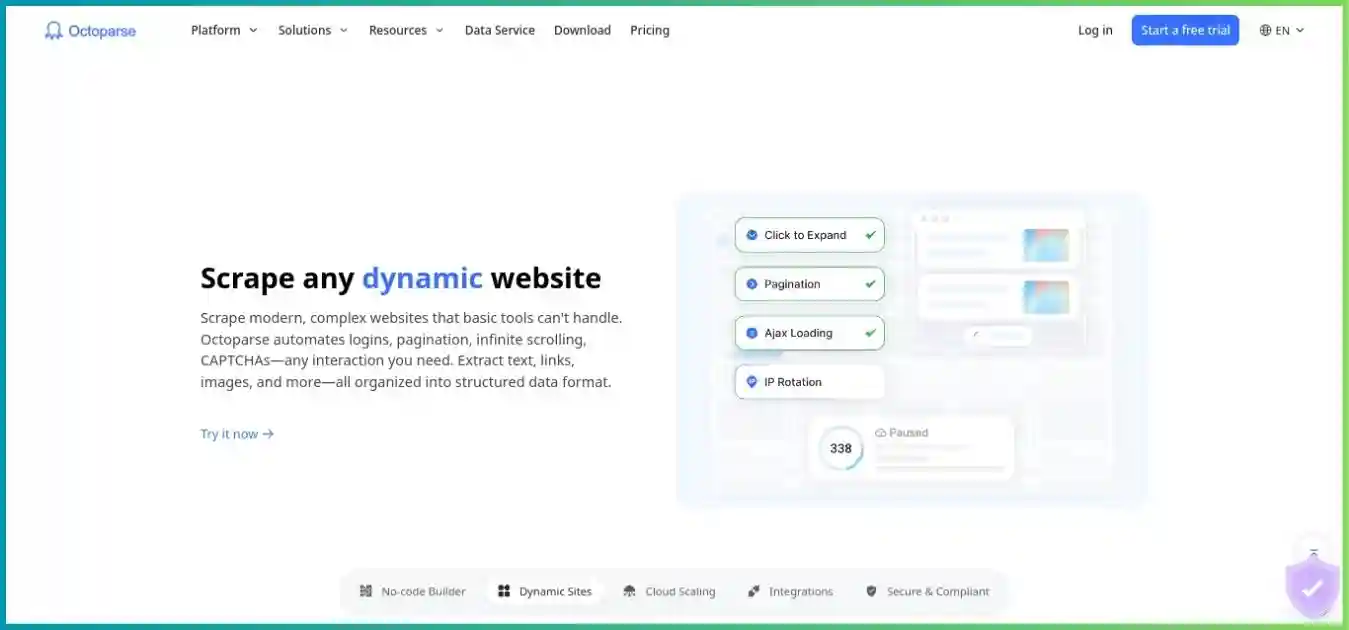
Consider when a visual workflow builder is the main requirement. Compare task authoring, cloud execution, interaction support and delivery needs with the Actor you would use.
Read our Octoparse reviewScraperAPI
A different way to operate collection
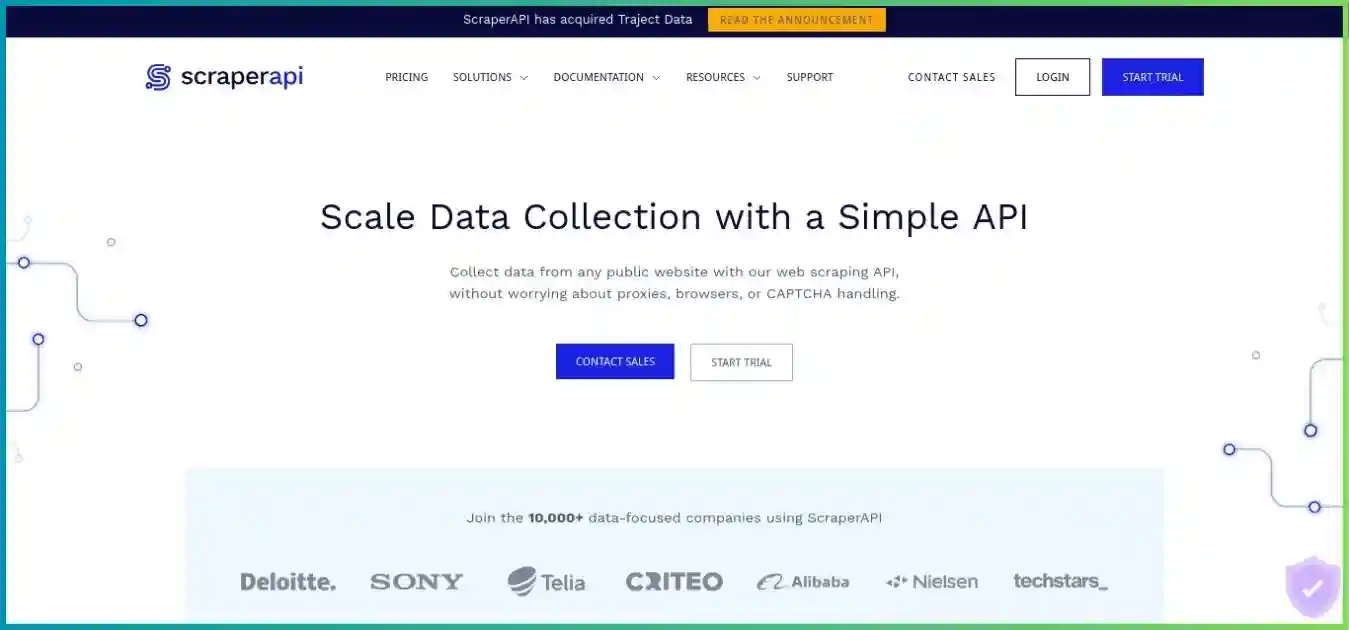
Evaluate when managed retrieval or a crawler/pipeline service fits an existing application. Compare credits by target and mode, structured output and the infrastructure still owned by your team.
Read our ScraperAPI reviewScrape.do
A different way to operate collection
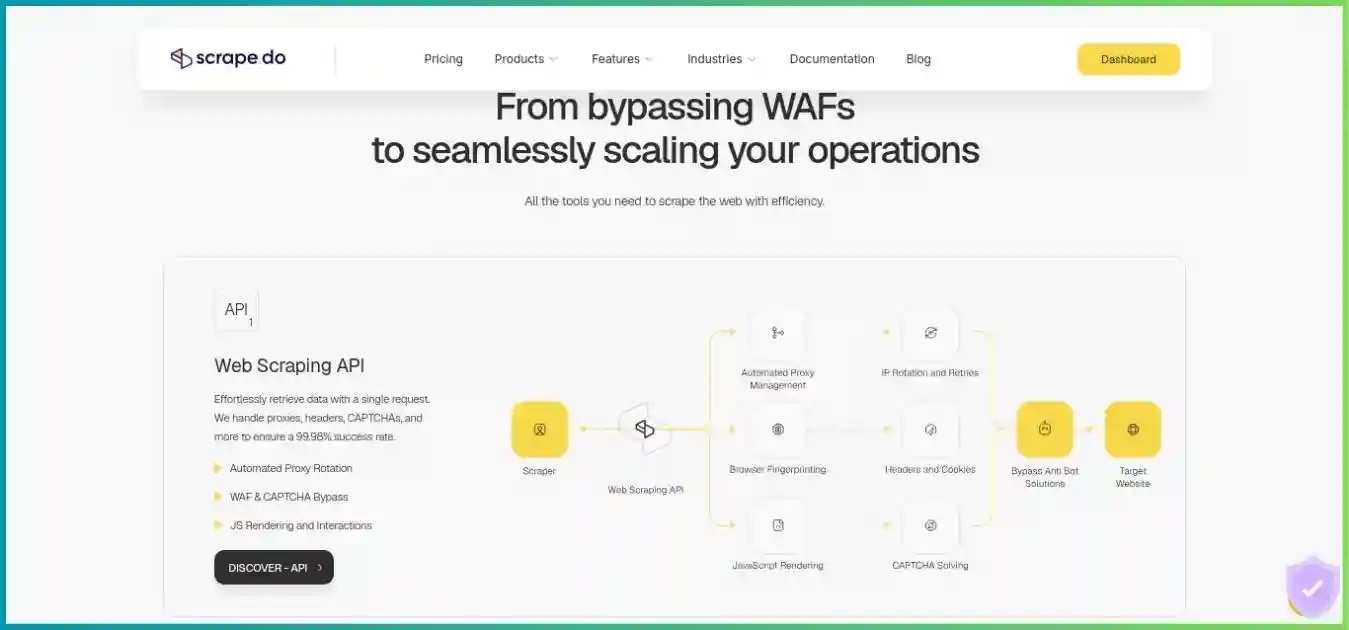
A candidate for a developer-owned pipeline needing managed page access or supported structured APIs. Check output, target coverage and where scheduling and long-term storage live.
Read our Scrape.do reviewScrapingAnt
A different way to operate collection
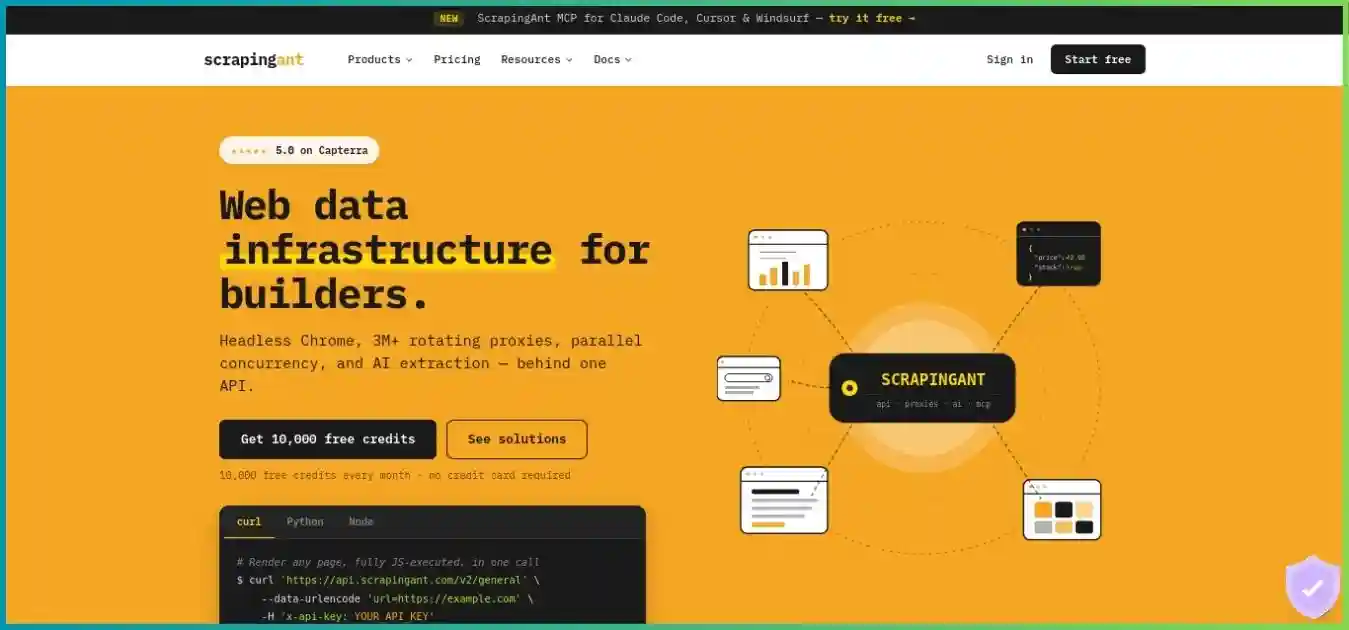
Compare browser-backed access, content formats and AI extraction with a complete Actor workflow. Price the rendering and extraction mode needed by your actual pages.
Read our ScrapingAnt reviewOur ScraperAPI vs Apify comparison examines retrieval and hosted workflow differences. For network and managed-tool breadth, see the Bright Data review. The homepage images above are illustrative and may show historical copy; use current product and account terms for purchase decisions.
Apify versus self-hosting
An open-source crawler can avoid a platform subscription and provide direct infrastructure control. It still has hosting, access, monitoring, maintenance and engineering costs. Apify can remove portions of that work, but custom Actor code and marketplace integrations also require care. Compare total operating cost and accepted output, then consider portability: export data, keep the collection logic documented, and identify which platform-specific storage or orchestration dependencies would need replacing.
Frequently asked questions
Research methodology and limitations
What this review verifies
We reviewed Apify’s public pricing comparison, Store categories, Actor billing and resource documentation, rental sunset notice, storage and dataset guidance, API integration and Python client references, scheduling/webhook documentation, security disclosures and subscription/billing/limit help pages on October 4, 2026. Current comparison values take precedence over older help examples where those values disagree; the article identifies the Starter RAM and legacy rental wording explicitly.
Compute bars and concurrent-run columns use public rates and limits. The runtime line, cost donut, daily run estimate and event-price example are hypothetical calculations with stated assumptions. They are not speed benchmarks, customer usage distributions or guaranteed invoices. The Actor marketplace count is a provider claim, and third-party quality is assessed at listing level rather than inferred from catalog size.
We did not buy a subscription, inspect authenticated billing, run the example, audit an Actor or test uptime, support, latency or extraction quality. We also did not verify a general refund guarantee or promise indefinite retention after cancellation. Confirm the selected Actor’s current fees, account limits, target scope, renewal and storage terms before a production commitment.
Affiliate disclosure: we may earn a commission when you subscribe through the Apify links in this article. Recommendations reflect the documented service scope and workload tradeoffs described above.
Final verdict: is Apify worth it?
Apify is a strong candidate when its cloud execution, marketplace tools, schedules and storage solve several parts of a recurring collection workflow. Its recurring Free allowance provides a useful way to investigate one Actor, and custom development can retain the same operating environment when a ready-made listing falls short. Those advantages are most valuable when they reduce real implementation or maintenance work.
Choose the Actor before choosing a large subscription. Validate its outputs, record the event and resource charges, define retention and permissions, then schedule a bounded job with monitoring. If the requirement is only managed page access or visual authoring, compare a narrower service model. Scale from measured accepted output and total operating cost rather than a marketplace count or the cheapest visible unit price.
Build a small, repeatable pilot first
Select one maintained Actor, cap the input and runtime, inspect the dataset and reconcile usage. Expand only when output quality, costs and operating responsibilities are clear.