Malicious Browser Extensions: Risks, Warning Signs and Safe Practices
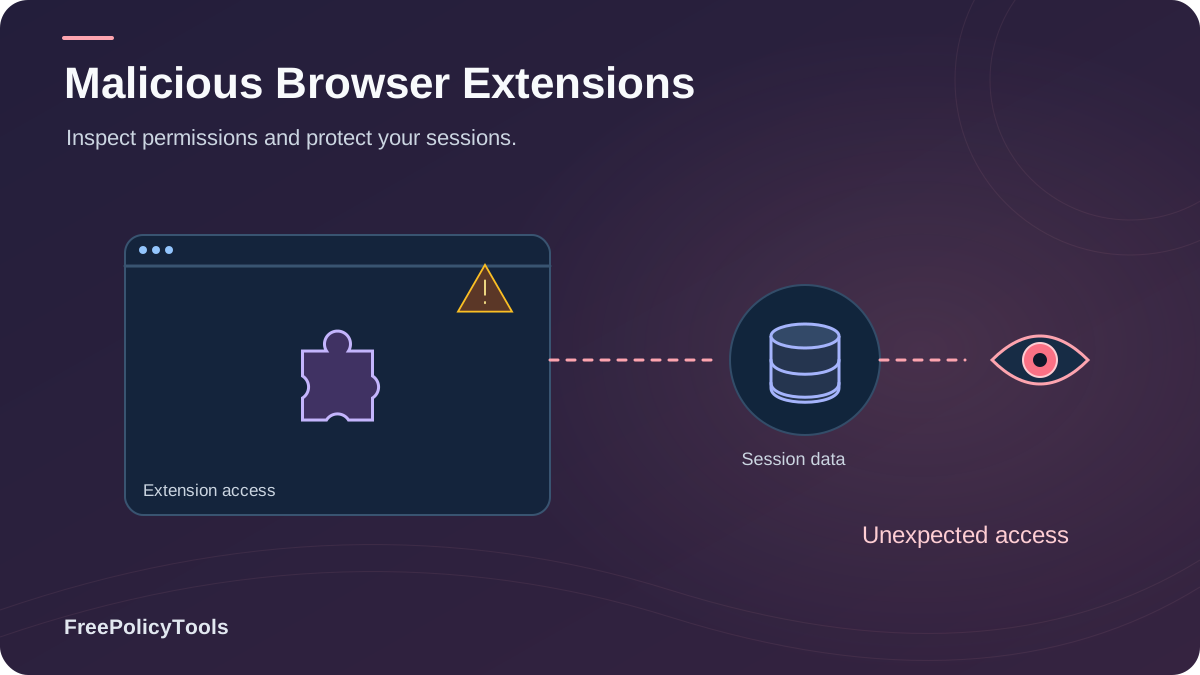
Browser extensions are the plugins that power your web experience — ad blockers, password managers, coupon finders, grammar checkers. But that same convenience makes them one of the most abused attack surfaces on the internet. A single malicious browser extension can read everything you type, steal your cookies and passwords, hijack your sessions, and turn your device into a fraud machine — all while sitting quietly next to your address bar with a friendly icon. Chrome’s extension permission documentation documents how extensions declare permissions and how permission warnings communicate their potential access.
In this guide we break down exactly what malicious extensions can do, the warning signs that reveal them before you install, the real-world incidents that affected millions of users, and the safe practices security professionals use — including why isolated browser environments like the Incogniton anti-detect browser dramatically shrink your blast radius.
TL;DR — The 30-Second Verdict
- Extensions run with browser-level privileges — they can see and modify nearly everything you do on every page.
- Detections of malicious extensions have grown 4× since 2019, and even official stores host them.
- The biggest red flags: vague permissions ("read and change all site data"), anonymous developers, sudden ownership changes, and review manipulation.
- Defense = least privilege + quarterly audits + profile isolation for sensitive accounts.
Why Extensions Are a Unique Security Risk
Unlike a website — which lives inside a tightly sandboxed tab — an extension runs inside the browser itself, with privileges no website can ever obtain. That is the fundamental asymmetry: you are installing software that sits above the sandbox, between you and every page you visit. This sits exactly at the intersection of browser privacy and browser security: an extension can violate both at once.
Privileges Extensions Can Request
- • Read and change everything on every website you visit
- • See your open tabs and browsing activity
- • Intercept and modify network requests
- • Access cookies and local storage
- • Inject JavaScript into any page (content scripts)
- • Run persistent background processes 24/7
Why That's Dangerous
- • A content script can read what you type into pages — including login forms
- • Cookie access = session hijacking without ever knowing your password
- • Background scripts keep phoning home even when the browser is "idle"
- • Auto-updates mean a good extension can become malicious overnight
Key Stat: The Chrome Web Store hosts roughly 190,000 extensions. Vendor audits estimate that while a small percentage are outright malicious, around a quarter request broader permissions than their stated function requires (Chrome Web Store audit data & vendor scans, 2025). One careless install is all it takes.
The trend is clear: detections of malicious extensions have grown more than 4× since 2019 (aggregated vendor telemetry — Kaspersky, Avast, SecureList — 2025). As browsers sandbox websites more aggressively, attackers increasingly target the one trusted doorway left open: your extension toolbar.
The Real Risks: What Malicious Extensions Can Do
"Malicious extension" is an umbrella term. The payload determines the damage — and the payloads cluster into six families, shown below. Many samples combine several at once: an ad-injector that also harvests cookies is both adware and spyware.
Adware & Ad Injection
Injects extra ads into pages, replaces legitimate ads with attacker-paid ones.
Data Harvesting / Spyware
Exfiltrates browsing history, form inputs, cookies, and sometimes keystrokes.
Click & Traffic Fraud
Silently clicks affiliate links and ads, stealing revenue and inflating metrics.
Phishing & Credential Theft
Overlays fake login forms or steals session tokens to bypass passwords entirely.
Cryptojacking
Uses your CPU/GPU to mine cryptocurrency, slowing your device and draining batteries.
Proxy / Bandwidth Abuse
Turns your connection into an exit node for attacker traffic — you take the legal risk.
The Session-Theft Problem
The most underrated risk is cookie and session theft. With cookie access, an extension doesn't need your password or your 2FA code — it simply copies the active session token and is instantly logged in as you, on your email, bank, or ad accounts. This is the same identifier layer we cover in how websites track you — except here, it's weaponized.
Warning Signs: How to Spot a Malicious Extension
No single red flag is conclusive, but malicious extensions rarely show zero warnings. Run this checklist before every install — and again during your quarterly audit.
Store-Page Red Flags
- • Vague or missing privacy policy — or one that "allows everything"
- • Permissions far beyond function (a wallpaper app reading all site data)
- • Anonymous or brand-new developer with no web presence
- • Review anomalies: bursts of 5-star reviews, generic wording, identical phrasing
- • Typosquatted names mimicking popular tools ("AdBlock Plus Pro")
- • Recently transferred ownership — check the changelog and developer name history
Behavioral Red Flags (After Install)
- • New ads, pop-ups, or redirected searches appearing "out of nowhere"
- • Affiliate tags silently appended to your shopping links
- • Browser slowdown, fan noise, or battery drain (cryptojacking)
- • Unexpected permission prompts after an update
- • Login sessions expiring oddly, or security alerts from services
- • The extension resists removal or re-installs companion software
Key Stat: In the December 2024 hijack wave (see incidents below), virtually every weaponized extension held the "read and change all your data on all websites" permission — the single most abused permission in the ecosystem (incident analyses, 2025). When in doubt, understand what each permission really grants in our guide to browser permissions explained.
The 60-Second Pre-Install Check
- Does the permission list match the stated function?
- Is the developer identifiable, with a real website and support channel?
- Are reviews spread naturally over time (not a sudden spike)?
- Has the extension been updated steadily for months or years?
- Is there an open-source repository you (or anyone) can inspect?
- Would you still install it if it had 10× fewer users?
Notable Incidents: When Trusted Extensions Turned Evil
The scariest cases aren't fake extensions — they're legitimate extensions that turned malicious after acquisition, sale, or developer-account compromise. Your trust becomes the attack vector.
| Year | Incident | Reach | What Happened |
|---|---|---|---|
| 2020 | Google purges 600+ malicious extensions | Millions of installs | Coordinated adware ring abusing ad APIs; removed after researcher disclosure. |
| 2020 | Avast uncovers 20+ spyware look-alikes | 500K+ users | Fake downloaders/PDF tools exfiltrating detailed browsing behavior. |
| 2020 | Nano Adblocker sold & weaponized | 100K+ users | Popular open-source fork sold to new owner; update injected affiliate-fraud code. |
| 2023 | Fake 'ChatGPT' extension wave | Global, thousands of victims | Typosquatted AI helpers stealing credentials and injecting ads. |
| 2024 | December developer-account hijack wave | 2.6M+ users | Attackers phished developer accounts and pushed credential-stealing updates to 30+ trusted extensions. |
The lesson: "It's popular, so it's safe" is false. Popularity is exactly what makes an extension a target — attackers buy, phish, or clone what users already trust.
How Malicious Extensions Slip Into Official Stores
Official stores do screen submissions — but screening is not a guarantee. Attackers use five recurring routes, and the distribution channel you choose changes your risk dramatically:
The Five Attack Routes
- • Delayed payload: passes review clean, then downloads malicious code via update
- • Account phishing: steals a legit developer's store credentials
- • Acquisition: buys a popular extension and monetizes the user base
- • Typosquatting: clones names/icons of trusted tools
- • Review manipulation: farms installs and ratings to climb rankings
Highest-Risk Sources
- • Third-party CRX download sites (no review, no removal process)
- • "Cracked" or "modded" premium extensions
- • Extensions promoted via search ads with cloned landing pages
- • Bundled installers that add extensions silently
- • Social-media "must-have tool" links bypassing store context
Safe Practices: How to Protect Yourself
You don't need to live extension-free — you need a system. Security-minded users treat extensions like employees: hire slowly, grant least privilege, and review performance regularly.
The Extension Safety System
- Inventory now: open
chrome://extensions(Chrome/Edge),about:addons(Firefox), or Safari → Settings → Extensions. Remove anything you haven't used in 90 days. - Apply least privilege: deny "on all sites" where the browser offers "on click" or "on specific sites" modes.
- Prefer open source & established developers with a public track record and real support channels.
- Keep your browser updated — updates patch the very APIs extensions abuse. See why browser updates matter for security.
- Isolate high-value activity: do banking, crypto, and ad-account work in a separate browser profile with zero (or minimal) extensions.
- Audit quarterly: re-run the 60-second check on everything installed — ownership and permissions change.
Key Stat: 58% of users never audit their installed extensions, and only 5% check monthly (Consumer Browser Hygiene Survey, 2025). The quarterly audit alone puts you in the top tier of browser safety.
Why Isolation Is Your Safety Net
Even the best audit can't stop a trusted extension that turns malicious between your quarterly reviews. That's where containment beats prevention: if your banking and ad accounts live in an isolated profile — a core idea behind anti-detect browsers — a compromised extension in your everyday profile simply cannot see those sessions, cookies, or storage.
- Separate cookie jars & local storage per profile
- Independent fingerprints — no cross-profile correlation
- Clean, extension-free environments for sensitive work
What to Do If You Suspect a Malicious Extension
Act fast but calmly. The goal is to cut off access, then invalidate anything already stolen.
Contain & Remove
- Disable the extension immediately (don't just close the tab)
- Remove it, then clear all site data — cookies and local storage
- Check for companion software in your OS app list
- Run a full anti-malware scan on the device
Invalidate Stolen Access
- Rotate passwords for email, banking, and crypto first
- Sign out of all sessions ("log out everywhere") to kill stolen tokens
- Revoke unknown OAuth app grants (Google/Microsoft account pages)
- Enable phishing-resistant 2FA (passkeys/hardware keys) where possible
Then harden: rebuild your extension set from zero using the safety system above, and follow our complete checklist on how to secure your web browser.
Frequently Asked Questions
Can a browser extension see my passwords?
Potentially, yes. An extension with 'read and change all site data' can inject scripts into login pages and capture what you type before encryption happens. It can also steal the session cookies that keep you logged in — which bypasses passwords and 2FA entirely. This is why password entry should only happen in extension-minimal environments.
Do extensions run in incognito / private mode?
Not by default. Chrome, Edge and Firefox require you to explicitly allow an extension in private mode. However, if you previously granted that access, the extension sees your private browsing too. Always check which extensions have private-mode permission.
Are Chrome Web Store extensions safe?
Mostly, but not guaranteed. Google screens submissions and removes malicious extensions, yet waves of malicious and hijacked extensions repeatedly reach the store — the December 2024 incident affected 2.6M+ users through the official store. Treat the store as a filter, not a guarantee.
How do I see which extensions I have installed?
Chrome/Edge: type chrome://extensions in the address bar. Firefox: about:addons. Safari: Settings → Extensions. While there, also review each extension's permissions and last-update date — stale, over-permissioned extensions are prime risk candidates.
Does removing a malicious extension make me safe again?
It stops ongoing access, but anything already exfiltrated — cookies, session tokens, typed data — remains in the attacker's hands. Always pair removal with password rotation, 'sign out everywhere', and an OAuth grant review.
Can one malicious extension affect my other browser profiles?
In a normal browser, profiles share the same extension ecosystem if the extension is enabled per profile, and fingerprints/IP can still correlate your profiles. Truly contained work requires isolated environments — separate profiles with independent storage and fingerprints, as provided by anti-detect browsers.
Related Resources
Conclusion
Malicious browser extensions are a masterclass in abused trust: they sit inside your browser, above the sandbox, with permissions that let them see and reshape nearly everything you do online. The threat is growing — detections have quadrupled since 2019 — and the attack routes keep evolving, from typosquatting to phished developer accounts pushing poisoned updates to millions of users overnight.
But the defense is refreshingly simple: install slowly, grant least privilege, audit quarterly, and — most importantly — contain the blast radius with profile isolation. Your everyday browsing and your high-value accounts should never share the same cookies, storage, or fingerprint.
Key Takeaways
- • Extensions run above the website sandbox with browser-level privileges
- • 78% of malicious samples request "read & change all site data"
- • Trusted extensions can turn evil via sale, phishing, or poisoned updates
- • 58% of users never audit extensions — a quarterly audit puts you ahead
- • Isolation (separate profiles/fingerprints) is the ultimate safety net
Next Steps
- • Open your extensions page and remove anything unused
- • Re-check permissions on everything that remains
- • Set "on click" / site-specific access where available
- • Move banking & ad accounts to an isolated profile
- • Schedule a quarterly extension audit reminder
Ready to shrink your attack surface today?
Use Incogniton anti-detect browser to run clean, isolated profiles for your sensitive accounts — separate cookies, storage, and fingerprints from your everyday extension-loaded browsing.