5 Best VPN for Developers
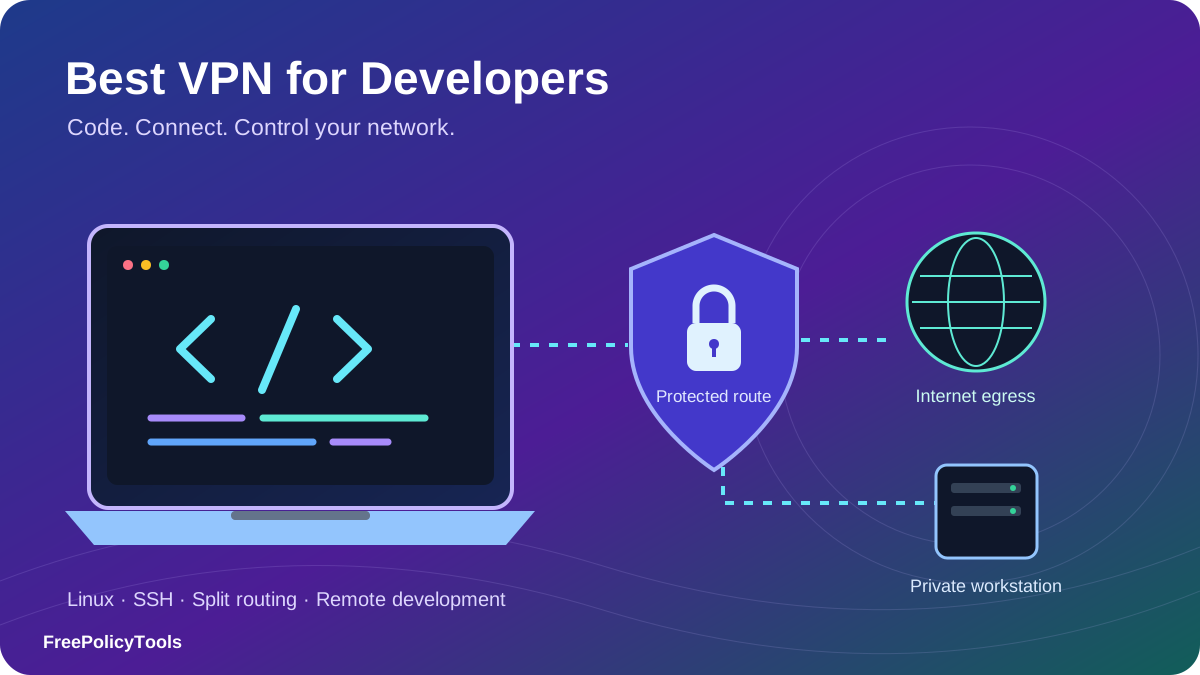
The best VPN for developers should fit the way your tools connect: Git and SSH, dependency registries, cloud consoles, local containers and remote development machines. A large server network alone does not tell you whether a VPN will handle private DNS, split tunneling or a changing inbound port. Our overall pick is Private Internet Access for its desktop routing controls, open-source clients and supported-region forwarding. Proton VPN is our privacy-focused alternative, and NordVPN’s separate Meshnet is especially useful for private peer access.
This detailed guide compares five of the best VPNs for developers using published features, platform documentation, privacy evidence and reviewed billing terms. The ranking is an editorial assessment of developer fit. We did not buy subscriptions or run controlled speed, leak, latency or compatibility benchmarks. Use the comparison to shortlist a service, then test your own workstation and development targets during the applicable refund period.
Three developer VPN picks for different priorities, before the full comparison and setup guide.

Private Internet Access
Granular desktop routing, public client code and supported-region forwarding for development workstations.

Proton VPN
Open-source apps, an unlimited-data free tier and paid forwarding with platform-specific controls.

NordVPN
Commercial VPN egress plus separate free Meshnet for reaching approved development machines.
Quick Comparison: Best VPNs for Developers
Choose by the networking problem you need to solve. A private route to a home workstation, a predictable outbound address for an allowlist and a public callback endpoint are three different requirements.
| Rank / provider | Best fit | Linux routing distinction | Inbound VPN forwarding | Paid devices |
|---|---|---|---|---|
| #1 PIA | Best overall for developer controls | Desktop app/IP/subnet rules; piactl | Supported non-US regions | Unlimited |
| #2 Proton VPN | Best for open-source privacy and a free tier | GUI app rules; CLI differs | Paid P2P servers; assigned port | 10 on Plus; 1 Free |
| #3 NordVPN | Best for private access to development machines | CLI port/subnet allowlisting | Separate Dedicated Server only | 10 VPN connections |
| #4 ExpressVPN | Best alternative for desktop routing and router setups | GUI app/IP rules; CLI app rules | No ordinary server forwarding | 10 on Basic |
| #5 Surfshark | Best for multiple personal test devices | GUI/manual paths; verify bypass options | No ordinary server forwarding | Unlimited paid |
A documented feature is not a measured compatibility result. Distribution, app version, release channel, account tier and server choice affect availability. Dedicated IP and dedicated server products have separate terms.
Developer Requirements & Service Limits
What to check before buying
- Supported OS, CPU architecture and Linux package format.
- GUI versus CLI routing, including subprocesses.
- Private DNS, LAN access and overlapping subnets.
- Reconnect, sleep/wake and kill-switch behavior.
- Dedicated egress versus incoming port requirements.
- First charge, renewal, add-ons and refund eligibility.
What a consumer VPN can do
- Encrypt traffic between a configured client and VPN exit.
- Change the source IP seen by an internet service.
- Offer regional exits for a limited set of QA checks.
- Add routing controls on supported applications.
- Forward an assigned incoming port on eligible services.
- Provide a separate device mesh when explicitly supported.
Do programmers actually need a VPN?
Git over HTTPS, SSH and TLS-protected APIs already encrypt their payloads. A VPN adds an encrypted network hop and can reduce what the local network sees, but the VPN operator becomes part of your trust model. It does not remove the need to verify an SSH host key, scope an API token or inspect a suspicious dependency. Your logged-in Git account still identifies you to the repository host. Our guide to HTTPS and secure DNS explains how these layers differ.
Match the tool to your trust model. The Electronic Frontier Foundation’s VPN guidance explains that VPNs change routing and trust rather than providingcomplete anonymity. A VPN does not erase cookies or browser fingerprints, secure a compromised laptop, or substitute for your employer’s access controls.
Regional QA needs more than a country selector
A VPN exit is useful for checking IP-based localization, CDN behavior or a geo-aware feature you own. It does not automatically change browser language, timezone, GPS, account country or payment profile. Virtual locations can also represent a country whose hardware sits elsewhere. Record the exit IP and the rest of the browser environment for each test; clear or isolate application state when comparing sessions. For repeated simultaneous regional sessions, compare the approaches in our VPN, proxy and browser isolation guide.
Top 5 VPNs for Developers — Detailed Reviews
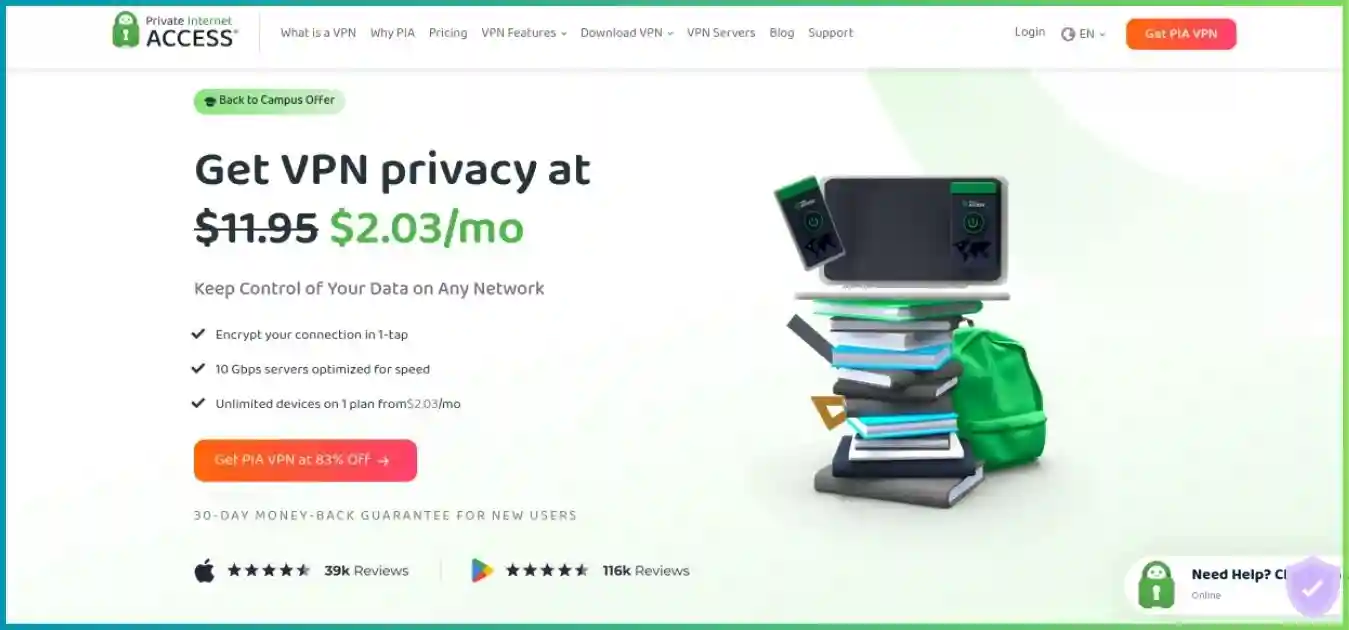
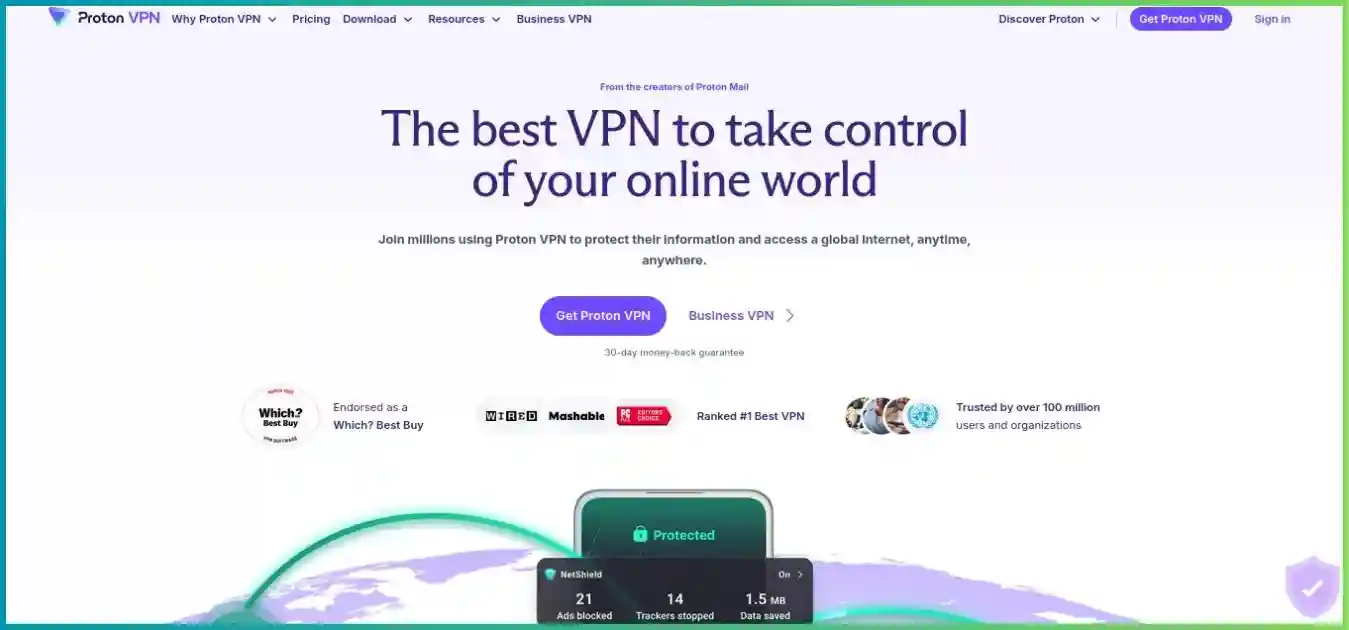
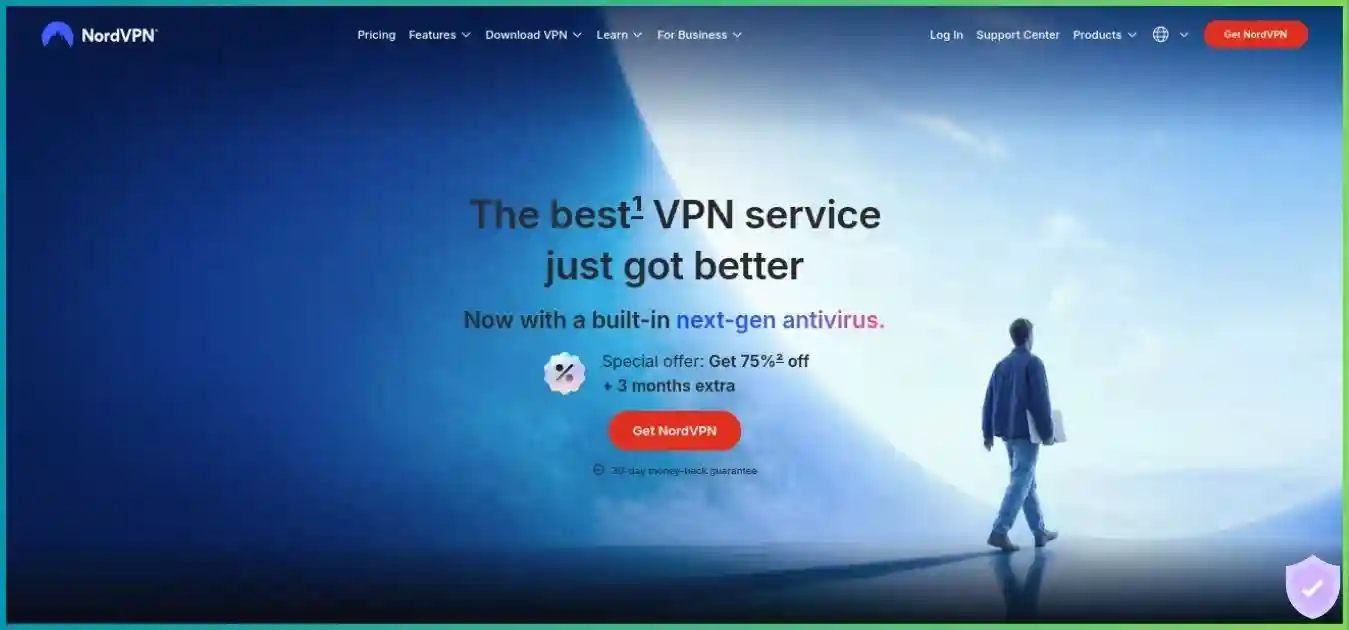
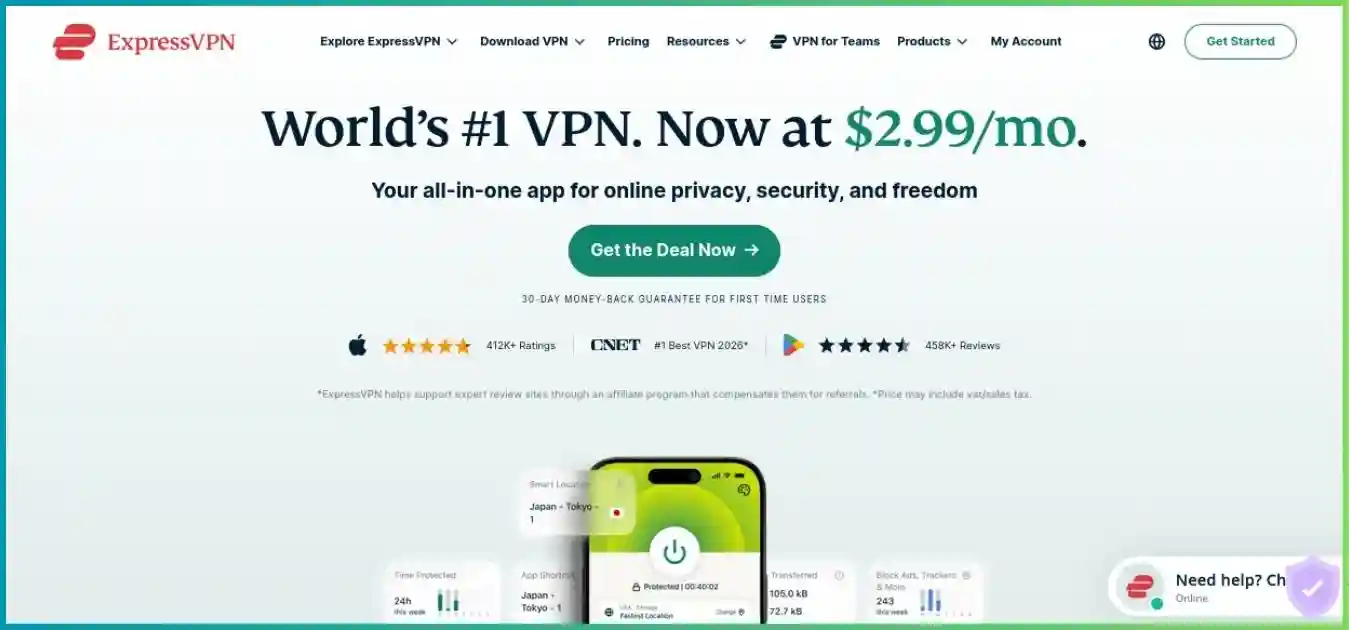
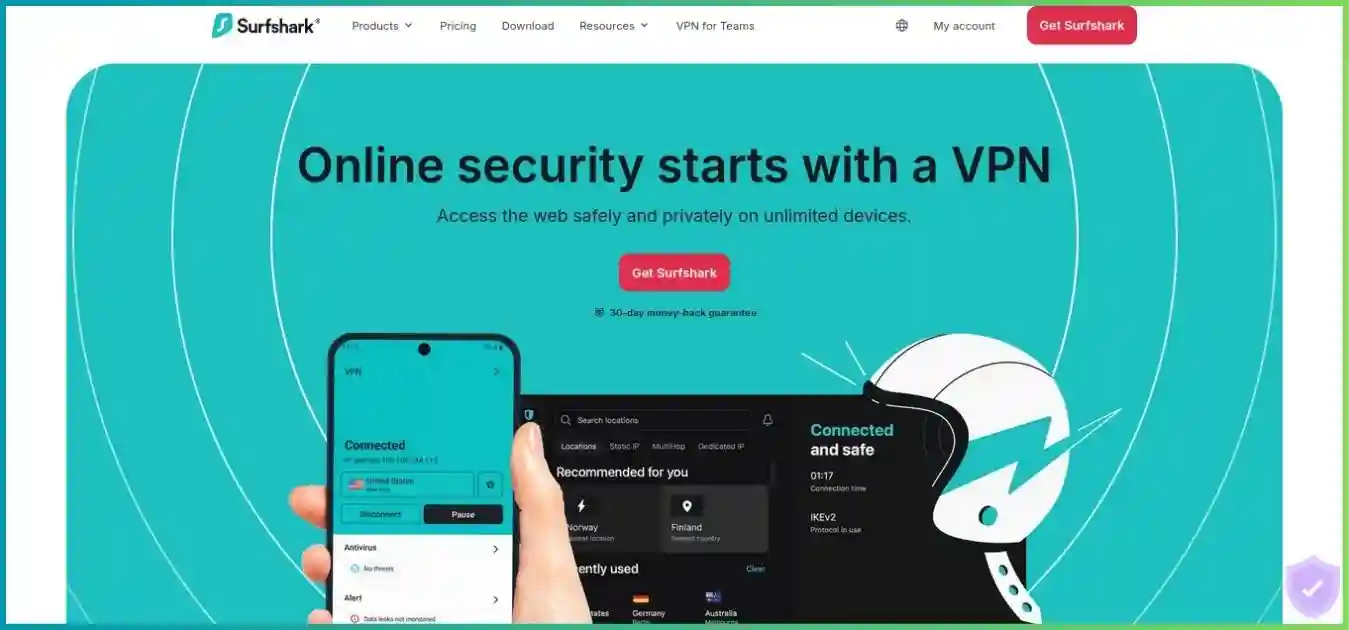
These reviews prioritize workstation routing, Linux usability, inspectable software, practical remote access and clear costs. Homepage screenshots illustrate the providers; any promotional text inside an older screenshot is not the current pricing source. Expand each card for pros and cons.
Private Internet Access
Best overall for developer controls
Private Internet Access is our best VPN for developers who want to control how a workstation reaches the internet. Its open-source desktop apps combine app-based split tunneling with IPv4/IPv6 address and subnet exceptions on Windows, macOS and Linux. Windows and Linux also expose DNS-routing choices. That combination is particularly useful when your browser needs a VPN exit while a local service, private subnet or selected development tool needs a direct route. PIA also provides the piactl command-line interface and inbound port forwarding in supported non-US locations. Unlimited paid connections make it practical for a laptop, test phone and additional machines, subject to the subscription terms.
How it fits a development workflow
For a Linux or Windows workstation, begin with a full tunnel, then add only the narrow exceptions your workflow needs. A trusted LAN subnet can be more predictable than trying to bypass a cloud service using one address from its changing CDN. Use piactl for documented connection and status operations; a CLI does not mean every GUI setting has a stable automation interface. Test Git, package managers and child processes separately after changing app rules. For inbound experiments, select a forwarding-capable location and discover the assigned port instead of assuming your service can keep its usual public port.
Where it needs closer attention
PIA offers more settings to understand than a minimal VPN client. Port forwarding is limited by region and requires a maintained assignment; a VPN purchase does not give you a permanent public development endpoint. Its optional token-based Dedicated IP is useful for consistent outbound access, but it is a separate product and does not automatically add inbound connectivity. Public source code and repeated Deloitte no-logs assessments improve inspectability; they do not prove that every operating-system configuration or custom script is safe.
Proton VPN
Best for open-source privacy and a free tier
Proton VPN is a strong choice for developers who value public client code, published privacy evidence and a useful free starting point. Its Free plan has unlimited data and one connection, but app-selected servers make it unsuitable for repeatable country-by-country QA. VPN Plus adds full country selection, paid split tunneling, NetShield, Secure Core and P2P capabilities. Paid port forwarding is documented for Windows, macOS and Linux, with macOS availability subject to the current release channel. The Linux GUI and CLI are distinct tools with different capabilities. Proton ranks second because it combines privacy transparency with useful developer features, while its platform-specific routing limitations deserve attention.
How it fits a development workflow
Use Free to assess ordinary connectivity and the client experience before committing to Plus. Choose a paid plan when you need deliberate country selection or inbound forwarding. On native supported Linux packages, GUI split tunneling can include or exclude selected applications; restart affected apps after connecting so their traffic takes the intended route. The forwarding port can change on reconnect. The Linux GUI writes the active port to /run/user/$UID/Proton/VPN/forwarded_port, which can help a script update a test service. The CLI forwarding workflow additionally requires the documented manual mapping setup; do not assume turning on one setting completes it.
Where it needs closer attention
Proton’s macOS split tunneling is experimental, excludes apps rather than offering full Windows-style parity, and has known problems with Safari and other WebKit networking. Split tunneling is currently a Linux GUI feature, not an equivalent CLI control; Snap and third-party Flatpak builds have further limitations. On most supported platforms split tunneling conflicts with the kill switch, while Windows supports their combination. Secure Core adds a second route and can increase latency. Plus is also different from Proton’s business offering: consumer subscriptions do not include centrally managed dedicated company gateways.
NordVPN
Best for private access to development machines
NordVPN stands out when a developer needs both ordinary internet egress and private connectivity between personal machines. Its commercial VPN offers NordLynx, broad regional coverage and a Linux client with command-line controls. The separate free Meshnet feature links approved devices for remote access, file sharing and peer traffic routing. Meshnet remains supported after NordVPN reversed a planned shutdown. Its allowance of ten personal and fifty external devices is separate from the ten simultaneous commercial VPN connections. This makes NordVPN especially interesting for reaching a home workstation from a travel laptop, although Meshnet can be used without buying the paid VPN.
How it fits a development workflow
For remote development, think of Meshnet as the network path to an approved peer. Configure SSH or your remote IDE on the destination, authenticate normally, and grant only the peer permissions you need. Commercial VPN country selection serves another purpose: outbound requests should appear to originate from the selected exit. On Linux, NordVPN’s port and subnet allowlisting can help with local resources, but it is not equivalent to per-application split tunneling. Record those exceptions and retest local DNS and private services after client updates. Keep regional QA and peer access as explicitly different connection scenarios.
Where it needs closer attention
The native macOS and iOS apps lack ordinary app-based split tunneling; Windows and Android provide that feature, while Linux uses allowlisting. Standard VPN servers and the normal Dedicated IP add-on do not provide inbound port forwarding. A separate Dedicated Server product documents forwarding rules, with additional cost and platform limitations, so it should not be confused with Basic or Dedicated IP. Peer permissions and a host’s connection bandwidth constrain Meshnet. Its device linking does not supply the centralized identity, device posture and offboarding controls a company may require for production access.
ExpressVPN
Best alternative for desktop routing and router setups
ExpressVPN is a capable alternative for developers who want desktop routing controls plus a documented router path. Its Windows, macOS and supported 64-bit Linux desktop apps offer split tunneling; current desktop GUI documentation includes applications and IP/subnet rules. The Linux CLI specifically documents application rules, so do not assume the same IP-rule controls exist there. Lightway’s open-source core uses Rust and supports post-quantum protection. Basic allows ten simultaneous connections, while higher tiers increase that limit. An optional Dedicated IP can support a consistent outbound address; it is included with Pro under the current plan structure.
How it fits a development workflow
Start with the desktop app when you need visible rules for an IDE, browser and local services. In the Linux CLI, use the documented executable-based controls and check which process actually performs a request. An editor may launch Git or a language server as a separate executable, while a terminal rule can affect more activity than expected. ExpressVPN documents that DNS queries continue through its DNS service while connected, even for split traffic. That matters if a private environment relies on its own resolver. For router setups, check the current Fortify/GL.iNet path and the processor’s tunnel capacity rather than treating any consumer router as interchangeable.
Where it needs closer attention
ExpressVPN does not provide inbound forwarding through its ordinary VPN servers. Router port forwarding exposes traffic outside the VPN and is a different feature. Its Dedicated IP allocation model does not remove destination-side correlation of a unique address. TrustedServer and KPMG privacy assurance provide useful evidence, but neither says your development service becomes secure merely because its outbound traffic uses the VPN. Choose this service for its documented routing and device setup if those features fit; there is no controlled speed or support benchmark behind this ranking.
Surfshark
Best for multiple personal test devices
Surfshark is a good fit for developers juggling several personal laptops, phones and test devices. Paid plans allow unlimited simultaneous connections under the terms of service. Starter includes the core VPN; One and One+ bundle additional tools that are not required for ordinary development networking. Bypasser supports selected Windows, macOS and Android routing workflows, while iOS website exclusions are narrower than arbitrary app routing. Linux has a native GUI and manual connection options, but developers should not infer Bypasser parity from the Windows feature list. Optional Dedicated IP is more relevant to fixed outbound access than Rotating IP.
How it fits a development workflow
Use a stable selected exit for QA so repeated requests have a consistent network context. Turn off automatic IP rotation when testing an allowlist, reproducing an authentication failure or collecting comparable logs. On supported desktop apps, use Bypasser to separate selected direct traffic from tunneled traffic. Website exclusions alone will not configure an SSH client or package manager. A browser extension is useful for browser-only testing, but it does not tunnel the rest of your build tools. For Linux automation, confirm the supported manual protocol configuration and your own routing/firewall design rather than assuming a desktop GUI setting is a headless deployment interface.
Where it needs closer attention
There is no ordinary VPN-side port forwarding, and a shared Static IP location is not a private Dedicated IP. Unlimited consumer connections do not establish an enterprise account-sharing entitlement or centralized team access. Surfshark’s September 2026 incident disclosure reported access to an internal engineering test environment and an isolated VPS; the provider said production VPN systems, user data and shipped apps were unaffected. That scope is the provider’s account, and a completed follow-up independent assessment was not established in the research. Developers should weigh incident transparency alongside its no-logs assurance and platform documentation.
Why CyberGhost, IPVanish, SafeShell and CometVPN are outside the shortlist
CyberGhost has a long eligible refund window and task-labeled servers, but its Linux approach is more command-line/manual focused, desktop routing is less comprehensive than PIA’s, and ordinary servers do not forward inbound ports. IPVanish offers unlimited connections and manual Linux configurations, but no equivalent documented Linux desktop workflow or ordinary inbound forwarding was established. They can still fit general browsing; they are less compelling for this article’s routing-heavy developer criteria.
SafeShell is oriented toward streaming and app-specific regional routing. The reviewed material did not establish the Linux automation, incoming connectivity and independent no-logs evidence needed to rank it above this shortlist. CometVPN supports manual connection paths, but the reviewed public material did not establish equally comprehensive desktop routing and independently assessed privacy controls. These are evidence and workflow-fit decisions, not findings that either service is insecure. For broader everyday priorities, see our general VPN provider comparison.
Developer Workflow & Pricing Charts
The charts show reviewed payments and a conceptual network path. They do not depict measured throughput, security scores or latency. Long-term offers cover different durations, so the smallest first payment is not necessarily the lowest ongoing cost.
Initial Subscription Payment
Reviewed USD offers, before tax or add-ons; unequal terms
Three routes on a developer workstation
Conceptual routing diagram; each route needs explicit configuration.
Commercial tunnel
Laptop → VPN exit → public API or repository
Changes internet egress; the destination still authenticates you.
Narrow direct exception
Selected process / trusted subnet → direct network
Bypassed traffic does not receive the commercial tunnel’s protection.
Private peer route
Approved laptop → device mesh → home workstation
Needs peer permissions, a listening service and normal authentication.
Introductory Monthly Equivalents
USD, paid upfront for different terms; Reviewed October 4, 2026; excludes tax and add-ons.
Latency comes from the route. A geographically nearby exit can still take an inefficient path to your cloud region. Compare a repeated Git operation, a fixed dependency download and your actual SSH session. Keep exit location and transfer size consistent. Multi-hop routes and a busy home uplink can add delay; a provider’s advertised 10 Gbps server port is not a promised subscriber speed.
Comprehensive Pricing & Value Analysis
| Plan | Initial term | First payment | Intro / month | Renewal | Refund / free option |
|---|---|---|---|---|---|
| PIA | 39 months | $79 | $2.03 | $79 every 3 years | Eligible 30 days; channel exclusions apply |
| Proton VPN Plus | 24 months | $71.76 | $2.99 | $83.88/year, reviewed offer | Eligible 30 days; separate Free plan |
| NordVPN Basic | 27 months | $94.23 | $3.49 | $139.08/year | Eligible initial 30 days; free Meshnet |
| ExpressVPN Basic | 28 months | $83.72 | $2.99 | $99.95/year | 30 days for eligible new direct buyers |
| Surfshark Starter | 27 months | $67.23 | $2.49 | Annual; verify exact checkout rate | Eligible 30 days; channel exclusions apply |
Figures are reviewed offer snapshots, not guaranteed quotes. Introductory monthly equivalents are first payment divided by initial months; they are not monthly bills. PIA’s $79 offer covers 39 months, then the reviewed renewal covers 36 months. Proton’s dynamic page did not consistently render a fresh numeric quote; its table uses the previously verified USD purchase route and renewal. Surfshark’s exact annual renewal was not reliably established. Confirm total, currency, tax, duration and renewal in your checkout.
Workstation value
PIA’s reviewed equivalent is lowest among these five, and the term is longest. At the reviewed renewal, $79 / 36 months is about $2.19 per month. The actual renewal is a single three-year payment.
Device value
PIA and Surfshark avoid a small paid connection limit for personal test devices. Count active tunnels and the actual purpose of each device. Enterprise sharing and employee administration need separate terms.
Budget beyond signup
Dedicated IPs, dedicated servers and router hardware add cost. NordVPN Basic renews at a reviewed $139.08 per year, roughly $11.59 per month equivalent. Record the renewal before comparing intro banners.
A refund window is a compatibility trial with conditions
Test the exact Linux package, private DNS, Git transport, local container and remote machine you need. Store purchases can follow different refund processes, and canceling auto-renewal is separate from requesting money back. Surfshark’s eligible seven-day trial has a three-device allowance before paid conversion; its unlimited paid allowance is different. Proton Free is useful for ordinary connectivity but cannot validate all Plus-only features. Keep notes and request any eligible refund before the relevant deadline.
Developer Platform Compatibility Matrix
Windows, macOS and Linux support does not mean identical networking controls. This matrix summarizes published distinctions. Check current installation requirements for your distribution and hardware before subscribing.
| Feature | PIA | Proton VPN | NordVPN | ExpressVPN | Surfshark |
|---|---|---|---|---|---|
| Windows routing | App/IP/subnet | Paid app/IP rules | App split tunneling | App/IP/subnet | Bypasser |
| macOS routing | App/IP/subnet | Experimental app exclusions; WebKit limits | No native app split tunneling | Desktop split tunneling | Bypasser; OS/extension requirements |
| Linux client | GUI + piactl | GUI + official CLI | GUI/CLI; verify distribution | GUI + CLI on supported 64-bit distros | GUI + manual connection paths |
| Linux split routing | Desktop app/IP/subnet | Paid GUI app include/exclude; not CLI parity | Port/subnet allowlist | GUI app/IP/subnet; CLI apps only | Do not assume Bypasser parity |
| Inbound forwarding | Eligible non-US regions | Paid P2P; mapping/lease required | Separate Dedicated Server | Not on ordinary VPN | Not on ordinary VPN |
| Stable exclusive egress | Dedicated IP add-on | Separate business gateway offering | Dedicated IP add-on | Add-on; included with Pro | Dedicated IP add-on |
| Private peer access | Use a separate access solution | Use a separate access solution | Separate free Meshnet | Use a separate access solution | Use a separate access solution |
| Production app source | Open-source desktop clients | Open-source apps | Open-source Linux/Meshnet components | Open-source Lightway core; not every app | Do not assume full production-client source |
Proton forwarding on macOS was described as early access in the reviewed material. Native Linux repository packages differ from Snap and third-party Flatpak. An open-source protocol core is not equivalent to publishing every production app. Mobile routing is narrower and varies by OS.
Docker, WSL and virtual machines need their own route checks
An IDE on the host and a build process inside a container can follow different network rules. A VM using a bridged adapter may have a separate route from the host; a NAT guest depends on its virtual networking stack. WSL’s networking mode and DNS configuration also matter. Check egress, DNS and IPv6 inside each runtime, then repeat after disconnecting and reconnecting the VPN. Never infer container protection from a successful browser IP check on the host.
A VPN also does not make a broadly published container port private. Docker’s port publishing documentation explains that published ports can be reachable outside the host; binding to loopback restricts ordinary access to the host. Its documentation also notes a localhost exposure issue for Docker releases older than 28.0.0. Keep development databases and admin interfaces narrowly bound, with explicit authentication when remote access is needed.
How to Choose and Configure the Right VPN for Development
Essential features to look for
Actual process routing
An IDE, terminal, Git executable and language server may be separate processes. Check which one opens the connection before creating a rule.
Private DNS and narrow LAN exceptions
A private hostname can fail even when its destination IP is reachable. Avoid broad private-subnet bypasses until you know which network they expose.
Failure behavior
Check boot, reconnect, sleep/wake and captive-portal transitions. An ordinary desktop app may depend on a login session or background daemon.
Stable egress where required
A cloud allowlist needs the actual stable exit IP, not a rotating shared location. Keep strong service authentication alongside the address rule.
Auditable configuration
Prefer published documentation and inspectable components. Record app version, exceptions and protocol so another developer can reproduce your setup.
Our recommendations by use case
Linux workstation with complex routes
Start with PIA for desktop app/IP/subnet controls. Proton is attractive if its native GUI and privacy evidence matter more than CLI routing parity.
Remote IDE or SSH into your own workstation
Evaluate free Meshnet separately from a commercial NordVPN subscription. Configure peer access and service authentication; keep public inbound ports closed unless explicitly needed.
macOS developer needing app exclusions
Compare PIA, ExpressVPN and Surfshark against your OS version. Proton’s experimental WebKit restrictions and NordVPN’s lack of native app split tunneling are material differences.
Several personal QA phones and laptops
PIA or Surfshark can simplify the paid device allowance. Use consistent exits and isolated browser state; unlimited devices is not a managed QA platform.
Stable source IP for a private allowlist
Compare Dedicated IP add-ons and supported client paths. A company-wide requirement may be better served by a business gateway with central administration.
Public webhooks or production access
Use an authenticated public tunnel, staging deployment or approved business access system suited to that job. A consumer exit VPN alone does not supply those controls.
A practical setup sequence
- Define the destination and direction. Decide whether you need ordinary outgoing privacy, a country-specific exit, a stable source IP, a private peer route or a publicly reachable callback. Buy only the features that address that requirement.
- Install the supported client. Use the provider’s signed package for your OS and architecture. On Linux, review GUI, CLI, native repository and sandboxed-package differences before choosing the package.
- Start with a simple route. Enable the appropriatekill switch, connect to a nearby exit, and confirm basic browsing, Git and package-manager connectivity. Add multi-hop or obfuscationonly when your requirement calls for it.
- Add narrow exceptions. Configure only the trusted app, address or subnet that must bypass the tunnel. Reopen affected processes, and check DNS as well as traffic routing. Keep bypassed credentials protected by HTTPS or SSH.
- Check each execution environment. Test the host, container, WSL distribution or VM where requests actually run. Repeat after reconnect and sleep/wake, and confirm that failure blocks the intended traffic.
- Document the working setup. Save versions, protocol, exception rules and the renewal terms. Redact account secrets from logs, configuration exports and support attachments.
Port forwarding, webhooks and SSH tunnels
PIA and Proton can map an assigned incoming VPN port on eligible servers. Your service must listen on the appropriate interface, the firewall must allow that path, and any mapping lease must remain active. Reconnection can change the assignment. A local service on port 3000 does not automatically become reachable at VPN-exit-IP:3000. A fixed webhook URL may also need TLS, a trusted certificate, a hostname and durable reachability, which these mappings alone do not provide.
For access between your own machines, private peer networking or an SSH tunnel through a trusted host often matches the requirement better. For a third-party webhook sender, use an explicitly public, authenticated development tunnel or staging deployment with appropriate request verification. Avoid publishing an unauthenticated database, Docker socket or admin console just to make a demonstration reachable. See our business VPN versus zero trust access comparison when the destination belongs to a team.
Troubleshooting Git, registries and private APIs
Separate routing, DNS, authentication and application failures. If a hostname stops resolving, check the resolver and private DNS configuration before changing the Git transport. If DNS works but a connection stalls, compare protocol, MTU-related behavior and the actual exit route using a small known request. If an API returns 401 or 403, inspect token scope, organization policy, IP allowlisting and the server’s response. A shared exit’s reputation can cause extra challenges or blocks; that is different from a broken encrypted tunnel.
A large Git clone can be affected by pack size, the remote server and connection quality. A package install can involve multiple registries, metadata hosts and CDN addresses. Disable one optional DNS filter at a time when investigating a suspected false positive, then restore it or create a narrow supported exception. Do not work around a VPN problem by disabling certificate verification, ignoring SSH host-key changes or pasting private tokens into an IP-checking website.
When a team should choose managed access instead
A consumer VPN is useful for personal internet routing, but production access needs more than one shared exit. Teams often require individual identities, single sign-on, scoped permissions, device requirements, controlled gateways and immediate offboarding. A dedicated IP can be one ingredient; it does not establish those controls. Review our VPN guide for remote teams and agree on the employer-approved path before combining commercial and corporate clients.
Frequently Asked Questions
How we compared these VPNs
We reviewed official feature, platform, privacy, incident, billing and refund material for the developer workflows discussed here. Sources include PIA’s desktop split-tunneling and piactl documentation; Proton’s Linux GUI/CLI, split-tunneling and forwarding guides; NordVPN’s Linux, Meshnet and Dedicated Server documentation; ExpressVPN’s desktop/CLI routing, Dedicated IP and router guides; and Surfshark’s Bypasser, Linux/manual setup and September 2026 incident disclosure. Pricing uses reviewed USD acquisition offers available in the research as of October 4, 2026, with uncertain fresh quotes and renewal amounts identified in the table.
The ranking gives priority to useful workstation controls and Linux support, then transparency, incoming/private connectivity options and ownership cost. PIA’s combination leads this particular shortlist; another workflow can favor Proton, free Meshnet, ExpressVPN or Surfshark. Published audits are point-in-time evidence with different scopes. We collected no controlled performance or compatibility measurements and assigned no numerical security scores. The EFF and Docker documentation linked above support the general trust and container-networking guidance.
Choose a VPN That Fits Your Development Workflow
Compare the operating-system controls and the actual connection you need. Confirm checkout terms, then try your Git, container, DNS and remote-access setup during the eligible refund window.