Website Legal Requirements Checklist
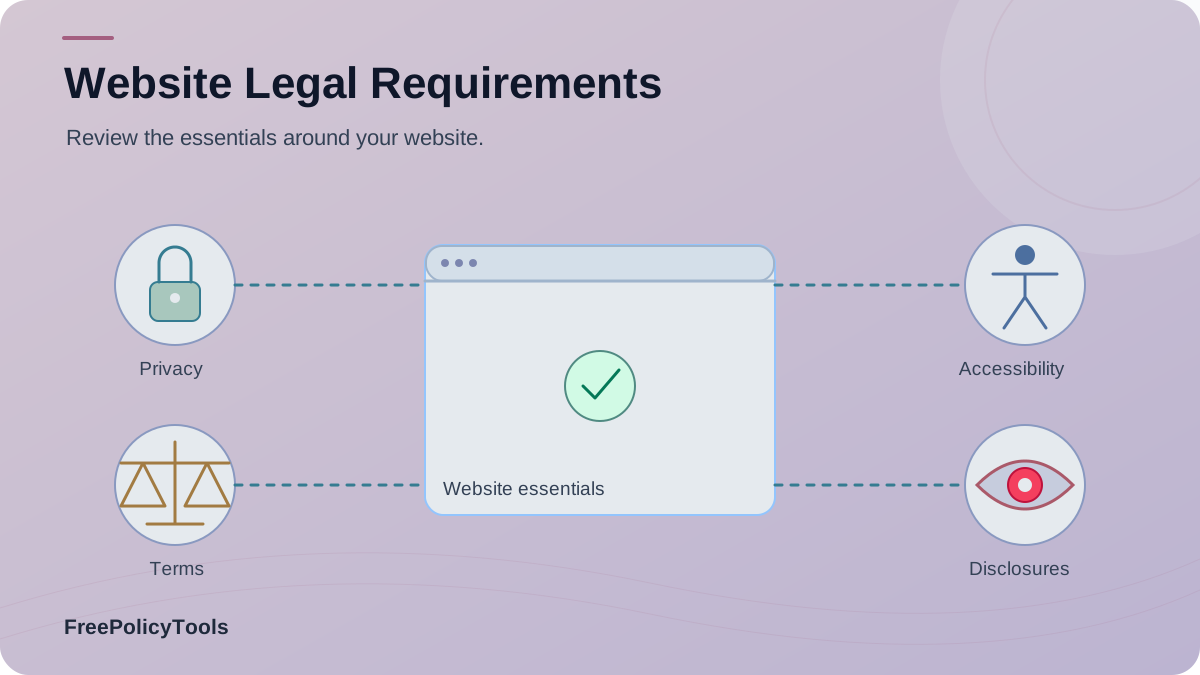
A useful website legal checklist begins with what the site actually does. A blog with a contact form, a store with subscriptions, and a community with user accounts face different obligations. The aim is to identify the data, transactions, content, and visitors involved, then publish accurate documents and build the controls those documents describe.
This guide covers privacy notices, terms, tracking, accessibility, disclosures, security, contact details, and ecommerce. It separates broadly useful practices from requirements that depend on location or features, and gives you an audit flow you can repeat whenever the site changes.
First, Determine Which Rules Apply
This chart counts the prompts in the example checklist below. It is a planning aid, not a legal score or survey result.
Read the checklist behind this chart
Features (3)
- Does the site accept accounts?
- Does it run analytics?
- Does it take payments?
Audience (3)
- Which markets are served?
- Are children targeted?
- Are regulated services offered?
Vendors (3)
- Which processors receive data?
- Which ad partners run scripts?
- Who hosts user content?
Transactions (4)
- Is total price shown?
- Are renewals disclosed?
- Can users cancel?
- Are returns explained?
Write down the countries or states you target, the products or content you offer, and every point where visitors share data or money. Then check sector and platform rules as well as general privacy and consumer laws. A checklist is a scoping tool; it cannot make the same legal claim for every website.
Inventory
List pages, forms, cookies, accounts, checkout, user content, and vendors.
Match
Identify where your visitors are and which laws or platform rules apply.
Verify
Compare each public promise with the actual site and business process.
| Site feature | Likely documents or controls | Audit question |
|---|---|---|
| Contact form or newsletter | Privacy notice, contact route, marketing choice where required | What fields and mailing provider receive the data? |
| Analytics or advertising tags | Tracking notice and consent or opt-out flow where applicable | Which scripts run before a choice is made? |
| User accounts or community | Privacy notice, account terms, moderation rules, security controls | How can users change or close an account? |
| Online store or subscription | Checkout terms, pricing, cancellation, refund or shipping information | Are total cost and renewal terms clear before payment? |
| Affiliate or sponsored content | Clear material-connection disclosure near the recommendation | Can a reader see the disclosure before the link or claim? |
| Health, legal, or financial content | Accurate scope statement and any sector-specific disclosures | Could readers mistake general information for personal advice? |
Swipe the table horizontally on a small screen. Its rows are prompts, not universal legal conclusions.
1. Publish an Accurate Privacy Policy
If your site processes personal information, identify what is collected through forms, accounts, analytics, payments, and vendors. Explain purposes, recipients, retention, contact routes, and relevant rights in language a visitor can understand. For sites within GDPR scope, the European Commission’s guidance on informing individuals lists core information such as identity, purposes, legal basis, data categories, and storage period.
Map the data
Record each field, cookie, SDK, and third-party source. Note whether the information identifies a person directly or indirectly.
Map the lifecycle
Record purpose, legal basis where applicable, sharing, security, retention, deletion, and how a visitor can ask for help.
Use the Privacy Policy Generator for a first draft, then check it against the live site. A policy should never claim “we do not share data” when a payment, email, analytics, or hosting provider receives it.
2. Set Terms for Accounts, Content, and Purchases
Terms and Conditions are useful when visitors create accounts, post content, buy products, subscribe, or rely on a service. They can explain eligibility, acceptable use, intellectual property, payment, cancellation, termination, and dispute handling. The exact clauses and how users agree to them depend on the service and applicable law.
Accounts
Signup rules, suspension, deletion, and user responsibilities.
Commerce
Pricing, renewals, cancellation, delivery, and refunds.
Content
Licenses, moderation, prohibited conduct, and reporting.
Show material terms before signup or payment and keep an accessible copy afterward. A footer link alone may not adequately present a surprising subscription or content rule.
3. Inventory Cookies and Make Choices Work
List cookies, pixels, analytics tags, embedded media, and other storage or access technologies. Separate essential functions from analytics, personalization, and advertising. Where consent or an opt-out is required, the control must actually govern what runs; a banner is not enough if scripts have already fired.
Audit the implementation
- • Check tags before and after each choice.
- • Explain purposes and relevant partners.
- • Offer a route to change preferences later.
- • Recheck after adding a marketing or video tool.
Your privacy choices
Essential storage keeps the site working. Choose whether we may use analytics or advertising tags.
The Cookie Policy Generator can help describe the inventory. Our cookie policy guide explains the distinction between the policy and the choice mechanism.
4. Test Accessibility Across Real Tasks
Accessibility is about whether people can use the site, not whether it displays a badge. The W3C’s WCAG 2.2 recommendation provides testable criteria for perceivable, operable, understandable, and robust content. Which version or conformance level is legally required depends on the jurisdiction and organization.
See
Contrast, text resizing, and useful image alternatives.
Navigate
Keyboard access, visible focus, and logical order.
Understand
Clear labels, instructions, errors, and language.
Complete
Checkout, forms, consent controls, and mobile tasks.
An accessibility statement can describe known limitations and a contact route, but it does not replace fixing barriers. Test both desktop and narrow mobile layouts with assistive technology and actual user tasks.
5. Use Disclaimers and Material Disclosures Where Relevant
A disclaimer can clarify the scope of information, but it cannot erase a statutory duty or make misleading claims acceptable. Health, finance, legal, educational, and affiliate content may need different wording and placement. State what the content is, what it is not, and any relationship that could affect a recommendation.
Affiliate links
Disclose the commercial connection near the recommendation and link.
Sponsored content
Identify paid or gifted relationships before readers act on a claim.
Professional topics
Clarify the content’s scope and avoid implying personalized advice.
User content
Explain moderation and reporting if visitors can publish material.
For a publishing workflow, see the guides to sponsored content rules and third-party disclosures.
6. Check Regional Privacy and Consumer Rules
A visitor’s location does not, by itself, prove that every foreign law applies to your site. Examine where you are established, whether you target or monitor people in a region, your business size, sector, and the activity involved. Different laws define personal data, rights, consent, notice, and exceptions differently.
| Market | Check first | Site implication to review |
|---|---|---|
| EU and EEA | Establishment, offering goods or services, monitoring | Privacy notice, legal basis, rights, tracking and transfer rules |
| United Kingdom | UK activity and UK-specific data and cookie rules | UK privacy notice, tracking controls, rights handling |
| United States | State, sector, business thresholds, consumer relationship | Notice, opt-out, security, marketing and subscription rules |
| Other markets | Local law, target audience, cross-border transfers | Language, consumer terms, rights, and contact route |
Swipe the table horizontally on a small screen. Confirm the current law and thresholds for your specific organization.
7. Secure the Site, Accounts, and Vendors
Use HTTPS across the full site, especially forms and account pages. Then go beyond transport security: protect passwords and sessions, limit staff access, keep software updated, back up important data, review vendors, and plan how to detect and respond to an incident. A certificate alone does not secure stored data or stop an exposed admin account.
Transport
Redirect HTTP to HTTPS and test forms, embedded content, and downloads.
Accounts
Use strong authentication, role-based access, and a practical recovery process.
Operations
Review vendors, retention, backups, logging, and incident response.
8. Identify the Owner and Give Visitors a Contact Route
Identify the operator in the privacy notice and relevant terms, then provide a usable path for privacy, customer-service, and legal questions. Business identity or address disclosures may be required for your market or sales channel. Test that the inbox or form is monitored and that people can find it from the pages where they submit information.
9. Show Checkout, Subscription, and Return Terms Before Payment
If you sell online, check the full purchase journey: item description, total price, taxes, fees, delivery, recurring charges, cancellation, refunds, and support. The details and mandatory rights vary by market and product. Make material terms visible before a visitor commits, rather than relying on a generic footer link.
Describe the item or service and material limits.
Show price, fees, tax, shipping, and availability.
Explain renewal, cancellation, and consent before payment.
Provide receipt, support, delivery, and refund route.
Keep your payment provider’s responsibilities clear, and check whether a shipping policy is relevant to your products. Subscription and refund wording must match the actual checkout and account controls.
10. Put Each Document Where the Decision Happens
Use a stable footer or legal hub for general documents, then repeat the relevant link near signup, tracking choices, checkout, uploads, or a consequential claim. A visitor should not have to search for the rule after submitting a form. The guide to where to display legal policies goes deeper on placement.
Footer or legal hub
Privacy, terms, accessibility and contact details.
Form and signup
Focused privacy notice and any consent choice.
Cart and checkout
Price, renewal, cancellation, and returns.
Account and email
Persistent documents, preferences and support.
11. Audit the Implementation, Not Just the Pages
This chart counts the prompts in the example checklist below. It is a planning aid, not a legal score or survey result.
Read the checklist behind this chart
Privacy and tracking (4)
- Do notices match actual data flows?
- Are cookies inventoried?
- Do choices control scripts?
- Are request routes tested?
Terms and commerce (4)
- Are account rules current?
- Are prices clear?
- Are renewals explained?
- Are refunds easy to find?
Access and security (4)
- Do key tasks work by keyboard?
- Is contrast usable?
- Is HTTPS configured?
- Are vendor permissions reviewed?
Content and disclosures (3)
- Are sponsored links labeled?
- Are claims supported?
- Are contact and ownership details visible?
Open the site in a private browser, test each form and checkout path, inspect which scripts run, and review links on a narrow screen. Compare the result with the published policies. Keep a record of findings, owner, fix, and retest date; do not mark a requirement complete just because a document exists.
Privacy
Every live form, SDK, vendor, purpose, retention period, and request route is described.
Tracking
Cookies and tags are inventoried; required choices actually control scripts.
Terms
Rules match account, content, product, payment, and termination flows.
Accessibility
Key tasks work with keyboard, screen reader, zoom, and mobile layout.
Commerce
Price, taxes, shipping, renewal, cancellation, and refund information appear before purchase.
Security
HTTPS, account protection, access controls, and vendor handling are tested.
Frequently Asked Questions
Does every website legally need every page in this checklist?
No. The duties depend on the site’s features, audience, location, business model, and applicable laws. A static page, a store, and a service with accounts can need different documents and controls.
Is a privacy policy enough for cookie compliance?
A policy explains tracking, but some jurisdictions also require a working choice before non-essential storage or access. Audit the scripts, configure the controls, and describe how visitors can change their choice.
Are terms and conditions always mandatory?
Not for every site. They are useful for accounts, purchases, subscriptions, user content, and community rules. Some specific pre-contract disclosures may be legally required even if the document is called something else.
Does adding an accessibility statement make a site accessible?
No. A statement can describe the site’s accessibility status and contact route, but accessibility depends on the actual pages and tasks. Test navigation, forms, contrast, text alternatives, and responsive behavior.
Does HTTPS make a website legally compliant?
HTTPS protects data in transit and is an important baseline, but it does not fix weak passwords, exposed databases, misleading notices, or improper data sharing. Review security as part of the complete service.
Should I use a generator or copy another site’s policy?
A generator can structure a draft based on your answers. Copying another site risks describing the wrong data, vendors, or rights. Verify every section against your own site before publishing.
How often should legal pages be reviewed?
Set a regular review and revisit them before changing forms, analytics, vendors, checkout, subscriptions, user accounts, target markets, or content practices. Record the actual update date when the text changes.
Related resources
Final Website Legal Checklist
Inventory the site and its audience, determine which rules apply, write accurate notices and terms, then test the controls behind them. Put each document beside the decision it explains. Recheck the site whenever products, vendors, forms, tracking, or markets change, and record the real update date when you revise a policy.