How to Add Legal Policies to Your Mobile App
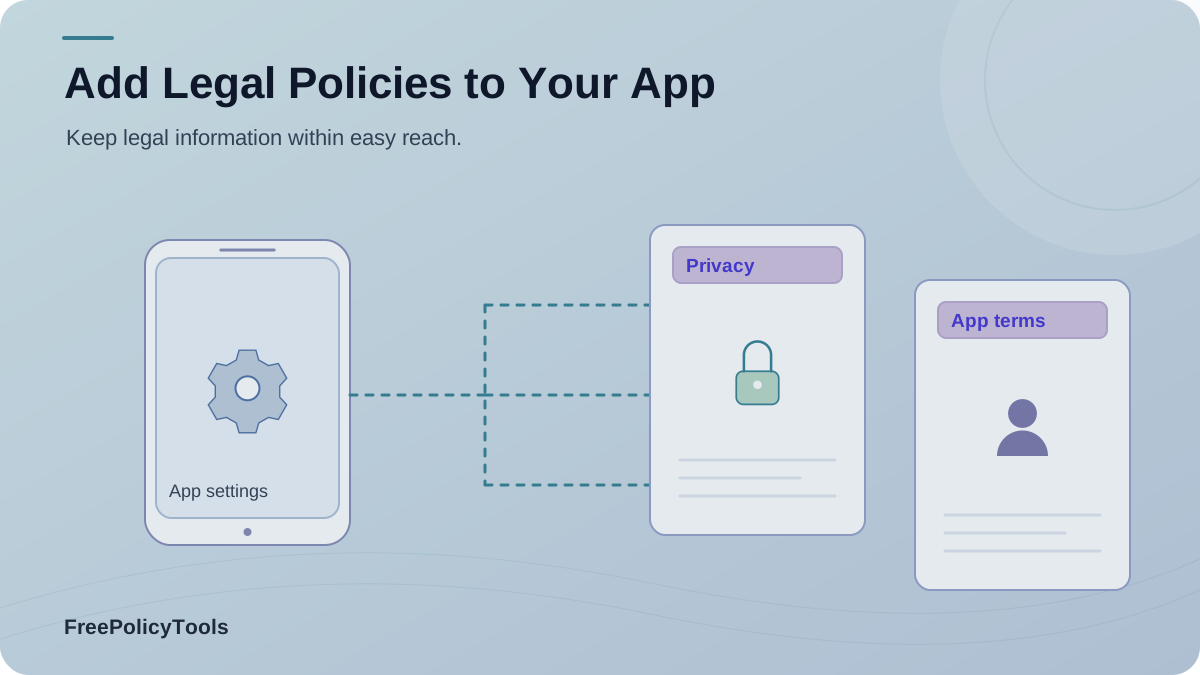
A mobile app privacy policy should be easy to find before installation and after a person starts using the app. Terms, tracking notices, and other disclosures belong at the decisions they explain: signup, a permission request, a purchase, or a privacy choice. This guide shows how to prepare those documents, add them to Google Play and the App Store, and make them work inside your Android and iOS interfaces.
Start with what your app actually does. A generic document cannot describe an analytics SDK, a location permission, or a subscription flow you have never inventoried. The same facts should appear consistently in the policy, store privacy disclosures, and relevant in-app screens.
Which Legal Policies Does a Mobile App Need?
The privacy policy is the baseline. Google Play and Apple both expect a privacy policy URL in store metadata and access from within the app. Other documents depend on your features and legal obligations. Our privacy policy versus terms comparison explains why one document cannot simply stand in for the other.
| Document | When to use it | Main subject |
|---|---|---|
| Privacy policy | All apps distributed through Google Play or the App Store | Data collected by the app and SDKs, purposes, sharing, security, retention, deletion, rights, and contact details |
| Terms of service | Especially apps with accounts, user content, subscriptions, or purchases | Eligibility, acceptable use, payments, cancellation, content rights, suspension, and dispute terms |
| Disclaimer | Apps giving health, financial, legal, educational, or other consequential information | Scope and limits of information; it cannot erase statutory duties or misleading claims |
| Tracking or cookie notice | Apps with webviews, analytics, ad SDKs, pixels, or mobile identifiers | Tracking purposes, technologies, partners, and relevant choices or consent controls |
Swipe the table horizontally on a small screen. A cookie policy is most useful when the app includes webviews or similar tracking; native-app tracking also needs accurate disclosures and controls.
Audit Data, SDKs, and App Features Before Drafting
This chart counts the prompts in the example checklist below. It is a planning aid, not a legal score or survey result.
Read the checklist behind this chart
Accounts (4)
- What identifiers are collected?
- Which login provider receives them?
- How can an account be deleted?
- How long are records retained?
Device (3)
- Which permissions are requested?
- Are device identifiers used?
- Is any data collected in the background?
Partners (3)
- Which SDKs send data?
- Where does each SDK send it?
- Can a partner use it independently?
Payments (2)
- Who handles payment data?
- Where are renewals explained?
Walk through the live app and its SDK list. For each data type, record who collects it, why, whether it leaves the device, who receives it, how long it remains, and how a user can delete it or change a choice. Include background collection and information collected by third parties, even if your own server never sees it.
Find
Inspect screens, permissions, network calls, SDKs, and webviews.
Explain
Map each data type to a purpose, partner, retention period, and user control.
Reconcile
Match the policy to the store disclosures and actual app behavior.
| Feature | Check for | Where it appears |
|---|---|---|
| Account | Email, name, profile, login provider | Signup, authentication, deletion request |
| Device and usage | Identifiers, diagnostics, events, crash logs | App code, analytics and crash SDKs |
| Permissions | Location, camera, microphone, contacts, health | Feature request and operating system prompt |
| Commerce | Subscription status, purchase history | Store billing and payment partners |
| Marketing | Ad identifier, attribution events, push token | Ad, attribution and messaging SDKs |
Write Policies That Match the App
Privacy policy
Identify the app or developer, contact method, data categories, purposes, legal or consent basis where relevant, recipients and SDKs, retention, security practices, user choices, access and deletion paths, and how changes are communicated. Explain platform differences where they matter.
Terms and product rules
Describe accounts, user content, prohibited conduct, pricing, renewal, cancellation, termination, and any rules specific to the service. Link to the correct store and product flows. The mobile app terms generator can provide a starting draft.
Tracking and partners
Name or clearly describe analytics, advertising, attribution, and embedded web content. Explain relevant choices and how to change them. A third-party disclosure can help explain partner relationships.
Special claims
If the app gives health, finance, or other consequential advice, write a narrow, truthful disclaimer and review product claims. A disclaimer does not excuse unsafe data handling or override consumer rights.
Put Policies Where Users Need Them
Think of placement as a journey rather than a single footer link. The store listing helps someone decide whether to install. Onboarding and checkout help them decide whether to sign up or pay. Settings gives them a reliable way back later.
Store listing
Privacy policy URL and platform privacy details.
Onboarding
Privacy and terms close to account creation.
Permission or payment
Focused explanation and any required choice.
Settings or account
Persistent policy links and privacy controls.
Before continuing, read our Privacy Policy and Terms.
Add Policies to Google Play and Android
Google Play requires a privacy policy link in the designated Play Console field and a link or text inside the app. Its Data safety section must accurately describe collection, use, and sharing, including SDK activity, and align with the policy. Google also specifies a public, active, non-geofenced, non-editable URL rather than a PDF. These details come from the Google Play User Data policy.
- Publish and test the privacy policy URL in a private browser on a phone.
- In Play Console, open your app’s policy or App content area and enter the privacy policy URL.
- Complete and review the Data safety answers against your inventory, including third-party SDKs.
- Add an obvious Privacy Policy entry in your app’s settings or account screen. Show focused disclosures before sensitive access when required.
- If users can create accounts, provide the required account deletion route and explain retention or deletion exceptions accurately.
Android implementation pattern
Use a clearly labelled link that opens your public policy URL with a browser intent. Check that the link works without a logged-in session and returns the user to the app naturally.
Add Policies to App Store Connect and iOS
Apple requires a privacy policy URL for all apps and app privacy answers that include data collected by integrated third-party code. In App Store Connect, open App Privacy, enter the Privacy Policy URL, then complete or update the data collection answers. Apple’s Manage app privacy guide describes that workflow and says the answers must stay current.
- Host a public, mobile-friendly privacy policy that reflects the iOS version and its SDKs.
- Add the URL in App Store Connect’s App Privacy section and review all privacy answers.
- Put an accessible Privacy Policy link in the iOS app, usually Settings or Account; add contextual links during signup and relevant data collection.
- Show terms before a subscription or account agreement when applicable, and make renewal and cancellation information clear.
- Test the released build’s links and revisit the answers when data practices change.
iOS implementation pattern
A SwiftUI Link or a UIKit browser-opening action can open the public URL. Give the control a meaningful accessibility label and confirm it remains reachable after onboarding.
Separate Notice, Consent, and System Permissions
These are related but different steps. A privacy policy explains practices. A focused in-app notice explains a specific request. A consent control records a choice where one is needed. An operating system permission grants access to a device capability. One step does not automatically satisfy the others.
Explain
Why this feature needs the data, what happens if the user declines, and any unexpected sharing.
Ask
Present the relevant choice or operating system prompt at the point of use.
Honor
Respect refusal, make changes possible, and keep the policy and store answers in sync.
For ad or analytics partners, describe the data flows and user choices clearly. Our guide to sponsored content rules covers a separate disclosure problem for apps featuring paid promotions.
Test and Maintain the Entire Policy Experience
This chart counts the prompts in the example checklist below. It is a planning aid, not a legal score or survey result.
Read the checklist behind this chart
Store page (3)
- Does the policy URL load?
- Do store disclosures match the app?
- Is the listing current?
Onboarding (3)
- Are links visible before signup?
- Does the page open on a phone?
- Are terms accepted at the right step?
Permissions (4)
- Is the purpose explained?
- Does the system prompt match the explanation?
- Can the user decline?
- Can the choice be changed later?
Settings (3)
- Are policies easy to reopen?
- Can users find privacy choices?
- Does deletion work as described?
Before each submission, test links in the store listing, onboarding, settings, and checkout on small Android and iPhone screens. Try a signed-out session, slow connection, dark theme, large text, and a screen reader. Check that the page is readable, URLs do not redirect unexpectedly, and the user can return to the app.
Frequently Asked Questions
Do apps that collect no personal data still need a privacy policy?
Yes for these stores. Google Play says all apps must provide a privacy policy link in Play Console and a link or text inside the app, even when they do not access personal or sensitive data. Apple requires a privacy policy URL for all apps and an accessible in-app link.
Can one privacy policy cover Android and iOS?
Yes, if it accurately covers both versions, including platform-specific permissions, SDKs, identifiers, account features, and data flows. Keep each store disclosure consistent with the policy.
Are terms of service required in the store listing?
A privacy policy is a standard store requirement. Terms have a different role: they set the rules for accounts, purchases, content, and use of the service. Put terms where users can read them before agreeing or buying; check the rules that apply to your app and market.
Can a privacy policy replace an in-app consent prompt?
No. A policy explains practices. Where a platform rule or applicable law calls for a specific disclosure, choice, or permission, implement that flow separately before the relevant collection or access.
Should I open policies in an in-app webview or browser?
Either can work if the page is readable, reachable without an account where required, and easy to return from. A system browser is often simpler; test the actual experience on both platforms and with assistive technology.
When should I update app policies?
Review them before releasing changes to permissions, SDKs, analytics, ads, payments, account deletion, data sharing, or supported regions. Update the store privacy disclosures at the same time.
Related resources
Final Checklist
Inventory first, then write and publish stable policy pages. Add the privacy policy to both store consoles and inside the app. Put terms and focused disclosures at the decisions they govern. Finally, test the complete experience and update the policy and store answers whenever the product’s data practices change.