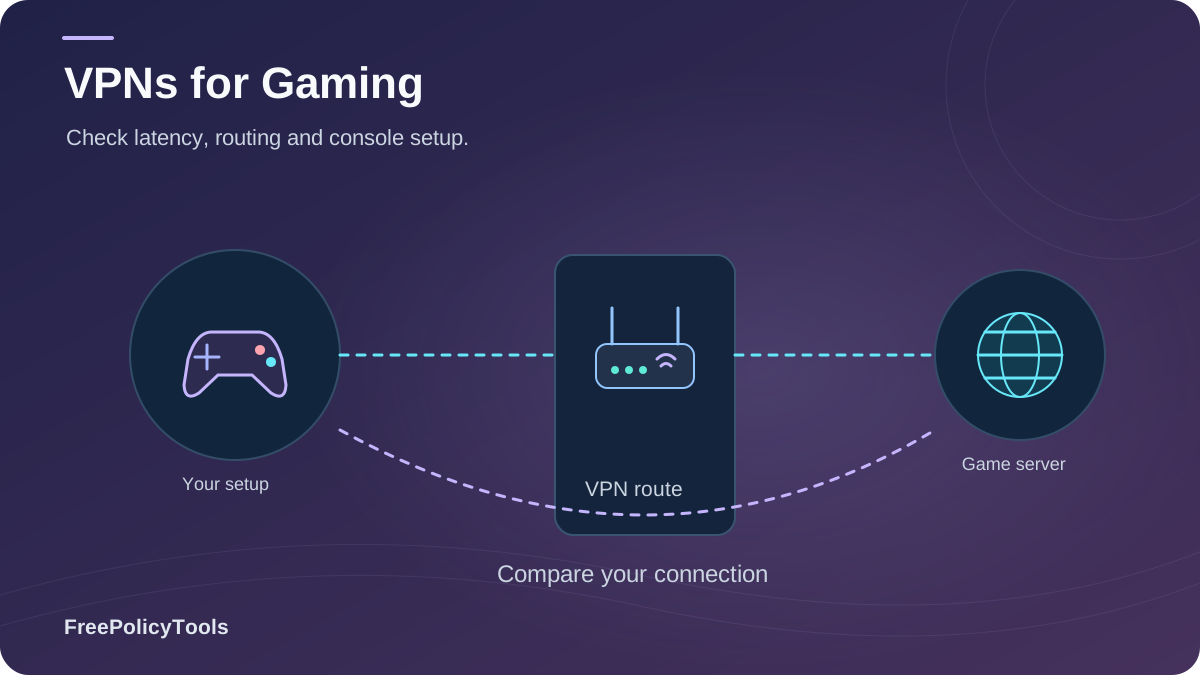
A gaming VPN can hide your home IP and sometimes improve a poor ISP route to a game server. It usually adds distance and delay, so the best choice is the one that works on your connection. We compare nine providers using their published plans, network directories and gaming features.
NordVPN leads for its mature all-round setup; CometVPN remains #2 for its low $1.89 monthly equivalent. For its billing and residential options, read our CometVPN review. If the connection fails or drops, work through our VPN troubleshooting guide before changing several settings at once.
Three quick picks for different gaming needs. Prices are introductory monthly equivalents on long plans, billed upfront.
NordVPN
NordLynx, broad location choice, and Meshnet for private play.

CometVPN
$45.36 upfront for 24 paid months plus three bonus months; residential options cost extra.

ExpressVPN
Lightway and current Fortify router option simplify console coverage.
Gaming VPN facts at a glance
When a gaming VPN helps
The benefits depend on the game, server region and your network path.
Home IP masking
- A direct peer sees the VPN exit IP instead of your residential IP.
- This can reduce direct targeting of your home connection.
- It cannot protect a game company’s servers, your account, or a previously exposed IP.
Possible route improvement
- A VPN may avoid an inefficient ISP route or application-specific shaping.
- An extra hop normally increases latency.
- Compare median in-game ping, jitter and packet loss before buying.
Network restrictions
- Encryption may prevent traffic-type classification.
- Obfuscation can help on some restrictive networks.
- No VPN bypasses a data cap, slow line, general congestion or every firewall.
Region choice
- A nearby endpoint in the game’s region may be useful.
- Changing IP country does not guarantee a different matchmaking region.
- Check publisher terms before changing storefront or account region.
Test the actual game route
Use the same game region, time window and device with VPN off and on. A VPN can move your traffic to a better path, but distance, Wi-Fi interference and the game server remain outside its control. If the VPN makes a match worse, switch routes or disconnect.
Top gaming VPNs compared
Published network figures use different units. Locations, countries and physical servers are shown separately.
| Provider | Best fit | Published network | Protocol to try | Long-plan equivalent | Devices |
|---|---|---|---|---|---|
| #1 NordVPN | Overall gaming | 8,027 servers · 150 countries | NordLynx | $3.49 | 10 |
| #2 CometVPN | Low initial price | 50+ locations | WireGuard | $1.89 | Unlimited |
| #3 ExpressVPN | Console/router | 214 locations · 113 countries | Lightway | $2.99 | 10 Basic |
| #4 Surfshark VPN | Large households | 4,500+ servers · 100 countries | WireGuard | $2.49 | Unlimited |
| #5 IPVanish VPN | Server selection | 3,400+ servers · 55 countries | WireGuard | $2.19 | Unlimited |
| #6 Safeshell VPN | Game Mode | 2,000+ servers · 61 regions | ShellGuard | ~$6.67 | 5 |
| #7 Proton VPN | Peer connectivity | 20,798 servers · 149 countries | WireGuard | $2.99 | 10 Plus |
| #8 CyberGhost VPN | Easy setup | 125 locations · 100 countries | WireGuard | $1.99 | 7 |
| #9 Private Internet Access | Advanced controls | 154 locations · 91 countries | WireGuard | $1.79 | Unlimited |
Gaming feature comparison
| Provider | Console route | Peer / NAT option | Important limitation |
|---|---|---|---|
| NordVPN | Compatible router / shared PC | Dedicated Server add-on forwarding | Standard servers do not forward inbound ports |
| CometVPN | Compatible router / shared PC | No documented VPN-side forwarding | Residential IP is a paid add-on |
| ExpressVPN | Fortify or compatible router | No VPN-side forwarding | Smart DNS does not encrypt traffic |
| Surfshark | Compatible router / shared PC | No documented VPN-side forwarding | Bypasser varies by platform |
| IPVanish | Compatible router / shared PC | No documented VPN-side forwarding | RAM-only rollout remains in progress |
| Safeshell | Check exact device support | Game Mode on supported devices | System-wide kill switch not clearly documented |
| Proton VPN | Compatible router / shared PC | Moderate NAT or forwarding on paid plans | Cannot combine those two options |
| CyberGhost | Compatible router / shared PC | No VPN-side forwarding | Gaming labels do not guarantee lower ping |
| PIA | Compatible router / shared PC | Forwarding in supported non-US regions | Open game NAT is not guaranteed |
Performance analysis and published-data visuals
There is no reliable universal ping or speed-retention percentage. These visuals compare disclosed plan prices and network reach; they do not predict your in-game result.
Long-plan price per paid month
USD equivalent; offers billed upfront; SafeShell uses a US App Store annual listing.
Published country coverage
Column chart; providers with location-only disclosures are omitted.
Device-policy mix across nine picks
4 unlimited: CometVPN, Surfshark, IPVanish, PIA
5 have a limit: NordVPN, ExpressVPN, SafeShell, Proton, CyberGhost
Counts reflect simultaneous VPN connections on the listed paid tier, not every device attached to a VPN router.
How to compare game performance
- Record your game’s server region, direct median ping, jitter and packet loss over several matches.
- Use the nearest VPN endpoint with WireGuard, NordLynx or Lightway as available. Repeat on two or three endpoints at the same time of day.
- Compare medians and disconnections, not a single speed-test peak. Keep the VPN only where it helps your route or meets a separate privacy need.
Our ranking is an editorial comparison of published features and terms; it is not a laboratory benchmark of the nine providers. Follow our VPN testing checklist to verify routing and leak protection on your own device.
Detailed gaming VPN reviews
What each service offers, where it fits and what to verify before paying.
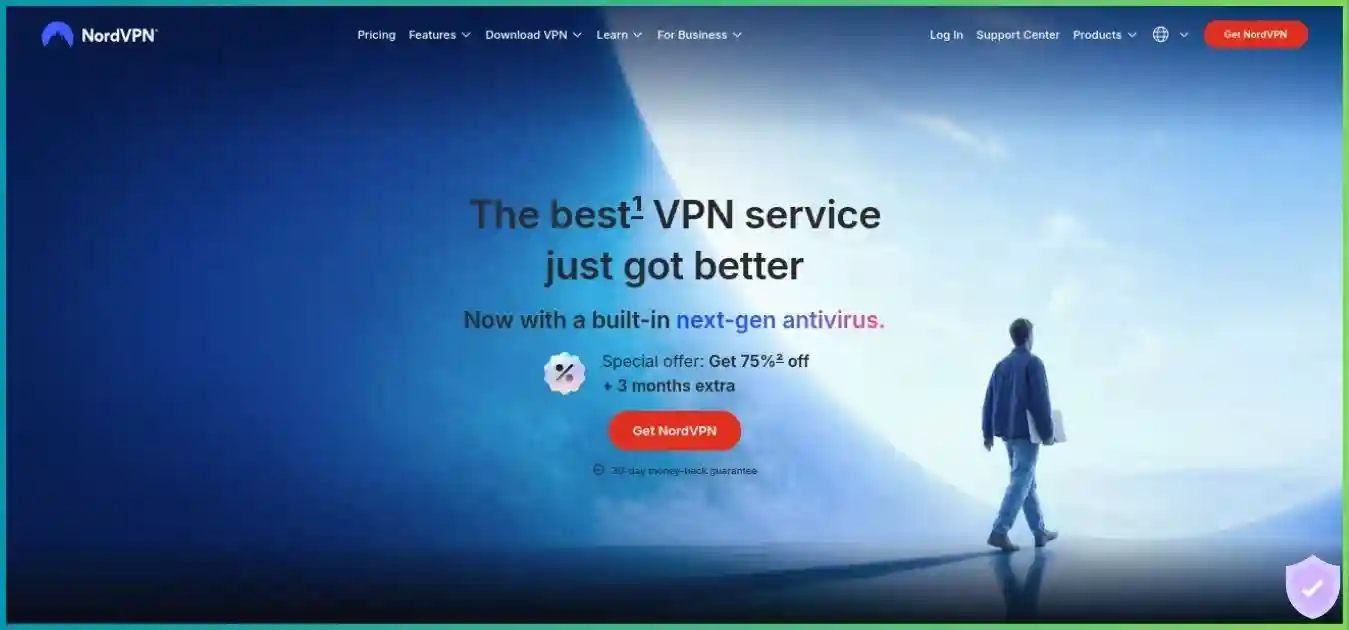
NordVPN
🏆 Best Overall Gaming VPNNordVPN is our overall pick for players who want a mature app, many nearby endpoints and a straightforward WireGuard-based protocol. The public directory lists 8,027 servers in 150 countries. Meshnet can connect your own devices for private games; it is separate from the commercial VPN network. Start with the closest NordLynx server, then compare actual in-game ping and packet loss against your unprotected route.
Pros
- Fast NordLynx protocol and broad location choice
- Meshnet supports private device-to-device play
- Kill switch and DNS leak protection
- Compatible router setup can cover a console
Cons
- No VPN-side inbound forwarding on standard servers
- Renewal price exceeds introductory rate
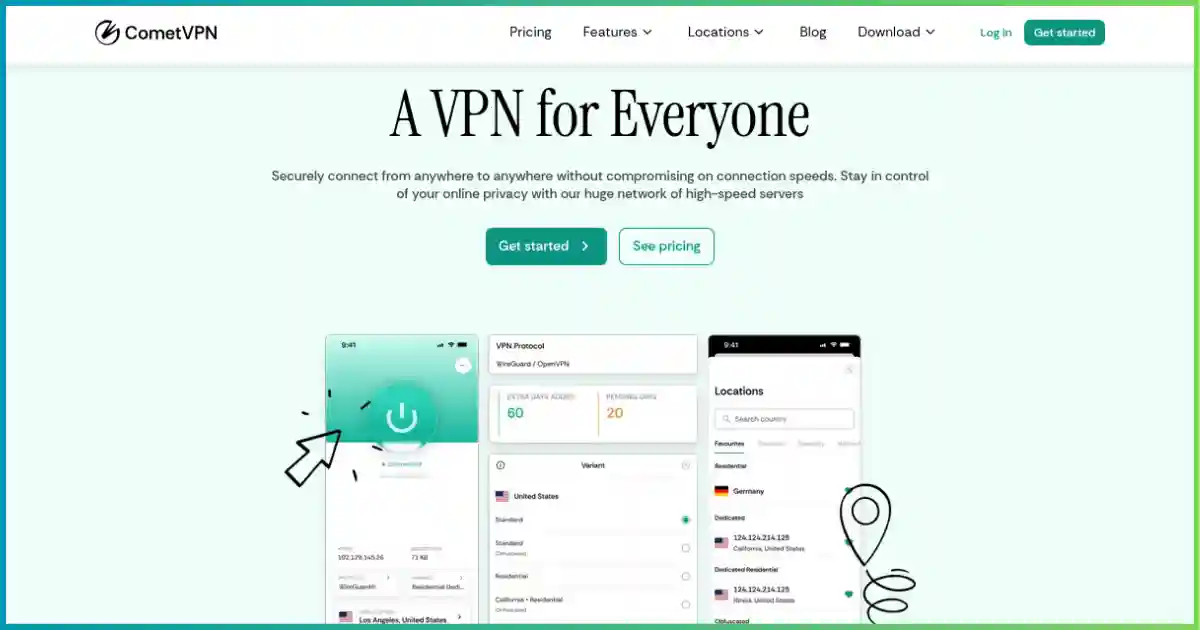
CometVPN
💰 Best Low-Price PickCometVPN stays at #2 because its $1.89 monthly equivalent is one of the cheapest published offers here. The advertised $45.36 charge covers 24 paid months with three promotional months; confirm the next billing date and renewal at checkout. Use a nearby standard WireGuard endpoint for play. Residential IP options may help with an IP reputation problem, but they cost extra and should not be assumed to improve latency. Its privacy policy describes limited operational connection data.
Pros
- $45.36 upfront for the 24-month offer plus 3 bonus months
- Unlimited connections and standard WireGuard servers
- Kill switch, DNS leak protection and obfuscation
- Residential and dedicated residential IP add-ons
Cons
- Residential routing and dedicated IP cost extra
- Shorter track record and less independent audit evidence
- 50+ locations is not a country count
ExpressVPN
🎮 Best for ConsolesExpressVPN is the convenient console choice: use a compatible VPN router or its current Fortify router offering for PlayStation and Xbox traffic. Lightway is a separate protocol, not a WireGuard variant. Its Basic offer is $83.72 for the first 28 months and renews at $99.95 annually. Aircove and Aircove Go have been retired from sale; existing units retain a limited security-update window.
Pros
- Lightway protocol and polished device apps
- Fortify router option for console households
- 214 selectable locations
- Internet Kill Switch on supported apps
Cons
- No VPN-side inbound port forwarding
- MediaStreamer Smart DNS is unencrypted
Surfshark VPN
🏠 Best for HouseholdsSurfshark suits households with many gaming devices. Its Starter offer is $67.23 for the first 27 months, including three bonus months. WireGuard is the sensible first protocol to test. Bypasser can keep selected apps inside or outside the tunnel on supported systems, but it does not guarantee better game routing.
Pros
- Unlimited paid-plan connections
- WireGuard and Bypasser on supported devices
- 4,500+ servers in 100 countries
- CleanWeb filtering
Cons
- Renewal price depends on checkout offer
- Split tunneling varies by platform
IPVanish VPN
📱 Best Server ControlsIPVanish exposes individual server choices, which makes it practical to compare routes to your game region. The network is 3,400+ servers across 150 locations in 55 countries. Its Essential long plan starts at $52.56 for 24 months and renews annually at a higher rate. The provider has newer no-logs assessments, though its earlier ownership had a documented logging controversy.
Pros
- Choose individual servers and inspect load
- Unlimited device connections
- WireGuard, OpenVPN and IKEv2
- RAM-only server filter on supported apps
Cons
- 150 locations are spread across 55 countries
- Full RAM-only migration remains in progress
Safeshell VPN
🛡️ Specialist Game ModeSafeShell has a specialized Game Mode, but its routing benefits depend on the title, platform and network. The clearest live directory snapshot is 2,000+ servers in 61 regions. The displayed $6.67 monthly equivalent comes from a $79.99 US App Store annual listing, not a universal web price. Check the app features and refund channel before buying.
Pros
- Game Mode and Server Lock on supported titles
- Dual Assurance on supported devices
- App Mode assigns apps to different regions
- Stealth protocol for restrictive networks
Cons
- Published network totals conflict across pages
- US App Store price may differ from web checkout
- Kill-switch coverage is not clearly documented
Proton VPN
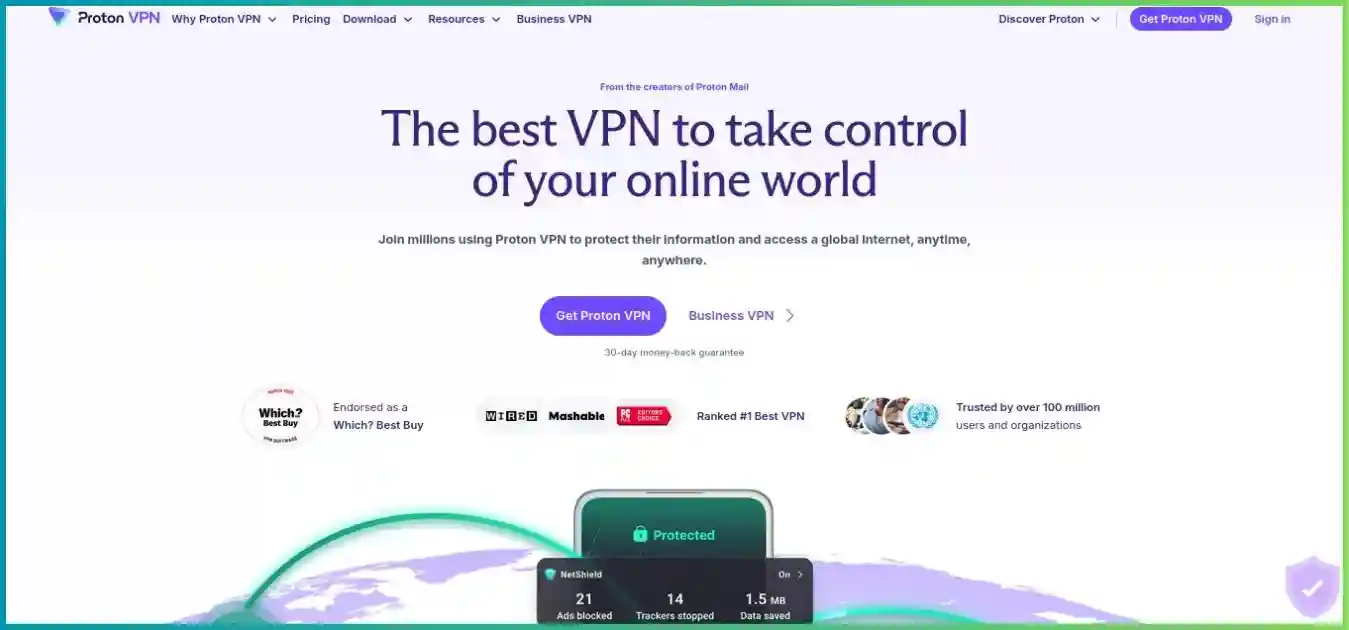
🔐 Best NAT ControlProton VPN is particularly useful if strict NAT disrupts peer-to-peer multiplayer: paid plans include an optional Moderate NAT setting, with a small privacy tradeoff. Its VPN Plus two-year snapshot was $71.76 upfront. The free tier is suitable for basic route testing, but it lacks full country choice and paid gaming features.
Pros
- Moderate NAT can help peer connectivity on paid plans
- Free tier has no data cap
- Open-source apps and independent audits
- Paid port forwarding for supported P2P servers
Cons
- Moderate NAT and forwarding cannot run together
- Free plan limits server choice and features
CyberGhost VPN
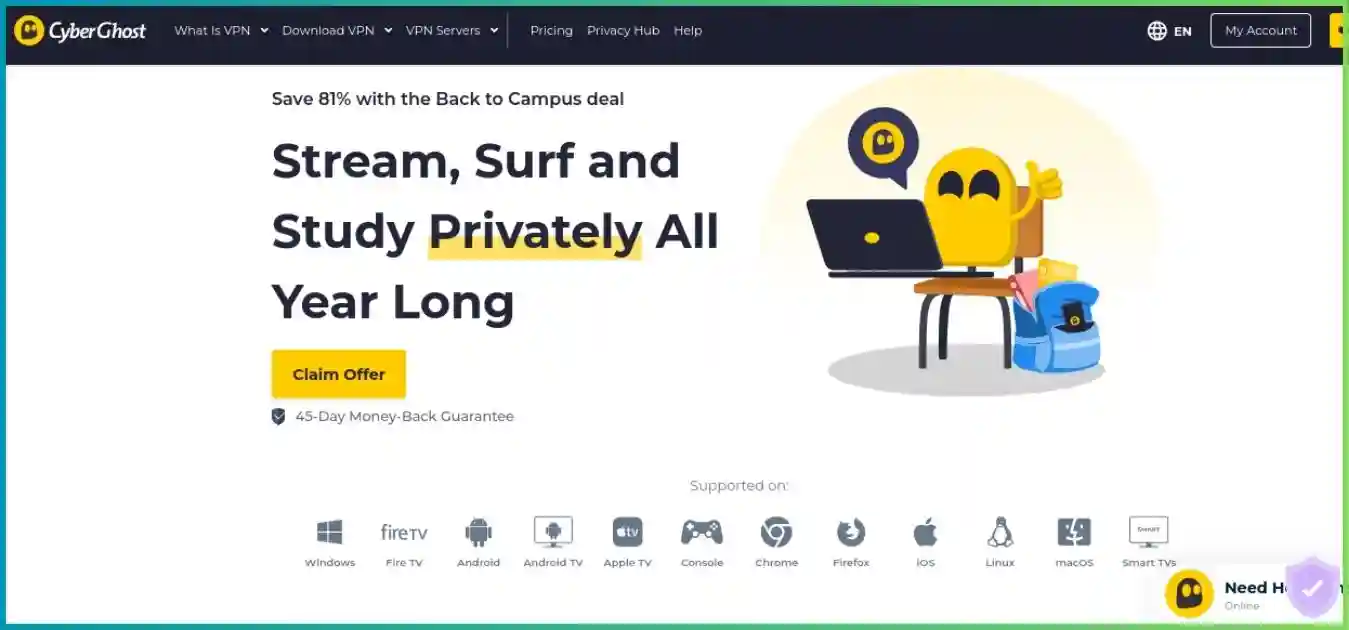
👾 Beginner FriendlyCyberGhost makes location selection approachable and offers gaming-labeled choices on supported desktop apps. The current offer is $51.74 for the first 26 months, then $51.74 per year; check the exact checkout terms. Its published directory emphasizes 100 countries and 125 locations instead of one stable global server count.
Pros
- Gaming-labeled locations on supported apps
- Simple app workflow
- 45-day refund window on eligible longer plans
- WireGuard and automatic protection controls
Cons
- No VPN-side inbound port forwarding
- Monthly refund window is only 14 days
Private Internet Access
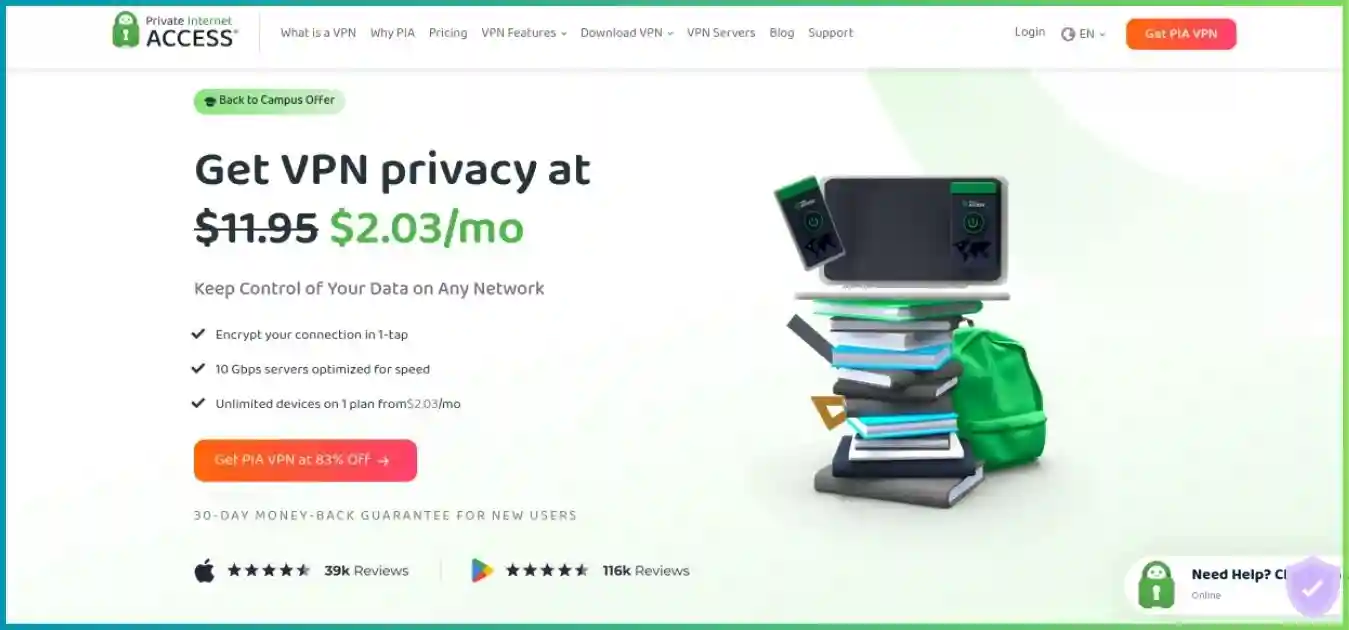
⚙️ Best for TinkerersPIA offers the most hands-on routing controls in this list. Its current 39-month introductory offer is $69.81, or $1.79 per paid month equivalent, and the displayed renewal is every three years. It lists 91 countries and 154 locations but no dependable total server count. Supported-region port forwarding may help some self-hosted or P2P applications; game-specific NAT behavior still needs testing.
Pros
- Unlimited devices and open-source apps
- Visible location latency
- VPN-side forwarding in supported non-US regions
- Detailed split tunneling and DNS controls
Cons
- No dependable public server-unit total
- Forwarding cannot guarantee an open game NAT
Gaming VPN pricing comparison
Snapshot of advertised US offers checked September 30, 2026. Promotions, taxes and currencies vary. A monthly equivalent is not a month-to-month subscription.
| Provider | First charge / initial term | Monthly equivalent | Advertised renewal | Devices | Refund |
|---|---|---|---|---|---|
| NordVPN Basic | $94.23 / 27 months | $3.49 | $139.08/year | 10 | 30 days |
| CometVPN | $45.36 / 24 paid + 3 bonus months | $1.89 | $45.36 / 24 months shown | Unlimited | 30 days* |
| ExpressVPN Basic | $83.72 / 28 months | $2.99 | $99.95/year | 10 | 30 days |
| Surfshark Starter | $67.23 / 27 months | $2.49 | Check checkout | Unlimited | 30 days |
| IPVanish Essential | $52.56 / 24 months | $2.19 | $89.99/year | Unlimited | 30 days† |
| Safeshell VPN | $79.99 / year (US App Store) | ~$6.67 | Store price varies | 5 | 7 days‡ |
| Proton VPN Plus | $71.76 / 24 months | $2.99 | Check checkout | 10 | 30 days |
| CyberGhost VPN | $51.74 / 26 months | $1.99 | $51.74/year shown | 7 | 45 days§ |
| Private Internet Access | $69.81 / 39 months | $1.79 | $69.81 / 3 years shown | Unlimited | 30 days |
* CometVPN’s trial needs payment details and auto-renews; confirm guarantee conditions at checkout. † IPVanish’s 30-day guarantee applies to eligible annual and two-year plans. ‡ SafeShell’s seven-day direct-site policy does not govern App Store purchases. § CyberGhost’s 45 days apply to eligible six-month or longer terms; monthly gets 14 days. Refund and renewal rules can vary by channel.
Essential gaming VPN features explained
Prioritize a usable route and the features your games actually need.
Efficient protocols
Start with WireGuard where offered, NordLynx on NordVPN, or Lightway on ExpressVPN. Lightway is its own protocol. No protocol is automatically fastest on every network. Avoid multi-hop or Tor routes for latency-sensitive matches.
IP masking and DDoS limits
A VPN conceals your residential IP from peers who can see your game connection and shifts direct traffic to its exit endpoint. It does not stop attacks on game servers or accounts, and it cannot undo an already leaked home IP.
Nearby endpoints
Server geography matters more than a raw fleet count. Try endpoints near you and near the game region, then compare the actual game telemetry. A virtual location may appear in one country while the physical route differs.
Kill switch
A kill switch can stop traffic if the tunnel drops, reducing accidental IP exposure. It may disconnect you mid-match; check how the setting works on your exact platform. SafeShell’s system-wide behavior needs extra verification.
Split tunneling
On supported systems, you can choose which apps use the VPN. Route the game, launcher and voice chat deliberately; putting only the game executable inside the tunnel can break authentication or party voice. DNS and system services may still follow the VPN.
Consoles and routers
PlayStation and Xbox have no native consumer VPN app. Use a compatible VPN router or a shared computer connection. ExpressVPN now sells Fortify; Aircove hardware is retired from sale. Smart DNS changes selected DNS behavior but does not encrypt or mask your IP.
NAT and port forwarding
Proton paid plans offer Moderate NAT for some peer connections or forwarding on supported P2P servers, but not both together. PIA forwards on supported non-US routes. A dedicated IP alone does not provide inbound forwarding or guarantee Open NAT.
Mobile handoffs
Try WireGuard or the provider’s automatic mode when moving between Wi-Fi and cellular. Watch for tunnel reconnects and data use. A VPN does not change GPS location by itself and cannot prevent mobile radio dropouts.
Gaming VPN setup guide by platform
Check connectivity before entering a ranked match.
PC gaming
- 1Install the official Windows, macOS or Linux app and enable its kill switch if IP protection matters.
- 2Select WireGuard, NordLynx or Lightway if available on that app.
- 3Choose a nearby endpoint and check the game’s reported region.
- 4Test with the launcher and voice chat, then compare ping, jitter and packet loss against a direct connection.
Console gaming
- 1Confirm your VPN supports your router or a computer-shared connection.
- 2Connect the PS5, Xbox or Switch through that router or shared hotspot.
- 3Check the console’s NAT test and actual matchmaking; VPN routing does not guarantee Open NAT.
- 4Use Smart DNS only when you need its selected DNS features, not VPN encryption or IP masking.
Mobile gaming
- 1Install the provider’s official app and test on Wi-Fi and cellular separately.
- 2Try the automatic or WireGuard-based connection mode.
- 3Check reconnection behavior as you switch networks.
- 4Compare battery use, in-game ping and packet loss before keeping it active.
VPN router
- 1Check your router model and firmware against the VPN provider’s current setup guide.
- 2Install the provider configuration or use a current supported router product such as ExpressVPN Fortify.
- 3Assign only the gaming devices that need VPN routing.
- 4Check public IP, DNS, console NAT and game performance from a connected device.
Quick optimization checklist
- Prefer Ethernet where possible.
- Try two or three nearby endpoints.
- Avoid multi-hop for ranked matches.
- Test the launcher and voice chat with split tunneling.
- Check for IP and DNS leaks after router setup.
- Keep the VPN app and router firmware updated.
Best VPN by game type and use case
These are feature-based picks, not claims that one service wins every ping test.
Competitive FPS
NordLynx and broad endpoint coverage make it a useful starting point. Compare its actual game route with your direct connection before ranked play.
Budget gaming
At $45.36 upfront for its 24-month offer plus three bonus months, it has a low initial charge. Use standard WireGuard servers first; residential options cost extra.
Console play
Fortify and compatible router setup can cover consoles without native VPN apps. Check NAT and matchmaking after setup.
Large gaming household
Unlimited paid-plan connections simplify coverage across PCs and phones; a compatible router can cover consoles.
Peer-to-peer multiplayer
Paid Moderate NAT may help direct peer connections, with a small privacy tradeoff. Port forwarding is a separate option and cannot be combined with Moderate NAT.
Manual server tuning
Individual server choice and load indicators are useful when comparing routes in one city.
Advanced forwarding needs
Supported non-US VPN-side forwarding and detailed settings may help self-hosted games, depending on game design.
Frequently asked questions
Practical answers before you commit to a long plan.
Method and useful security guidance
We compared provider-published pricing, network directories, device policies, protocol and router documentation, and gaming-specific features. Figures are a September 30, 2026 snapshot, not a live checkout quote. Provider units differ and no nine-provider latency benchmark was available for a defensible common score. Check the full first charge, renewal, tax and refund channel before purchase. Use our VPN protocol guide to compare the connection options before choosing an app or router configuration.
The US Federal Trade Commission’s VPN guidance explains how to assess permissions and privacy promises. CISA’s public Wi-Fi guidance covers precautions when gaming from shared networks.
Choose a VPN that fits your games
Start with a provider that has a suitable endpoint, test it during the refund window, and keep the route that works for your play.
Want the full CometVPN breakdown? Read our CometVPN review.