Browser Cookies Explained: First-Party, Third-Party, Tracking and Supercookies
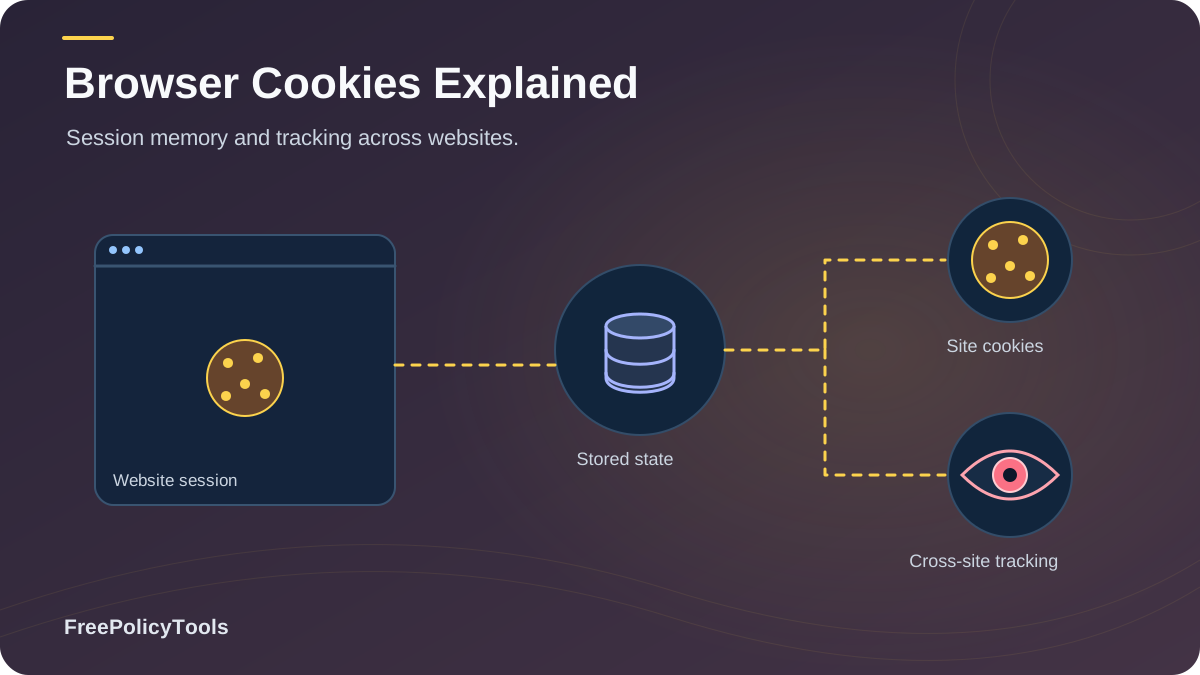
Every time you visit a website, a silent exchange takes place behind the scenes. The site places small files on your device to remember who you are, what you put in your shopping cart, and what articles you read. These files are called browser cookies. While they make the modern web convenient, they are also the foundational technology behind the multi-billion-dollar surveillance economy. MDN’s HTTP cookie documentation explains how cookies store state and how attributes such as Secure, HttpOnly, and SameSite affect their use.
But not all cookies are created equal. From harmless first-party session cookies to invasive third-party trackers and virtually indestructible "supercookies," understanding how websites track you is critical to protecting your digital identity. This comprehensive guide breaks down the technical realities of browser cookies, the rise of supercookies, and the advanced tools you need to browse the web truly anonymously.
First-Party vs. Third-Party Cookies
The most important distinction in browser privacy is whether a cookie is first-party or third-party. This is determined by the domain that creates the cookie relative to the domain you are currently visiting.
First-Party Cookies
Created by the exact domain you are visiting (e.g., you are on nytimes.com and the cookie is from nytimes.com).
- Keeps you logged into your accounts
- Remembers language and theme preferences
- Maintains e-commerce shopping carts
- Generally required for sites to function properly
Third-Party Cookies
Created by domains other than the one you are visiting, usually via embedded scripts, ads, or tracking pixels.
- Tracks your browsing history across multiple sites
- Builds comprehensive advertising profiles
- Enables retargeting ads ("shoe follows you everywhere")
- Frequently blocked by modern privacy browsers
The Privacy Gap: Deleting first-party cookies will simply log you out of websites. Deleting third-party cookies disrupts the advertising supply chain, which is why data brokers have spent the last decade developing workarounds to maintain their tracking capabilities.
How to Protect Your Privacy Beyond Deleting Cookies
Our cookie-choice pilot separates stored cookies from network requests. The VPN-tunnel advertising study reviews request purposes and payload fields, while the privacy-request form investigation distinguishes functional email validation from advertising. A cookie count alone cannot answer all three questions.
Given the rise of zombie cookies and fingerprinting, simply deleting your cookies is no longer an effective privacy strategy. Understanding what incognito mode actually does reveals that it only clears local history upon closing the window—it does not hide your browser fingerprint or stop network-level tracking.
Standard Browser Defenses
- Block all third-party cookies in settings
- Use privacy extensions like uBlock Origin
- Regularly clear ALL site data (including Local Storage)
- Beware of malicious browser extensions that steal data
Advanced Privacy Tools
- Use anti-detect browsers to spoof fingerprints
- Utilize isolated browser profiles for different tasks
- Route traffic through residential proxies
- Learn how to secure your web browser comprehensively
The Anti-Detect Browser Advantage
Tools like Incogniton are designed specifically to combat supercookies and fingerprinting. Instead of trying to delete trackers, Incogniton creates completely isolated virtual browser environments. Each profile has its own unique, randomized fingerprint, separate cookie jar, and isolated Local Storage. If a tracker drops a zombie cookie in Profile A, it is mathematically impossible for it to be read by Profile B.
Frequently Asked Questions
Are first-party cookies bad for my privacy?
Generally, no. First-party cookies are essential for the modern web to function. They keep you logged into your email, remember your shopping cart, and save your site preferences. They only track your behavior on the specific website you are visiting, not across the entire internet.
If I delete my cookies every day, can I still be tracked?
Yes. Trackers use zombie cookies stored in Local Storage, ETags, and HSTS caches to instantly respawn deleted cookies. Furthermore, browser fingerprinting identifies you based on your screen resolution, installed fonts, and hardware, requiring no cookies at all.
Does a VPN block cookies and supercookies?
No. A VPN encrypts your traffic and hides your IP address from your ISP and the websites you visit. However, it does not stop a website's JavaScript from dropping a cookie or reading your Local Storage once the page loads in your browser.
What is the difference between a supercookie and a tracking cookie?
A standard tracking cookie is an HTTP file that can be easily viewed and deleted via your browser settings. A supercookie utilizes alternative storage methods (like HSTS or Local Storage) or browser caching mechanisms that are hidden from standard cookie management tools, making them much harder to remove.
Will the 'death of the third-party cookie' stop online tracking?
No. While browsers like Safari and Firefox already block them, and Chrome is phasing them out, the advertising industry is simply shifting toward server-side tracking, first-party data collection, and advanced browser fingerprinting techniques.
Related Resources
Conclusion
Browser cookies are a double-edged sword. While first-party cookies provide the seamless, personalized experiences we expect from the modern web, third-party tracking cookies, supercookies, and zombie cookies form the backbone of an invasive surveillance economy that profits off your personal data.
As the third-party cookie faces deprecation, the tracking industry is not disappearing; it is evolving. They are moving into Local Storage, ETags, and sophisticated browser fingerprinting. Relying solely on "Clear Browsing Data" or standard Incognito modes provides a false sense of security against these advanced techniques.
Key Takeaways
- • First-party cookies are essential; third-party cookies are surveillance tools.
- • Supercookies use Local Storage and ETags to survive deletion.
- • The average tracking cookie lifespan has dropped from 18 months to under 3 months.
- • Deleting cookies does not stop browser fingerprinting.
Next Steps
- • Audit your browser's cookie and site data settings.
- • Install robust content blockers like uBlock Origin.
- • Stop relying on standard private browsing for true anonymity.
- • Use isolated environments for sensitive browsing.
Ready to take total control of your digital footprint?
Stop fighting an endless war against supercookies and zombie trackers. Use Incogniton Anti-Detect Browser to create isolated, fingerprint-proof browsing profiles and experience true online privacy.